
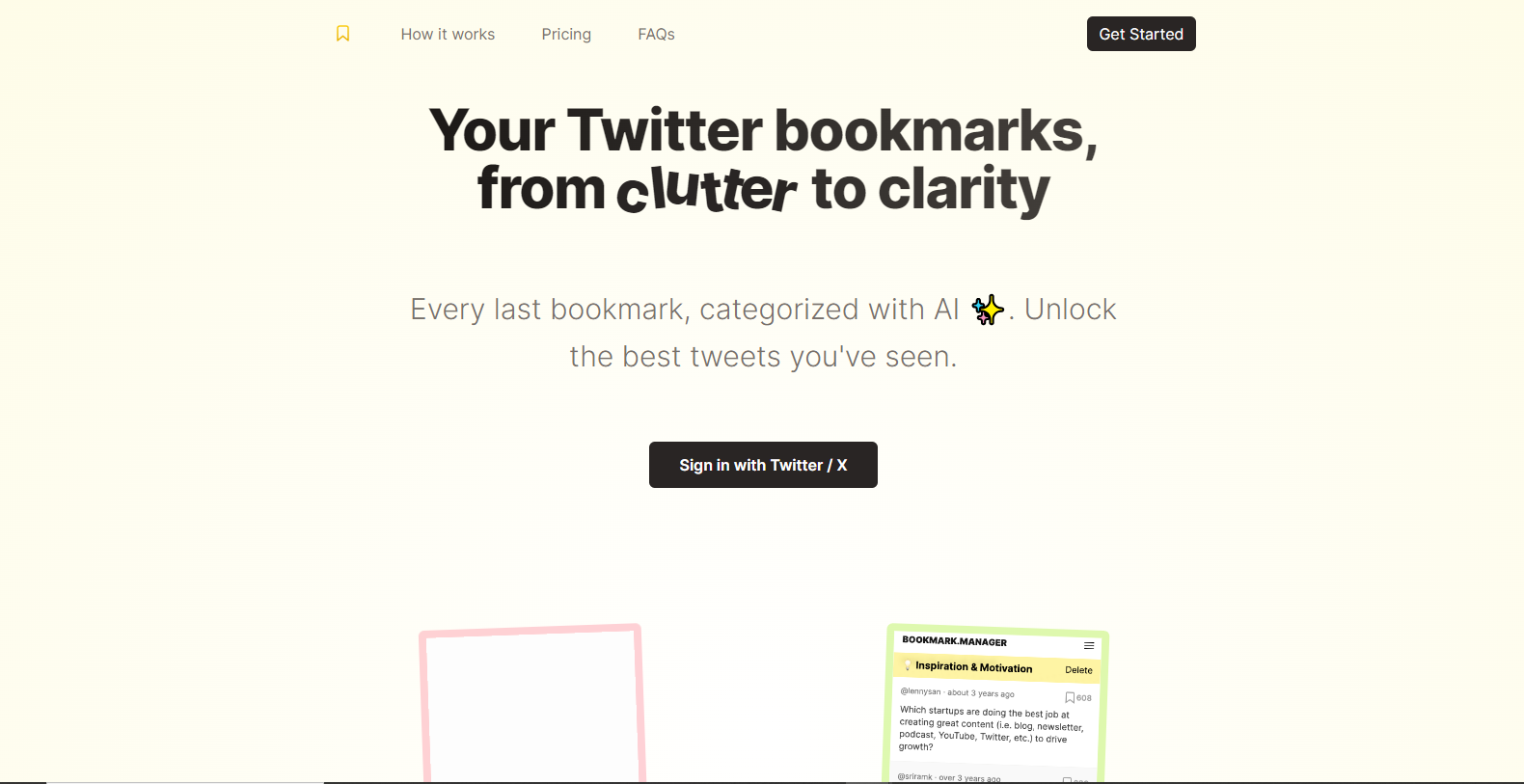
Bookmarks Manager

Bookmarks-Managerpng

Bookmarks Manager

Features

About the Tool

Bookmarks Manager is a powerful tool designed to help users effortlessly organize, access, and manage digital bookmarks across various devices and platforms. Whether for personal use or team collaboration, this intuitive tool ensures you never lose another important link again.

Key Features

  • Cloud Syncing

    Seamlessly integrate and sync bookmarks across all your devices. Access your saved links from your mobile, tablet, or desktop without missing a beat.

  • Customizable Folders

    Create customized folders to organize bookmarks by category, project, or priority. Easily rearrange and rename folders to fit your evolving needs.

  • Collaboration Tools

    Share bookmarks with teammates, friends, or the public, fostering collaboration. Manage permissions to control who can view or edit shared bookmarks.

  • Advanced Search Functionality

    Find any bookmark swiftly with advanced search capabilities. Filters and suggestions help you locate exactly what you need in seconds.

  • Tagging System

    Use tags to label bookmarks for quick retrieval. Organize by tag types such as “Work,” “Research,” or “Personal” for easy grouping.

  • Browser Extension

    Install our browser extension for easy saving and management of bookmarks directly from your web browser. This extension supports major browsers like Chrome and Firefox.

  • Offline Access

    Access your bookmarks even when offline. This feature ensures your important links are always at your fingertips.

Use Cases

Bookmarks Manager is a versatile tool suitable for various roles and industries, such as:

  • Content Creators tracking resources and references
  • Project Managers coordinating team links and documents
  • Researchers archiving academic articles and data
  • Web Developers saving coding tools and tutorials
  • Educators organizing educational content and references

Pricing

To explore detailed pricing plans, please View pricing.

Tool Analysis

Pros

  • Comprehensive search and organization features
  • Invaluable for collaborative work environments
  • Supports synchronization across multiple devices
  • Offline access enhances reliability

Cons

  • Initial setup may require a learning curve
  • Browser extension support may vary by version
  • Free version has limited features

FAQs

  • How secure is my data in Bookmarks Manager?

    Bookmarks Manager encrypts all data, ensuring your links and personal information are kept safe and secure.

  • Can I import existing bookmarks from my browser?

    Yes, Bookmarks Manager allows you to import bookmarks from various browsers via an easy-to-use import feature.

  • What platforms are compatible with Bookmarks Manager?

    Bookmarks Manager is compatible with Windows, macOS, iOS, and Android devices.

  • Is there a free version available?

    Yes, Bookmarks Manager offers a free version with basic features. Advanced functionality requires a subscription.

  • How do I share a collection of bookmarks with others?

    Simply generate a shareable link or invite teammates via email to access shared folders directly through the platform.

There are no reviews yet.

Leave a Review

Your email address will not be published. Required fields are marked *

Related listing