
Build Chatbot

Build-Chatbotpng

Build Chatbot

Features

About the Tool

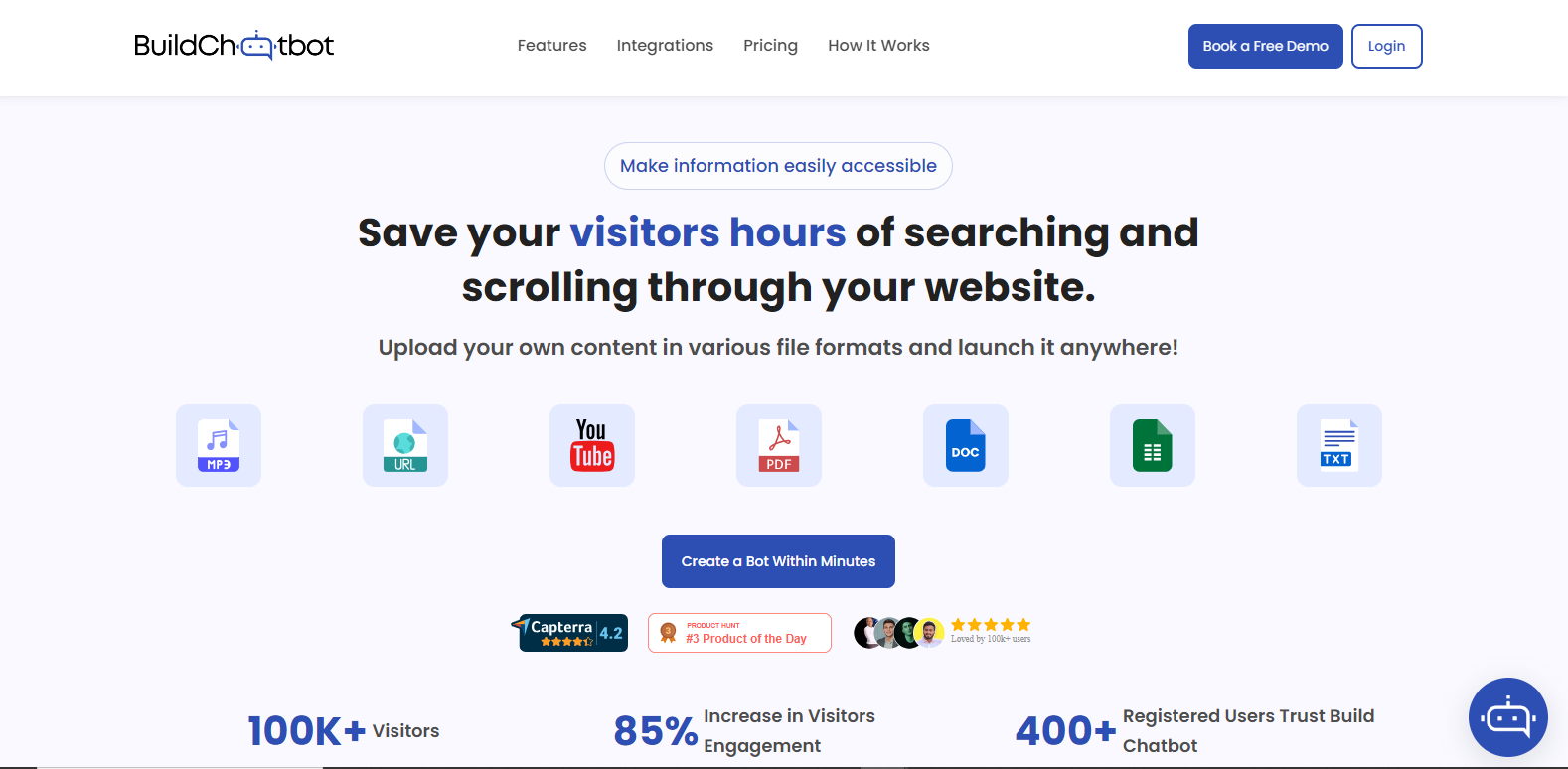
Build Chatbot is an innovative platform designed for creating custom chatbots without needing extensive coding knowledge. The tool offers a versatile interface and robust features, enabling businesses to enhance customer interaction, automate tasks, and improve efficiency in communication channels.

Key Features

  • Drag-and-Drop Interface

    The platform provides a user-friendly drag-and-drop interface that allows users to design chatbot workflows quickly. This feature streamlines the creation process, making it accessible for individuals without programming skills.

  • Natural Language Processing (NLP)

    Built-in NLP capabilities allow chatbots to understand and respond to customer inquiries in a conversational manner, improving user experience and enabling more effective communication.

  • Integration with Popular Platforms

    Build Chatbot integrates seamlessly with platforms such as Facebook Messenger, Slack, and WhatsApp, ensuring your chatbot reaches users on their preferred communication channels.

  • Analytics Dashboard

    The advanced analytics dashboard provides insights into user interactions, chatbot performance, and customer satisfaction, helping businesses fine-tune their automated communication strategies.

  • Customizable Templates

    The tool offers a variety of templates tailored to different industries, enabling users to quickly deploy industry-specific chatbots with minimal customization. This reduces setup time and enhances functionality.

  • 24/7 Customer Support

    Our team is available around the clock to assist with any questions or technical issues, ensuring your chatbot remains operational and effective at all times.

Use Cases

Build Chatbot is suitable for various roles and industries such as:

  • Customer Service: Automate support queries and FAQ handling.
  • Sales Teams: Utilize chatbots for lead generation and qualification.
  • E-commerce: Enhance shopping experiences with personalized assistance.
  • Healthcare: Streamline appointment scheduling and patient inquiries.
  • Education: Provide instant information access to students and parents.

Pricing

Build Chatbot offers various pricing plans to fit different business needs. View pricing for more detailed information.

Tool Analysis

Pros

  • Intuitive design reduces setup and operational complexity.
  • NLP improves customer interaction quality.
  • Strong integration capability with leading communication platforms.

Cons

  • Advanced features may have a learning curve for new users.
  • Limited offline functionality.

FAQs

  • How do I start building a chatbot using Build Chatbot?

    Simply sign up on our website, choose a template that fits your industry, and start customizing it using our drag-and-drop interface.

  • Can Build Chatbot handle multiple languages?

    Yes, it supports multiple languages, allowing you to cater to a global audience effectively.

  • What support options are available?

    We offer 24/7 customer support through live chat, email, and comprehensive online resources for troubleshooting and guidance.

  • Does Build Chatbot offer a free trial?

    Yes, we offer a limited-time free trial to help you explore our features before making a commitment.

  • How secure is the Build Chatbot platform?

    Security is a top priority, and we implement industry-standard measures to protect your data and ensure a safe user experience.

There are no reviews yet.

Leave a Review

Your email address will not be published. Required fields are marked *

Related listing