
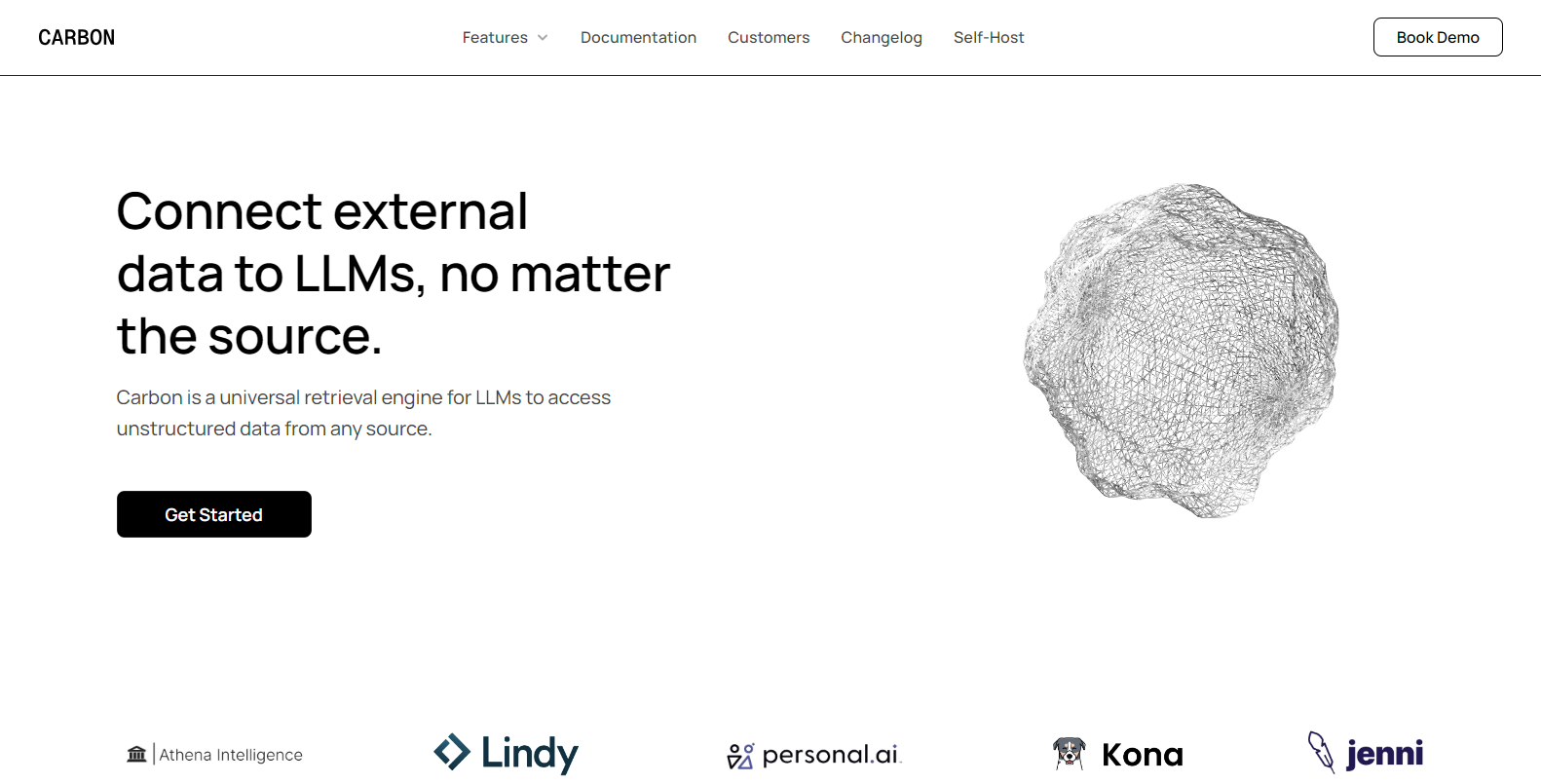
Carbonpng

Features

About the Tool

Carbon is an advanced project management and team collaboration software designed to streamline workflows and enhance productivity. With its intuitive interface and robust set of features, Carbon offers companies a platform to effectively plan, track, and complete projects while improving team communication and efficiency.

Key Features

  • Task Management

    Carbon provides a comprehensive task management system that enables users to create, assign, and monitor tasks. With customizable workflows, users can set priorities, deadlines, and dependencies to keep projects on track.

  • Real-Time Collaboration

    Enhance team collaboration through Carbon’s real-time editing and commenting capabilities. Teams can work on documents simultaneously, ensuring everyone is on the same page and facilitating seamless communication across all project stages.

  • Resource Allocation

    Optimize resource usage with Carbon’s resource allocation tools. Users can assign team members to tasks based on availability and skill sets, balancing workloads efficiently to meet project deadlines.

  • Time Tracking

    Accurately monitor time spent on tasks with built-in time tracking features. Teams can log hours, generate timesheets, and assess project progress to ensure timely delivery and resource optimization.

  • Customizable Dashboards

    Create personalized dashboards to track key performance metrics and project status. Visualization tools allow users to design reports and charts that suit their specific needs, offering insights at a glance.

  • Integration Capabilities

    Integrate Carbon with a wide range of third-party applications, including popular communication and file storage tools, to create a unified workflow that fits seamlessly into your existing tech ecosystem.

Use Cases

Carbon is ideal for project managers, team leaders, and executives in industries like software development, marketing, and consulting. It is also suited for remote teams seeking a centralized hub for all project-related activities and communications.

Pricing

To explore detailed pricing plans and find the right fit for your organization, please View pricing.

Tool Analysis

Pros

  • Intuitive user interface that reduces onboarding time
  • Comprehensive feature set that covers all project management needs
  • Supports extensive customization and integration options

Cons

  • May require third-party integrations for specialized functionalities
  • Advanced features may have a learning curve for new users

FAQs

  • How secure is my data with Carbon?

    Carbon employs state-of-the-art security protocols, including encryption and multi-factor authentication, to safeguard your data against unauthorized access.

  • Can I customize workflows in Carbon?

    Yes, Carbon offers customizable workflows that can be tailored to fit the specific needs of your projects and team structure.

  • What types of support are available for users?

    Carbon provides 24/7 customer support through various channels, including email, live chat, and phone. A comprehensive help center is also available online.

  • Is there a mobile app for Carbon?

    Yes, Carbon offers a fully-featured mobile app for both iOS and Android, allowing you to manage your projects on-the-go.

  • Does Carbon offer a free trial period?

    Yes, Carbon provides a 14-day free trial for new users to explore its features and determine if it meets their project management needs.

There are no reviews yet.

Leave a Review

Your email address will not be published. Required fields are marked *

Related listing