
ChartPixel

ChartPixelpng

ChartPixel

Features

About the Tool

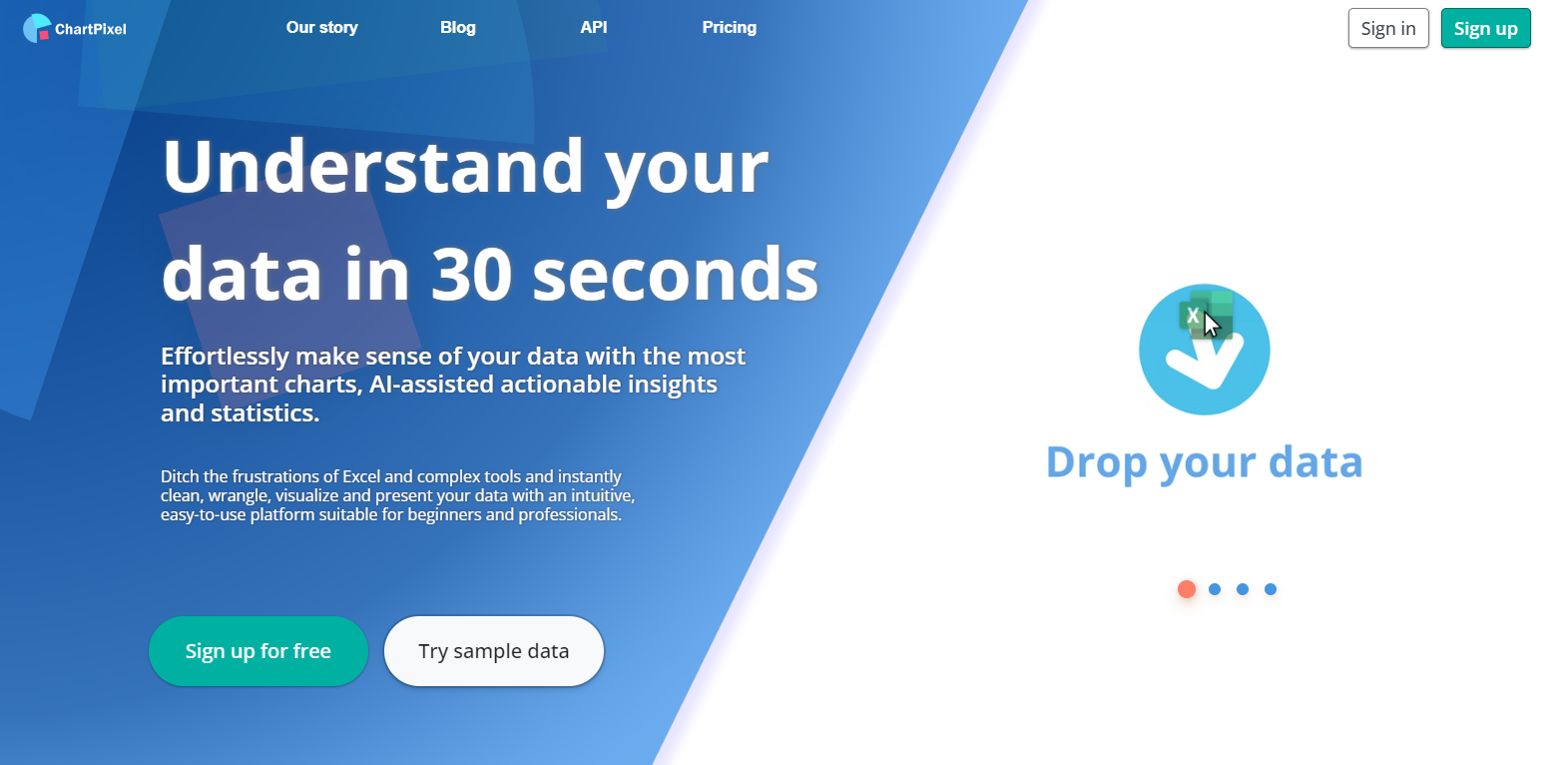
ChartPixel is a powerful data visualization tool designed to help professionals turn complex data into clear, engaging visuals. Whether you’re in marketing, finance, or any other field dealing with data, ChartPixel provides a user-friendly interface and a suite of features to create insightful charts and graphs.

Key Features

  • Interactive Visualization

    Create dynamic charts that allow users to interact with the data. Hover, click, and drill down into data points for more detailed insights without navigating away from the chart.

  • Real-Time Data Sync

    Synchronize your charts with live data sources, ensuring that your visuals are always up-to-date with the latest information, ideal for dashboards and reporting needs.

  • Customizable Templates

    Choose from a wide array of templates and styles. Customize fonts, colors, and chart types to match your brand or presentation style, saving you time on design work.

  • Easy Data Import

    Quickly import data from various sources, including Excel, CSV, and cloud-based databases, with straightforward drag-and-drop functionality, making setup quick and effortless.

  • Collaboration Tools

    Share your charts with team members and clients seamlessly. Collaborate in real-time, provide feedback, and build projects together from anywhere in the world.

  • Advanced Analytics

    Utilize sophisticated analytics tools to uncover patterns and trends in your data. Predictive modeling and comparative analysis tools are at your fingertips.

Use Cases

ChartPixel is perfect for professionals in various industries, including:

  • Marketing Analysts: Showcase campaign performance with compelling visuals.
  • Financial Advisors: Provide clients with clear insights into financial trends.
  • Data Scientists: Visualize complex models and algorithms.
  • Project Managers: Display project progress and resource allocation effectively.

Pricing

ChartPixel offers various pricing plans to suit different needs. For detailed pricing information, please View pricing.

Tool Analysis

Pros

  • User-friendly interface and easy to learn.
  • Comprehensive data connectivity options.
  • Broad range of customization and template choices.
  • Strong collaborative features for team use.

Cons

  • Premium features may require higher-tier plans.
  • Initial setup can be time-consuming for large data sets.

FAQs

  • Can I try ChartPixel before buying?

    Yes, ChartPixel offers a free trial period so you can explore its features before committing to a purchase.

  • What kind of support does ChartPixel offer?

    ChartPixel provides 24/7 customer support via chat, email, and phone to assist with any questions or issues.

  • Is ChartPixel mobile-friendly?

    Yes, all ChartPixel charts are optimized for viewing on mobile devices, ensuring accessibility from anywhere.

  • Does ChartPixel support collaborative features?

    Absolutely, team members can collaborate on the same projects in real-time, making it easy to work together efficiently.

  • Can I import data from my existing tools?

    Yes, ChartPixel supports data import from various formats, including CSV, Excel, and direct integration with cloud databases.

There are no reviews yet.

Leave a Review

Your email address will not be published. Required fields are marked *

Related listing