
Cliplamapng

Cliplama

Features

About the Tool

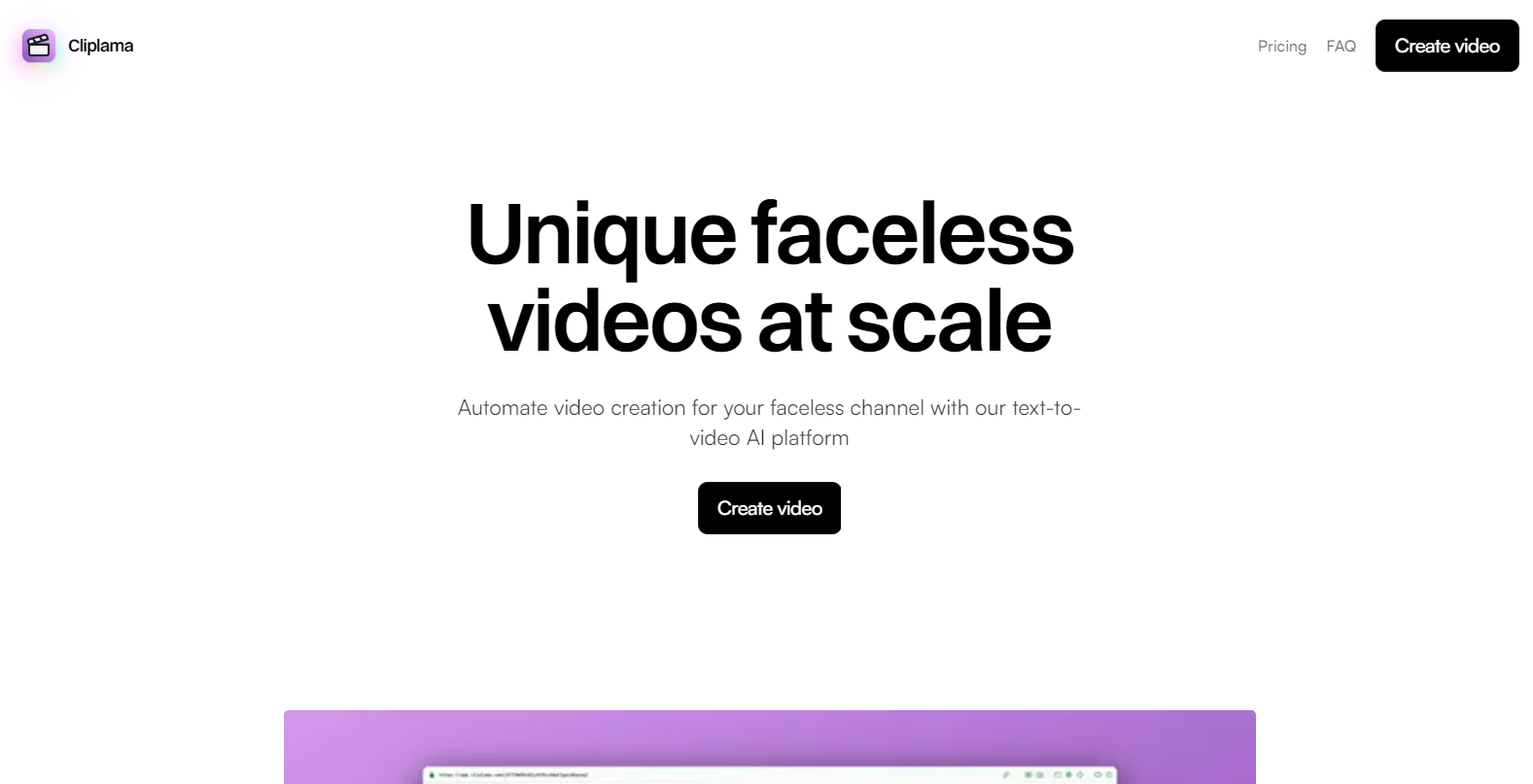
Cliplama is an innovative content creation and management tool designed for professionals looking to streamline their workflow. Whether you’re a marketer, blogger, or designer, Cliplama provides a comprehensive suite of features to help you gather, organize, and optimize content efficiently.

Key Features

  • Advanced Content Clipping

    Cliplama allows users to clip content from any webpage with a single click. This feature includes saving images, text, and even videos, ensuring that no valuable information is left behind.

  • Customizable Organizing Folders

    After clipping, organize your content into customizable folders for easy retrieval and management. Use tags and labels to enhance sorting and speed up the search process.

  • Collaboration Tools

    Work seamlessly with team members by sharing folders and content directly within the platform. Cliplama supports real-time collaboration, making it easy to co-create and edit content with partners globally.

  • Seamless Integration

    Integrate Cliplama with other productivity tools such as Google Drive, Dropbox, and Notion to ensure all your content is available wherever you need it. These integrations help in syncing and backing up your clipped content hassle-free.

  • Advanced Search Capabilities

    Use Cliplama’s powerful search engine to find content quickly using keywords, tags, or filters. The search feature includes OCR capabilities, allowing users to search for text within images.

  • Automated Content Suggestions

    Receive smart suggestions for related content based on your clipping history. This feature helps users discover new resources and stay abreast of industry trends.

Use Cases

Cliplama is ideal for professionals across a variety of industries including:

  • Content Marketers
  • Bloggers and Writers
  • Educators and Researchers
  • Digital Designers
  • Social Media Managers

Pricing

To explore different pricing options and select the plan that best meets your needs, please View pricing.

Tool Analysis

Pros

  • Intuitive interface making it easy for new users to navigate.
  • Robust integration capabilities with popular tools.
  • Highly customizable organization options.
  • Excellent support for team collaboration.

Cons

  • May require internet access for certain functionalities.
  • Advanced features could be overwhelming for basic users.
  • Limited offline editing support.

FAQs

  • What platforms is Cliplama compatible with?

    Cliplama is compatible with most major web browsers, as well as iOS and Android devices.

  • Can I try Cliplama before purchasing?

    Yes, Cliplama offers a free trial period for new users to explore its features.

  • Does Cliplama support multiple languages?

    Yes, Cliplama provides support for multiple languages, allowing users from different regions to utilize the tool effectively.

  • Is there customer support available?

    Cliplama offers 24/7 customer support through chat, email, and phone to assist with any queries or issues.

  • How secure is the data on Cliplama?

    Cliplama uses advanced encryption protocols and regular security audits to ensure all user data is protected and secure.

There are no reviews yet.

Leave a Review

Your email address will not be published. Required fields are marked *

Related listing