
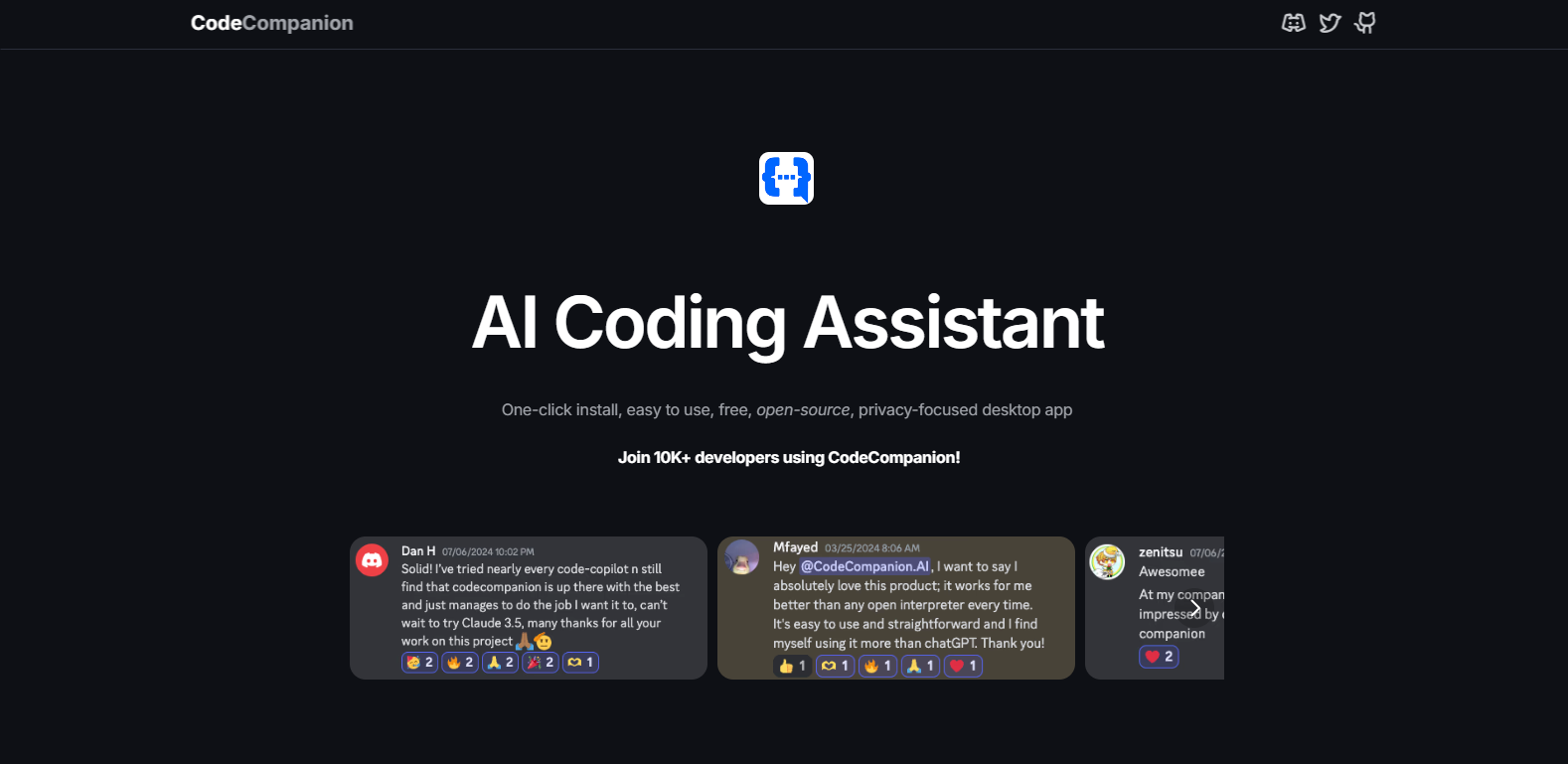
CodeCompanion AI

CodeCompanion-AIpng

CodeCompanion AI

Features

About the Tool

CodeCompanion AI is a cutting-edge software tool designed to streamline and enhance the coding process for developers across industries. This intelligent AI assistant aids in code generation, debugging, and provides insightful suggestions to improve code quality. By integrating seamlessly into your development environment, CodeCompanion AI enhances productivity and accelerates project timelines.

Key Features

  • Automatic Code Generation

    Skip repetitive tasks with CodeCompanion AI’s automatic code generation feature. It uses advanced algorithms to understand your project’s requirements and generates reliable, high-quality code snippets that fit seamlessly into your existing codebase.

  • Real-time Bug Detection and Fixes

    Identify and resolve potential issues in real time. CodeCompanion AI scans for common coding errors and provides instant fixes, which reduces costly debugging time and enhances overall code quality.

  • Contextual Code Suggestions

    Receive smart suggestions based on your coding context. The AI analyzes your code to offer improvement tips and alternative approaches that align with best practices and optimize performance.

  • Seamless IDE Integration

    Easily integrate CodeCompanion AI into your favorite development environments like Visual Studio Code, IntelliJ IDEA, and Eclipse. The tool is designed to work invisibly in the background, providing support without disrupting your workflow.

  • Comprehensive Language Support

    Whether you code in Python, Java, C++, or JavaScript, CodeCompanion AI supports a wide range of programming languages, making it a versatile tool for multi-language projects.

  • Collaborative Features

    Foster teamwork with features that allow code sharing and collaborative editing. The tool supports real-time collaboration, enabling teams to coordinate effectively on the same codebase.

Use Cases

CodeCompanion AI is beneficial for a variety of roles and industries including:

  • Software Developers looking to improve code efficiency and quality.
  • QA Engineers aiming to minimize bugs and streamline testing processes.
  • Agile Teams seeking to accelerate development cycles with collaborative coding features.
  • Startups needing rapid prototyping capabilities without sacrificing code integrity.
  • Educational Institutions training students in programming and software development best practices.

Pricing

For detailed pricing information tailored to your needs, please View pricing.

Tool Analysis

Pros

  • Enhances productivity with automated features.
  • Reduces coding errors with real-time bug detection.
  • Supports multiple programming languages.
  • Seamless integration with popular IDEs.

Cons

  • May require adaptation time for advanced features.
  • Possible dependency on AI for novice programmers.
  • Limited offline capabilities for users with intermittent internet access.

FAQs

  • What platforms does CodeCompanion AI support?

    CodeCompanion AI is compatible with Windows, macOS, and Linux operating systems.

  • Can I use CodeCompanion AI with my existing IDE?

    Yes, it integrates with most popular IDEs, including Visual Studio Code, IntelliJ IDEA, and Eclipse.

  • Is my code data secure with CodeCompanion AI?

    Absolutely. CodeCompanion AI takes data privacy seriously and ensures that your code remains private and secure.

  • Does CodeCompanion AI require an internet connection?

    While some features require internet connectivity, core functionalities can be accessed offline as well.

  • Is there a free trial available?

    Yes, CodeCompanion AI offers a free trial for the first 14 days. Visit the pricing page for more details.

There are no reviews yet.

Leave a Review

Your email address will not be published. Required fields are marked *

Related listing