
Codeium

Codeiumpng

Codeium

Features

About the Tool

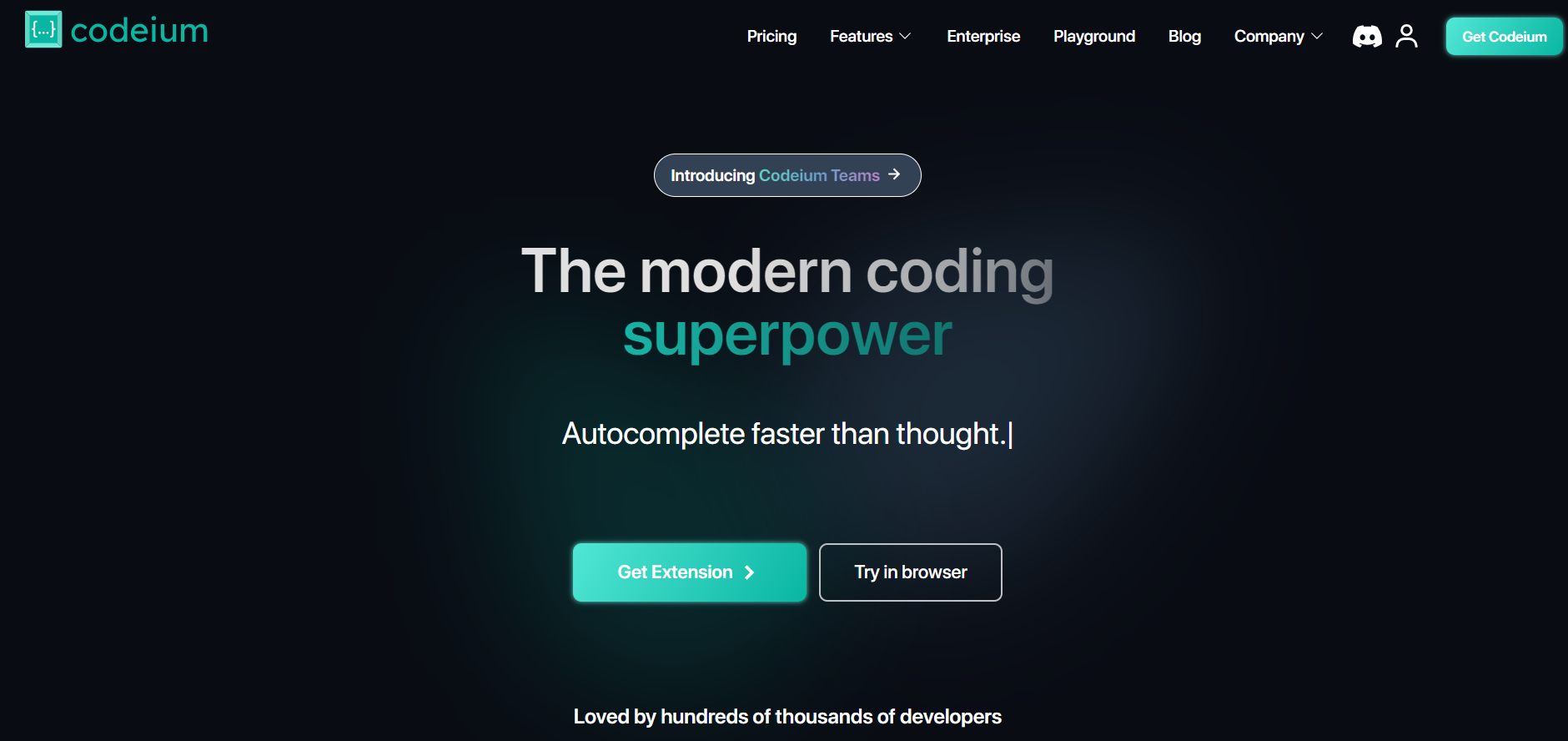
Codeium is an advanced AI-powered coding assistant designed to streamline and enhance the development process for software engineers and programmers. By leveraging state-of-the-art machine learning algorithms, Codeium provides features that assist in code generation, refactoring, and debugging, making it an invaluable tool for developers seeking efficiency and precision in their work.

Key Features

  • AI Code Generation

    Codeium offers robust AI-driven code suggestions that help accelerate the coding process by providing auto-complete options that are contextually relevant, reducing manual typing and enhancing productivity.

  • Code Refactoring

    The tool provides intelligent refactoring suggestions that help improve code quality and maintainability. These include renaming variables, extracting methods, and other optimizations that adhere to best practices.

  • Syntax and Error Detection

    Codeium can identify syntax errors and potential bugs in real-time, ensuring that developers are immediately informed of issues that could affect code performance and functionality.

  • Integration with IDEs

    Seamlessly integrates with popular Integrated Development Environments (IDEs) such as VS Code, IntelliJ IDEA, and Eclipse, offering a smooth workflow without the need to switch contexts.

  • Multi-Language Support

    Codeium supports a wide range of programming languages, making it a versatile choice for diverse development projects and teams.

  • Customizable Workflows

    Users can customize the tool’s features to suit their workflow preferences, enabling tailored experiences that enhance individual productivity.

Use Cases

Codeium is particularly beneficial for software developers, data scientists, and software engineering teams across industries including finance, healthcare, technology, and education. It is ideal for roles such as backend engineers, front-end developers, and full-stack developers who require a reliable coding companion to improve their efficiency and code quality.

Pricing

To explore the different pricing options available for Codeium, please View pricing.

Tool Analysis

Pros

  • Improves coding speed and efficiency with intelligent suggestions.
  • Offers wide integration support with multiple IDEs.
  • Supports numerous programming languages, catering to diverse development requirements.
  • Enhances code quality through smart refactoring suggestions.
  • Customizable features and settings to fit specific developer needs.

Cons

  • May require a learning curve for complete utilization of advanced features.
  • Performance might vary based on the IDE used and system capabilities.
  • Requires internet connection for optimal functionality due to its cloud-based AI models.

FAQs

  • Can Codeium integrate with my existing development environment?

    Yes, Codeium integrates seamlessly with popular IDEs such as VS Code, IntelliJ IDEA, and Eclipse.

  • Does Codeium support version control systems?

    While Codeium focuses on enhancing development workflows, it operates well alongside version control systems like Git without direct integration.

  • Is there a trial version available?

    Yes, Codeium offers a free trial period that allows users to explore its features before committing to a subscription.

  • How does Codeium ensure data security?

    Codeium adheres to strict privacy policies and employs secure connections and encryption to protect user data.

  • Can I use Codeium for collaborative projects?

    Yes, Codeium supports collaborative workflows and can be used by teams to maintain consistent code quality and productivity.

There are no reviews yet.

Leave a Review

Your email address will not be published. Required fields are marked *

Related listing