
Cubbypng

Features

About the Tool

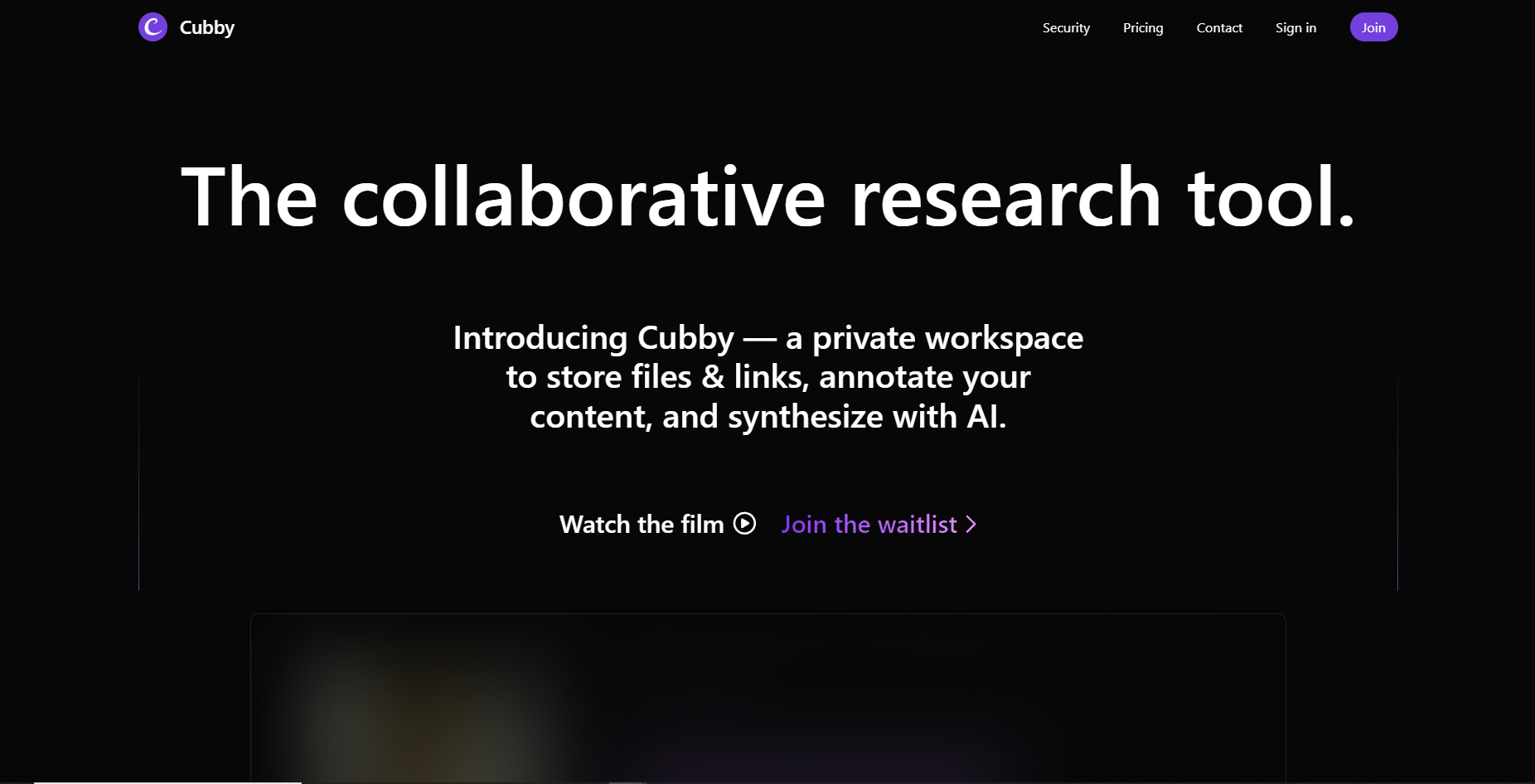
Cubby is an innovative cloud-based organization and storage solution designed to streamline personal and professional data management. It offers a user-friendly interface coupled with robust functionalities that cater to diverse storage needs, enabling users to efficiently organize, share, and access their information from any device, anywhere.

Key Features

  • Intelligent File Organization

    Cubby automatically sorts and categorizes your files into relevant folders using AI-driven algorithms, making it easy to locate documents quickly without manual intervention.

  • Seamless Integration

    Integrate Cubby with other productivity tools such as Office 365, Google Workspace, and Trello. This ensures smooth workflows and uninterrupted data access across platforms.

  • Robust Security Protocols

    With end-to-end encryption, two-factor authentication (2FA), and secured server access, Cubby ensures your data is protected against unauthorized access and cyber threats.

  • Customizable Access Controls

    Set specific permissions and access levels for different users, enabling team collaboration while maintaining confidentiality and data integrity.

  • Real-time Sync and Backup

    Ensure your files are always current with Cubby’s real-time sync feature, which automatically updates changes across all devices. The tool also offers scheduled backups to safeguard your information.

  • User-Friendly Interface

    The intuitive design allows for quick navigation and user adoption, minimizing the learning curve and improving productivity.

Use Cases

Cubby is suitable for various industries and roles, including:

  • Small to medium-sized enterprises (SMEs) looking for cost-effective data management.
  • Freelancers requiring a simple solution to manage client work and files.
  • IT departments aiming to integrate cloud storage within existing infrastructures.
  • Creative professionals needing efficient media file organization and retrieval.
  • Educational institutions managing a wide array of course materials and student data.

Pricing

Explore various pricing plans designed to suit different storage and user needs. View pricing.

Tool Analysis

Pros

  • Easy integration with popular productivity tools enhances workflows.
  • Advanced security measures offer peace of mind for sensitive data.
  • Real-time syncing keeps all users on the same page.
  • Customizable access controls fit diverse team dynamics.

Cons

  • May require initial setup time to configure automation features correctly.
  • The advanced analytics might be overwhelming for less tech-savvy users.
  • Limited offline access could be a drawback in areas with poor internet connectivity.

FAQs

  • How secure is Cubby?

    Cubby employs end-to-end encryption, 2FA, and server-side protections to secure data from unauthorized access and breaches.

  • Can Cubby integrate with other software?

    Yes, Cubby integrates with various tools such as Google Workspace, Office 365, and Trello, among others.

  • Is there a mobile app available?

    Yes, Cubby offers a mobile application available for both iOS and Android devices, facilitating data access on the go.

  • What support options are available?

    Cubby provides 24/7 customer support through live chat, email, and an extensive knowledge base.

  • Does Cubby offer any free trials?

    Yes, Cubby offers a free trial period for new users to explore its features before committing to a plan.

There are no reviews yet.

Leave a Review

Your email address will not be published. Required fields are marked *

Related listing