
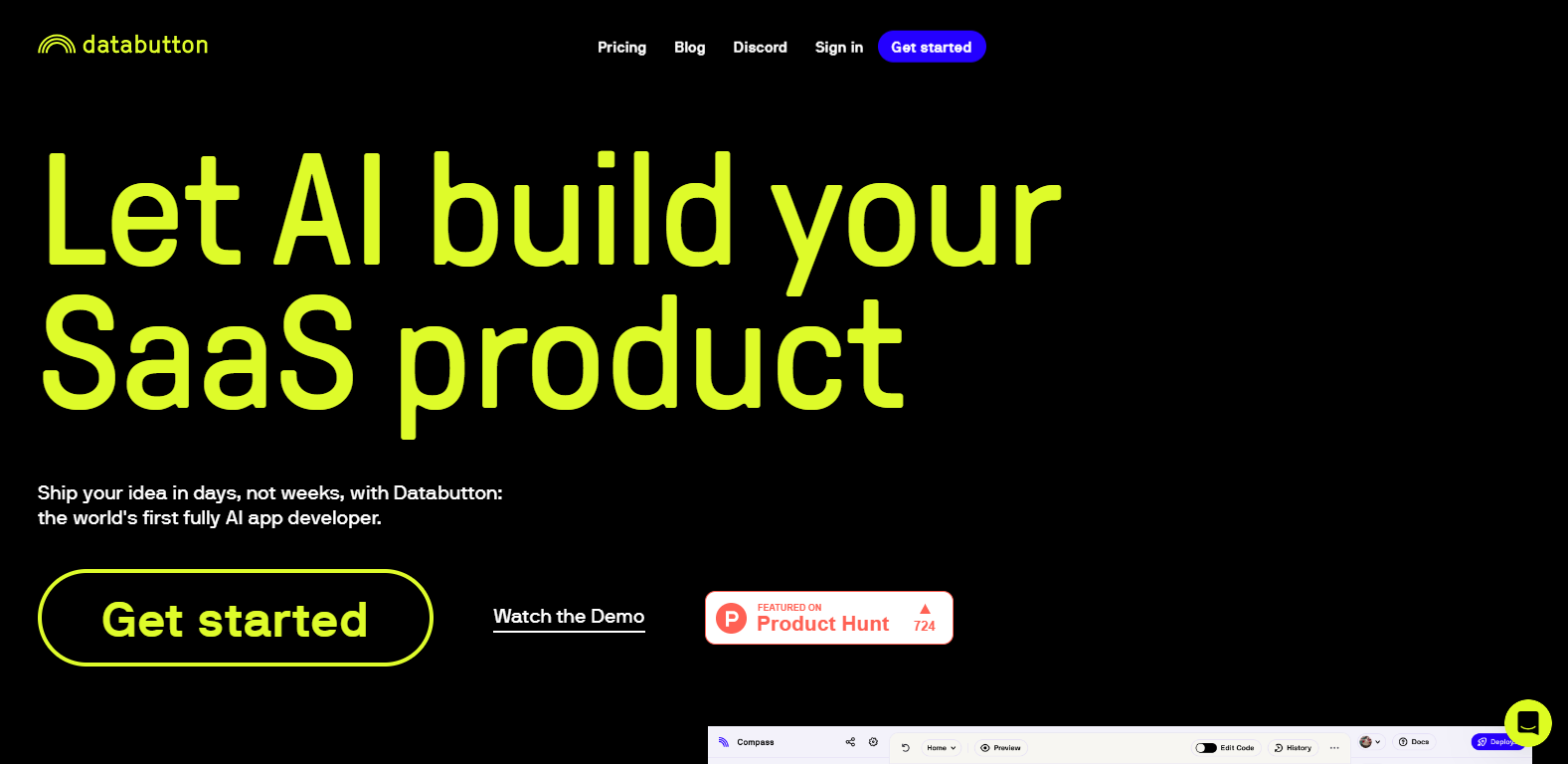
Databutton

Databuttonpng

Databutton

Features

About the Tool

Databutton is an innovative data analysis and visualization tool designed for businesses looking to harness the power of their data. With an intuitive interface and robust features, Databutton allows users to create insightful reports and dashboards effortlessly. It caters to teams of all sizes, empowering them to make data-driven decisions with ease.

Key Features

  • Interactive Dashboards

    Databutton provides customizable dashboards that allow users to visualize data in real-time. With drag-and-drop functionality, you can easily arrange widgets to fit your analytical needs.

  • Data Integration

    Seamlessly connect Databutton with popular data sources such as Google Sheets, SQL databases, and cloud storage services to streamline your data workflow and enhance accessibility.

  • Advanced Analytics

    Leverage built-in advanced analytical tools such as trend analysis, forecasting, and machine learning algorithms to uncover hidden insights within your data.

  • Collaboration Tools

    Enhance team productivity with real-time collaboration features, allowing multiple users to work on reports and dashboards simultaneously while tracking changes and comments.

  • Custom Reporting

    Create tailored reports that meet your specific requirements using customizable templates and easy export options to PDF, Excel, or CSV formats.

  • Mobile Compatibility

    Access your dashboards and reports on-the-go with Databutton’s mobile-optimized design, ensuring you stay connected to your data anytime, anywhere.

  • Interactive Visualizations

    Transform complex datasets into stunning visualizations with a variety of charts, graphs, and maps that enhance data storytelling capabilities.

Use Cases

Databutton is ideal for various roles and industries, including:

  • Data Analysts who require deep insights and analytics tools.
  • Marketing Teams needing real-time performance metrics and dashboards.
  • Financial Professionals conducting forecasting and budgeting.
  • Sales Teams tracking KPIs and sales performance.
  • HR Managers analyzing employee data and demographics.

Pricing

For detailed information about pricing and plans, please visit View pricing.

Tool Analysis

  • Pros

    Databutton offers an intuitive user interface, diverse visualization options, and powerful data integration capabilities, making it suitable for users at all skill levels.

  • Cons

    While Databutton is feature-rich, some users may find the learning curve steep for advanced analytics functions, and certain premium features may be limited in lower-tier plans.

FAQs

  • What data sources can I connect to Databutton?

    Databutton supports connections to various data sources, including Google Sheets, SQL databases, and popular APIs.

  • Is there a free trial available?

    Yes, Databutton offers a free trial period for new users to explore its features before committing to a paid plan.

  • Can I collaborate with my team in real-time?

    Absolutely! Databutton has built-in collaboration features that allow multiple users to work together on projects in real-time.

  • Does Databutton support mobile devices?

    Yes, Databutton is designed to be mobile-friendly, providing access to reports and dashboards on various devices.

  • How often are new features released?

    Databutton regularly updates its platform based on user feedback and evolving technology trends, ensuring that you have access to the latest features and improvements.

There are no reviews yet.

Leave a Review

Your email address will not be published. Required fields are marked *

Related listing