
Dropbase

Dropbasepng

Dropbase

Features

About the Tool

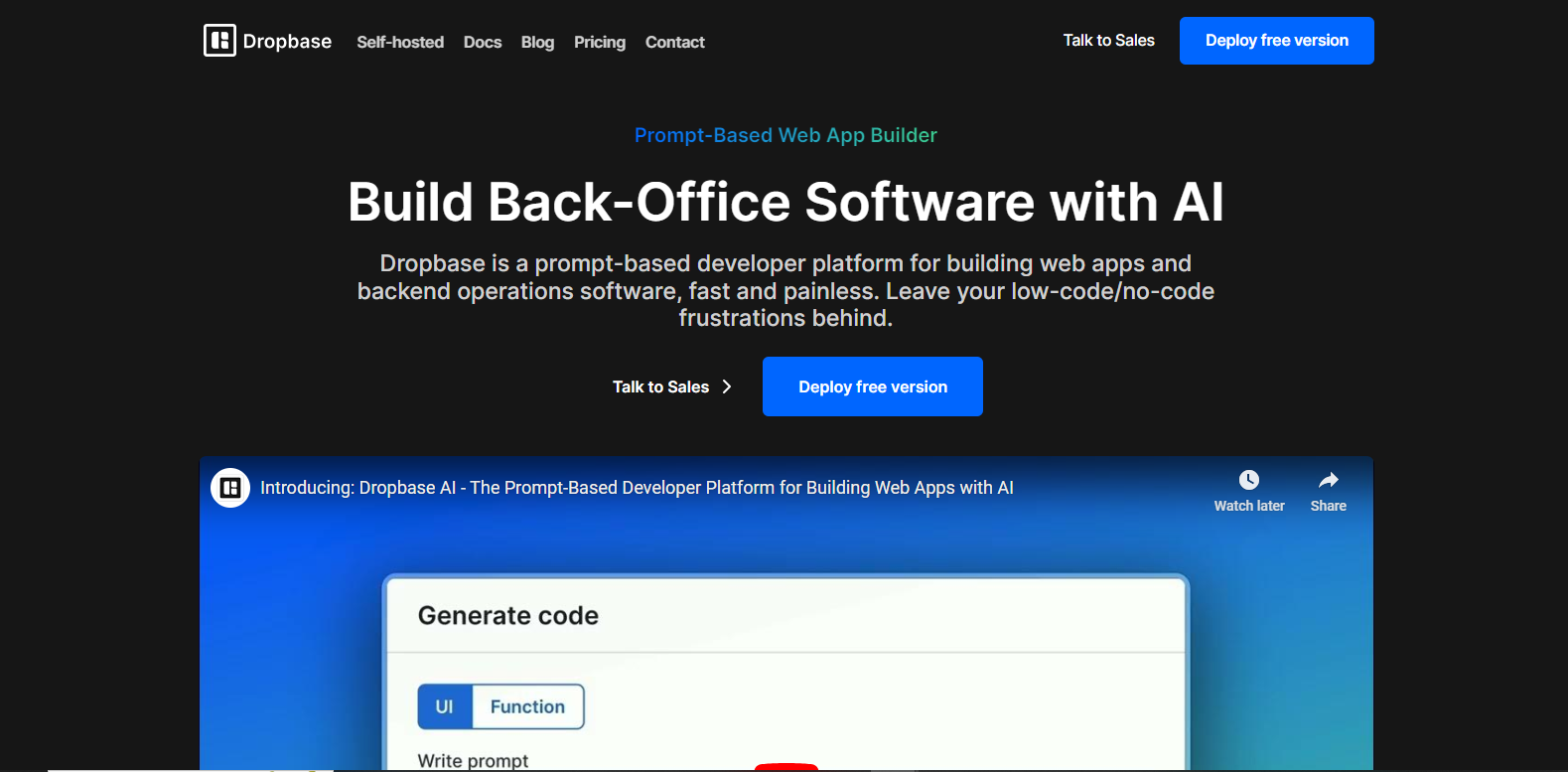
Dropbase is a modern data management platform designed to streamline the process of importing, cleaning, and managing data. Tailored for businesses that rely on seamless data operations, Dropbase integrates with various data sources, ensuring users can organize and utilize data efficiently without the hassle of traditional data handling methods.

Key Features

  • Automated Data Import

    Dropbase simplifies data ingestion by allowing users to automatically import data from multiple sources, including CSV files, databases, and APIs. This feature saves time and reduces the chances of errors associated with manual data entry.

  • Real-Time Data Cleansing

    Ensure data accuracy with Dropbase’s real-time cleansing capabilities. It automatically detects and fixes common data issues such as duplicates, missing values, and spelling errors, making your datasets more reliable.

  • Customizable Data Transformations

    Users can tailor data transformations to fit specific business needs using an intuitive, code-free interface. Transformations can include data type conversions, column splitting, and conditional logic.

  • Seamless Integration

    Dropbase offers seamless integration with popular business tools and data destinations such as SQL databases, Google Sheets, and BI tools. This ensures smooth workflows and uninterrupted access to up-to-date data.

  • Collaboration Tools

    Facilitate better collaboration between team members with features that allow sharing, commenting, and editing data projects within a secure and controlled environment.

  • Scalable Storage Solutions

    Dropbase supports scalable storage options, allowing businesses to manage large volumes of data without compromising on performance or accessibility.

Use Cases

Dropbase is versatile and can benefit a variety of industries and roles:

  • Data Analysts who need to quickly prepare and clean datasets for analysis.
  • Marketers looking to consolidate and manage campaign data efficiently.
  • Small to medium-sized enterprises needing a streamlined data workflow.
  • Healthcare providers managing patient or operational data securely.
  • Finance professionals dealing with large datasets to drive decisions.

Pricing

To learn more about Dropbase’s pricing plans and find the best option for your business, please visit the View pricing page.

Tool Analysis

Pros

  • Intuitive and beginner-friendly interface.
  • Comprehensive data cleaning and transformation options.
  • Robust integration capabilities with common business tools.
  • Strong collaboration features foster teamwork.

Cons

  • Enterprise-level features may require additional customization.
  • Some users may experience a learning curve with advanced functionalities.

FAQs

  • Can Dropbase integrate with my existing CRM?

    Yes, Dropbase supports integration with various CRM systems, enabling you to streamline your data workflows seamlessly.

  • Is Dropbase suitable for non-technical users?

    Absolutely. Dropbase is designed with a user-friendly interface that does not require coding knowledge, making it accessible for users of all technical backgrounds.

  • What kind of support does Dropbase offer?

    Dropbase offers extensive support, including documentation, live chat, and email support to assist users with any issues or queries they may have.

  • How secure is my data with Dropbase?

    Dropbase uses state-of-the-art security measures to ensure your data is stored and managed securely, complying with industry standards and regulations.

  • Can Dropbase handle large datasets?

    Yes, Dropbase is built to handle large datasets efficiently, providing scalable storage solutions to accommodate growing data needs.

There are no reviews yet.

Leave a Review

Your email address will not be published. Required fields are marked *

Related listing