
Framedrop

Framedroppng

Framedrop

Features

About the Tool

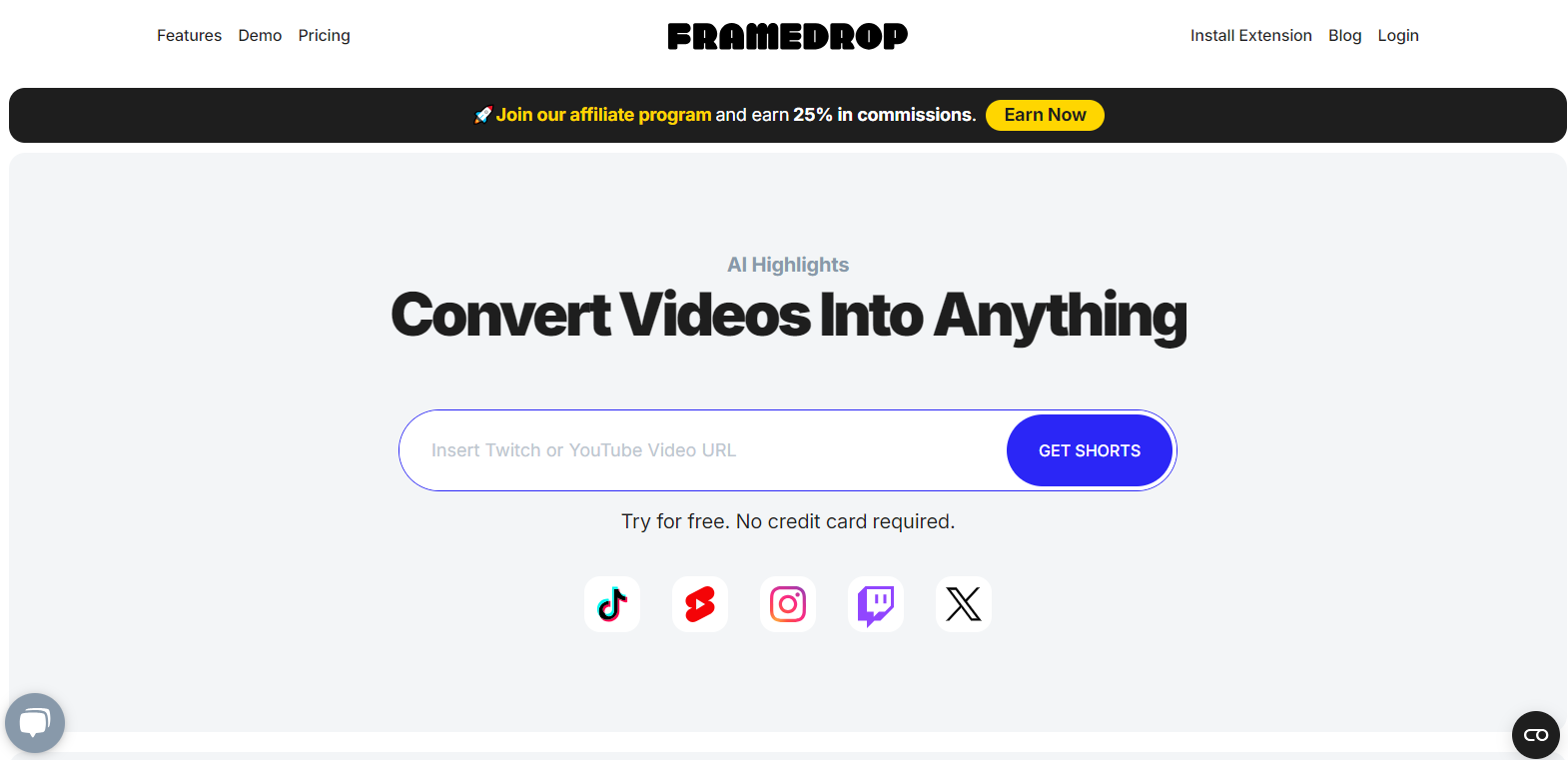
Framedrop is a dynamic video editing platform designed to streamline the production process for content creators, filmmakers, and marketers. It offers a suite of intuitive tools that make video editing accessible without sacrificing professional capabilities. With Framedrop, users can effortlessly edit, convert, and produce high-quality videos for a wide range of applications.

Key Features

  • User-Friendly Interface

    Framedrop’s sleek, intuitive design ensures ease of use for both beginners and experienced editors. The interface is clean and clutter-free, allowing users to focus on creativity without getting overwhelmed by complex controls.

  • Advanced Editing Tools

    Empower your videos with a comprehensive suite of editing tools, including frame cropping, color correction, and multi-layer composition. These features allow for precise edits that enhance your storytelling capabilities.

  • Real-Time Collaboration

    Collaborate seamlessly with team members in real-time, regardless of their location. This feature ensures synchronized edits and smooth workflow management, promoting efficiency and creativity in group projects.

  • Cloud-Based Rendering

    Leverage Framedrop’s powerful cloud infrastructure for fast and efficient video rendering. This eliminates the need for high-end hardware, keeping your local resources free and ensuring top-tier performance.

  • Extensive Format Support

    Whether you’re working with 4K video, GoPro footage, or smartphone clips, Framedrop supports a wide range of video and audio formats, making it highly versatile for any project type.

  • Customizable Templates

    Kickstart your projects with a library of customizable templates that speed up the editing process. These templates are designed to fit various themes and genres, providing a professional touch to your videos.

Use Cases

Framedrop is ideal for:

  • Content Creators looking to enhance the quality and storytelling of their digital content.
  • Marketing Teams in need of a tool to craft compelling promotional videos efficiently.
  • Film Students who require a learning-friendly yet powerful platform to practice editing.
  • Small Businesses seeking an affordable solution to produce professional-grade video content.

Pricing

To learn more about the pricing plans tailored to fit different user needs, please visit the Framedrop Pricing Page.

Tool Analysis

Pros

  • Intuitive interface that enhances user experience.
  • Rich editing features comparable to high-end professional software.
  • Cost-effective with flexible pricing options.
  • Real-time collaboration boosts teamwork and creativity.
  • Does not require extensive hardware due to cloud capabilities.

Cons

  • Requires a stable internet connection for optimal performance.
  • Some very advanced editing functions may be limited compared to industry giants like Adobe Premiere.
  • Potential learning curve for individuals new to video editing.

FAQs

  • Can I use Framedrop on multiple devices?

    Yes, Framedrop supports cross-platform usage, allowing you to access your projects from any device with internet connectivity.

  • Is there a free trial available?

    Framedrop offers a 14-day free trial, giving you the opportunity to explore its features before committing to a plan.

  • Does Framedrop offer customer support?

    Yes, Framedrop provides 24/7 customer support to assist with any technical issues or inquiries you may have.

  • Can Framedrop handle 4K editing?

    Absolutely, Framedrop is equipped to process and edit 4K video files efficiently.

  • Are there collaboration features for teams?

    Yes, Framedrop supports real-time collaboration, allowing multiple team members to work on the same project simultaneously.

There are no reviews yet.

Leave a Review

Your email address will not be published. Required fields are marked *

Related listing