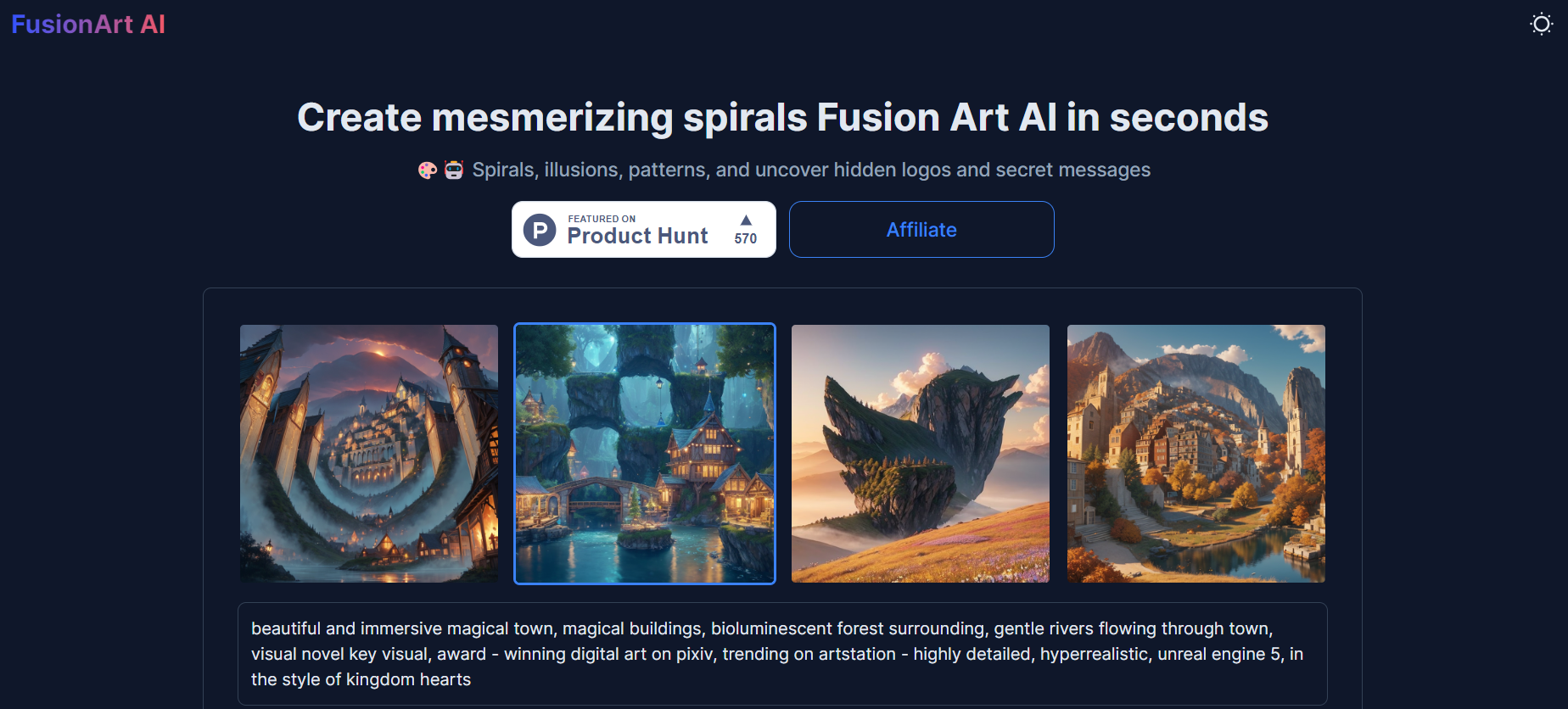
Fusion Art

Fusion-Artpng

Fusion Art

Features

About the Tool

Fusion Art is a cutting-edge platform designed for digital artists who seek versatile and intuitive tools for creating stunning artwork. Whether you are a professional illustrator or a hobbyist, Fusion Art offers an extensive suite of features tailored to enhance your creative experience.

Key Features

  • Dynamic Layer System

    Manage complex projects effortlessly with Fusion Art’s dynamic layer system. It allows you to group, merge, and organize layers seamlessly, providing full control over your creative process while maintaining a non-destructive workflow.

  • AI-Powered Brushes

    Enhance your artwork with AI-powered brushes that adapt to your drawing style and surface textures. These brushes help mimic realistic painting and sketching effects, taking your digital art to the next level.

  • Intuitive User Interface

    The platform features an intuitive, customizable interface that promotes productivity. With easy access to tools and adjustable workspace layouts, artists can focus more on creativity and less on learning curves.

  • Cross-Platform Integration

    Fusion Art supports cross-platform integration, allowing users to effortlessly switch between devices. Keep your artwork synchronized across desktops, tablets, and smartphones for a seamless creative experience.

  • Advanced Color Management

    Achieve color accuracy with advanced color management tools. Create and save custom color palettes, adjust color swatches, and apply precise color adjustments to ensure your artwork meets your exact specifications.

Use Cases

Fusion Art is ideal for:

  • Professional illustrators seeking a robust and flexible digital art platform.
  • Graphic designers needing versatile tools for creating detailed digital illustrations.
  • Art students and educators looking for software that supports varied artistic styles and teaching methods.
  • Freelance artists who require a reliable and high-performance drawing tool for their creative projects.

Pricing

For detailed pricing information and subscription options, please visit our View pricing page.

Tool Analysis

Pros

  • Comprehensive set of tools and features tailored for digital artists.
  • User-friendly interface that is customizable to fit different workflows.
  • Robust integration across multiple devices enhances flexibility and portability.
  • Continuous updates and improvements with a focus on user feedback.

Cons

  • High resource demand, requiring a performant device for optimal use.
  • Steeper learning curve for beginners who are new to digital art software.
  • Limited offline functionality may restrict use in remote areas without internet access.

FAQs

  • What operating systems are supported by Fusion Art?

    Fusion Art is compatible with Windows, macOS, and iOS platforms.

  • Can I try Fusion Art for free?

    Yes, Fusion Art offers a 14-day free trial to explore its features and tools.

  • Is there a community or support forum for Fusion Art users?

    Yes, users can join the Fusion Art community forums and access support to share experiences and receive assistance.

  • How can I transfer my projects from another software to Fusion Art?

    Fusion Art supports a variety of file imports, allowing you to easily transfer projects from other digital art software.

  • Does Fusion Art offer cloud storage for my artwork?

    Yes, Fusion Art includes integrated cloud storage to save and access your art projects securely from any device.

There are no reviews yet.

Leave a Review

Your email address will not be published. Required fields are marked *

Related listing
