
Infography

Infographypng

Infography

Features

About the Tool

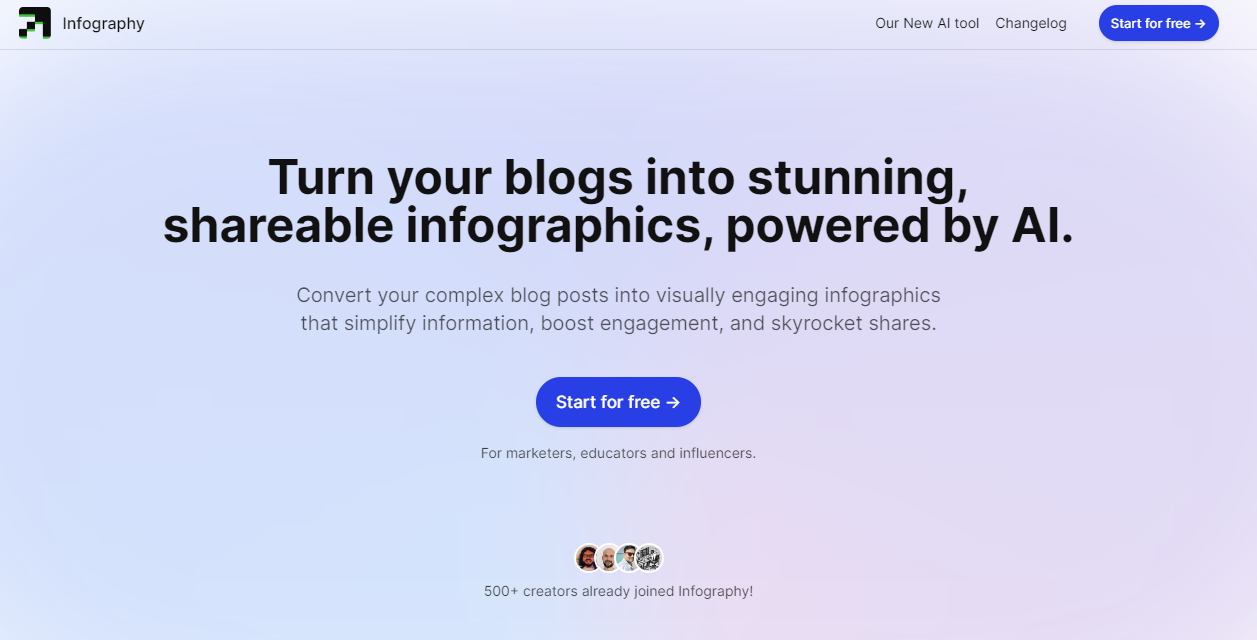
Infography is a powerful and intuitive data visualization tool designed to transform complex data sets into engaging and insightful infographics. Ideal for businesses, educators, and marketers, Infography simplifies the visualization process by offering a range of customizable templates and design elements. With a focus on usability and efficiency, Infography streamlines the process of turning data into visually appealing graphics that enhance understanding and decision-making.

Key Features

  • Customizable Templates

    Infography offers a wide selection of professionally-designed templates that users can customize to meet their specific needs. Whether you’re creating a simple bar chart or an intricate infographic, these templates provide a solid foundation to build upon.

  • Drag-and-Drop Interface

    With an easy-to-use drag-and-drop interface, Infography allows users to quickly add, adjust, and arrange data visual elements. This feature eliminates the need for advanced design skills, making it accessible for users of all levels.

  • Data Importing Options

    Infography supports various data importing options, including CSV files, Excel sheets, and integration with platforms such as Google Sheets and Salesforce. This ensures that your data remains up-to-date and relevant.

  • Interactive Visuals

    Add interactivity to your graphics with features such as tooltips, drill-downs, and hyperlinks. These interactive elements keep your audience engaged and provide deeper insights into the data presented.

  • Collaboration Tools

    Work simultaneously with team members using Infography’s real-time collaboration features. Share feedback, make live edits, and track changes effortlessly, all within the platform.

Use Cases

Infography is perfect for various roles and industries, including:

  • Marketing professionals looking to enhance campaign reports with visual data.
  • Educators seeking to make complex information more digestible for students.
  • Business analysts who need to present data-driven insights in executive meetings.
  • Data journalists who require dynamic visual content for storytelling.

Pricing

For detailed pricing information, please visit our View pricing page.

Tool Analysis

Pros

  • Intuitive and beginner-friendly interface.
  • Wide range of customizable templates and themes.
  • Supports seamless data import from multiple sources.
  • Facilitates team collaboration with real-time editing features.

Cons

  • Advanced features may have a learning curve for new users.
  • Subscription model may not be ideal for all budgets.
  • Some templates may not fully meet niche requirements.

FAQs

  • Is Infography suitable for beginners?

    Yes, Infography is designed to be user-friendly and accessible for beginners, with intuitive tools and resources to help you get started quickly.

  • Can I import data from Google Sheets?

    Absolutely. Infography integrates seamlessly with Google Sheets, allowing you to import and update your data efficiently.

  • Does Infography support team collaboration?

    Yes, Infography offers robust collaboration tools that allow multiple users to work on the same project in real-time.

  • Are there any limitations on the number of infographics I can create?

    Infography does not impose limits on the number of infographics you can create, allowing you to produce as many visualizations as needed to meet your requirements.

  • Do I need design skills to use Infography?

    No design skills are required! Infography’s drag-and-drop interface and customizable templates make it easy for anyone to create professional-looking infographics.

There are no reviews yet.

Leave a Review

Your email address will not be published. Required fields are marked *

Related listing