
Klipmepng

Features

About the Tool

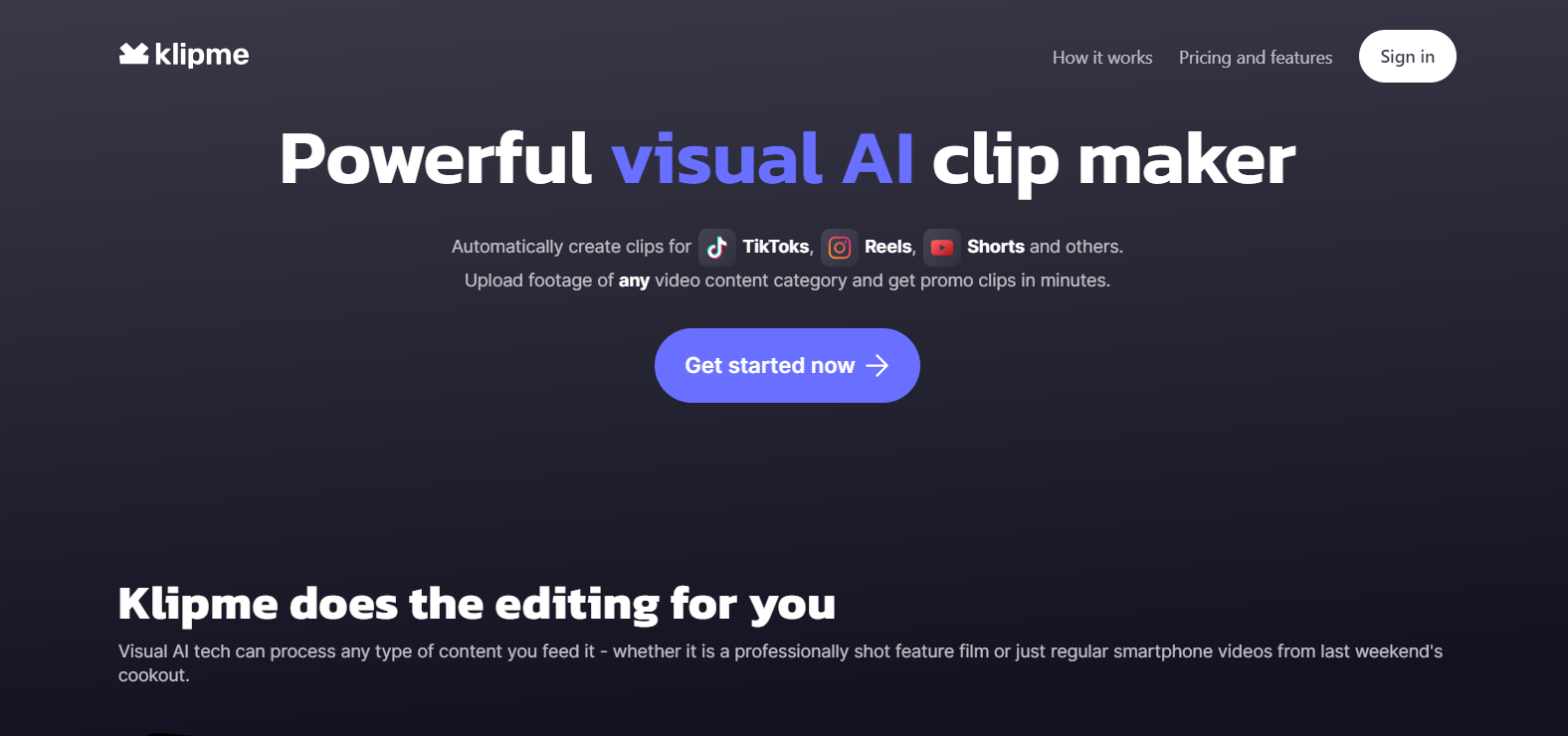
Klipme is an innovative tool designed to streamline the process of capturing, organizing, and sharing digital content effectively. Tailored for professionals who require efficient information management, Klipme integrates seamlessly with a variety of platforms, offering an all-in-one solution for content curation and collaboration.

Key Features

  • Seamless Content Clipping

    Klipme allows users to clip content from any web page with a simple click, automatically saving relevant metadata, including the URL, date, and source. This feature ensures that all information is organized clearly and is easily retrievable.

  • Organized Archiving

    With custom tagging and folder creation, Klipme enables users to categorize saved content intuitively. This feature enhances searchability and allows users to maintain a structured library of resources tailored to their specific needs.

  • Collaborative Sharing

    Klipme supports sharing clippings and collections with teams or individual collaborators. Users can grant different access levels, making it easy to collaborate on shared resources while maintaining control over their content.

  • Intuitive Search Functionality

    The advanced search engine enables quick retrieval of clipped items through keywords, tags, or source. It also incorporates filters for a more refined search, dramatically enhancing the user experience.

  • Cross-Platform Integration

    Klipme integrates with popular productivity tools and browsers, including Chrome, Firefox, and Safari. This cross-platform compatibility ensures users can access their content from any device, maintaining productivity on the go.

  • Security and Privacy

    Data protection is a priority for Klipme, with end-to-end encryption and secure user authentication protocols. Users can be confident their information and collaborations remain confidential and protected.

Use Cases

Klipme is particularly beneficial for roles such as content creators, researchers, and marketers. Industries like journalism, education, and digital marketing can leverage Klipme for improved content management and collaborative projects.

Pricing

For more details on our pricing plans, please View pricing.

Tool Analysis

Pros

  • Effortless clipping and organizing of web content
  • Robust collaborative features with customizable access levels
  • Highly secure with strong data protection measures
  • Excellent cross-platform compatibility

Cons

  • Advanced features may require a learning curve for new users
  • Integration limited to certain productivity tools

FAQs

  • Can I use Klipme offline?

    Currently, Klipme requires an active internet connection for most functions, though saved content is accessible offline once clipped.

  • What browsers are supported by Klipme?

    Klipme supports major browsers such as Chrome, Firefox, and Safari, ensuring broad accessibility.

  • Is there a free version of Klipme?

    Yes, Klipme offers a free-tier plan with limited features. For full functionalities, users can upgrade to the paid plans.

  • How secure is my data on Klipme?

    Klipme employs end-to-end encryption and secure login methods to ensure your data remains private and secure.

  • How can I reset my password?

    Resetting your password is simple through the ‘Forgot Password’ option available on the login page.

There are no reviews yet.

Leave a Review

Your email address will not be published. Required fields are marked *

Related listing