Magic Studio

Magicstudiopng

Magic Studio

Features

About the Tool

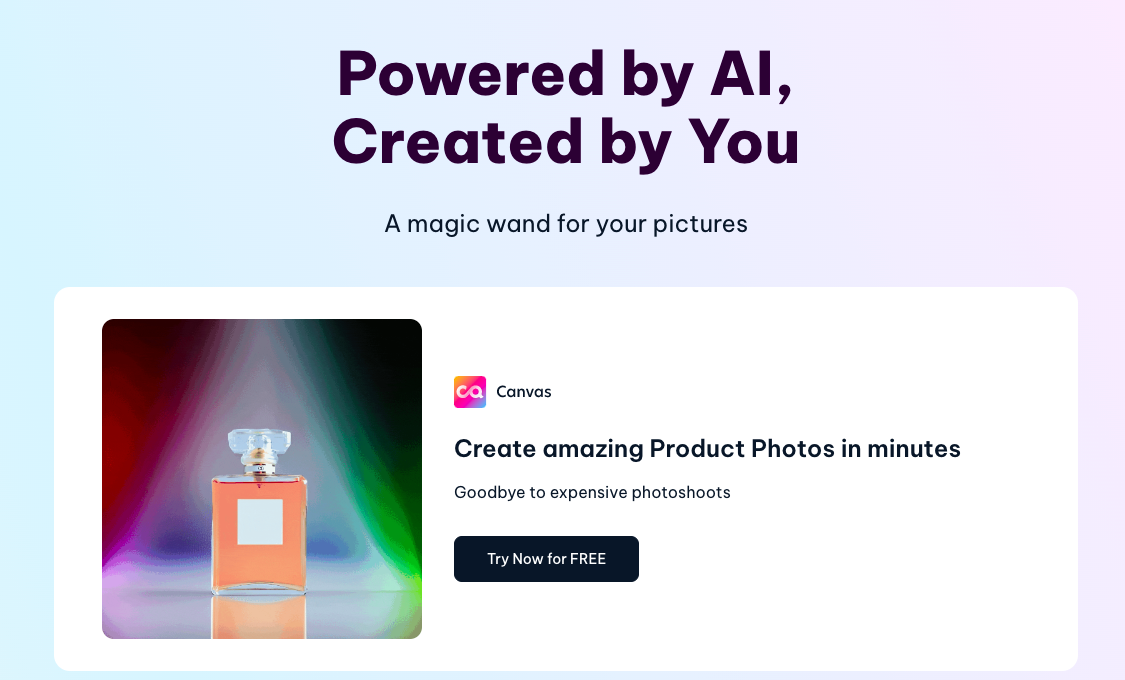
Magic Studio is an innovative design software solution created to streamline the process of creating stunning visual content. Whether you’re a seasoned designer or a novice looking to enhance your creative projects, Magic Studio offers a user-friendly platform packed with the tools you need to succeed.

Key Features

  • Intuitive Design Interface

    Magic Studio offers an easy-to-navigate interface that allows users to create designs without feeling overwhelmed. With a clean layout and customizable workspace, users can focus on creativity rather than technical hurdles.

  • Extensive Template Library

    The tool includes a vast library of professionally designed templates for various projects, from social media graphics to marketing materials. This feature speeds up the design process by providing ready-to-use layouts.

  • Advanced Photo Editing Tools

    Magic Studio equips users with powerful photo editing tools, enabling fine-tuning of images with ease. Features like advanced retouching, color correction, and special effects make it a comprehensive solution for visual content creation.

  • Collaboration Capabilities

    Teams can work together seamlessly with Magic Studio’s collaboration features, allowing multiple users to edit and review projects in real-time. This promotes efficient teamwork and swift project completion.

  • AI-Powered Design Suggestions

    With AI integration, the tool suggests design enhancements based on current trends and user preferences, ensuring your projects always look polished and modern.

  • Comprehensive Format Support

    Magic Studio supports a wide range of file formats for both input and output, providing flexibility in how designs are saved and shared, accommodating various industry standards.

Use Cases

Magic Studio is ideal for graphic designers, marketing professionals, social media managers, and businesses of any size looking to create professional-quality visual content quickly and efficiently. The tool also caters to educational institutions for producing engaging learning materials and freelancers aiming to optimize their design workflow.

Pricing

Magic Studio offers flexible pricing plans to suit different needs and budgets. View pricing.

Tool Analysis

Pros

  • User-friendly interface reduces the learning curve.
  • Variety of templates saves time on design.
  • Real-time collaboration enhances team efficiency.
  • AI features aid in creating trendy and professional designs.

Cons

  • Some advanced features may require additional training.
  • Dependent on internet connection for cloud-based features.
  • Customization options can be overwhelming for new users.

FAQs

  • Can I use Magic Studio offline?

    Magic Studio requires an internet connection for most of its features to operate smoothly.

  • Is there a trial version available?

    Yes, Magic Studio offers a free trial period for new users to explore the features before committing to a subscription.

  • What type of customer support is available?

    Magic Studio provides 24/7 customer support through chat, email, and a comprehensive online help center.

  • Can I import my own fonts and images into Magic Studio?

    Absolutely! Users can easily import custom fonts and images to personalize their designs.

  • Does Magic Studio offer any educational discounts?

    Yes, educational institutions can contact Magic Studio for special pricing and discounts.

There are no reviews yet.

Leave a Review

Your email address will not be published. Required fields are marked *

Related listing
