
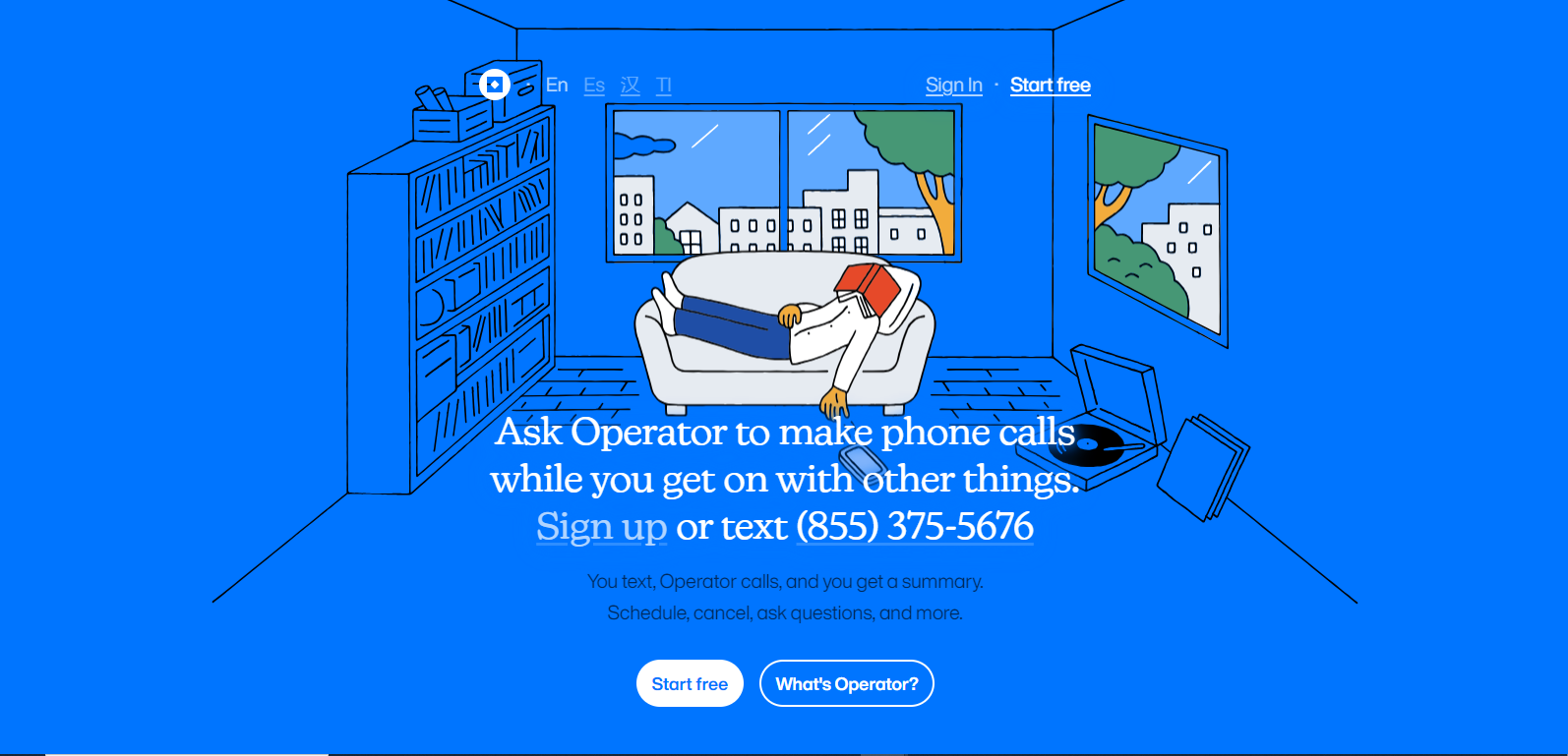
Operatorpng

Operator

Features

About the Tool

Operator is a comprehensive project management and team collaboration software designed to streamline workflows, enhance productivity, and ensure seamless communication within teams. With intuitive features tailored for various industries, Operator supports businesses in optimizing their operations through effective task management and real-time collaboration tools.

Key Features

  • Task Management

    Efficiently organize and prioritize tasks with customizable boards and lists. The tool provides options for tracking progress, setting deadlines, and assigning tasks to team members, ensuring that every project is on track.

  • Real-Time Collaboration

    Enhance team communication with integrated chat and video conferencing features. Collaborate on documents in real-time and ensure everyone stays updated with activity streams and notifications.

  • Document Sharing

    Securely store and share documents with team members using secure cloud storage. The version control feature ensures that everyone accesses the latest file versions, minimizing errors and discrepancies.

  • Time Tracking

    Monitor time spent on tasks with built-in time tracking. Generate detailed reports and insights to help teams understand areas that require improvement and optimize productivity.

  • Automated Workflows

    Create custom workflows with automation rules. This feature allows teams to automate repetitive tasks, enhancing efficiency and freeing up time for more critical work.

Use Cases

Operator is ideal for project managers, team leaders, and remote workforces across various industries such as marketing, IT, consulting, and software development. Its versatile capabilities make it suitable for startups to large enterprises looking to streamline their operations.

Pricing

Operator offers flexible pricing plans to suit businesses of all sizes. For detailed pricing information, please View pricing.

Tool Analysis

Pros

  • User-friendly interface with quick onboarding process
  • Comprehensive feature set covering multiple aspects of team collaboration
  • Scalable and customizable to fit diverse business needs
  • High-level data security and compliance standards

Cons

  • Premium features might be costly for small businesses
  • Occasional performance lags during peak usage times
  • Initial setup can be complex for non-technical users

FAQs

  • What platforms is Operator compatible with?

    Operator is compatible with Windows, MacOS, iOS, and Android, ensuring cross-functionality on multiple devices.

  • Does Operator offer customer support?

    Yes, Operator provides 24/7 customer support through email, live chat, and phone support for premium users.

  • Can I integrate Operator with other tools my team uses?

    Operator offers integrations with popular tools such as Slack, Trello, Google Workspace, and more to ensure seamless workflow management.

  • Is there a free trial available?

    Yes, Operator offers a 14-day free trial for new users to explore its features and assess suitability.

  • How is data secured within Operator?

    Operator employs robust encryption and complies with international data protection regulations to ensure all user data is safe and secure.

There are no reviews yet.

Leave a Review

Your email address will not be published. Required fields are marked *

Related listing