
Otio

Features

About the Tool

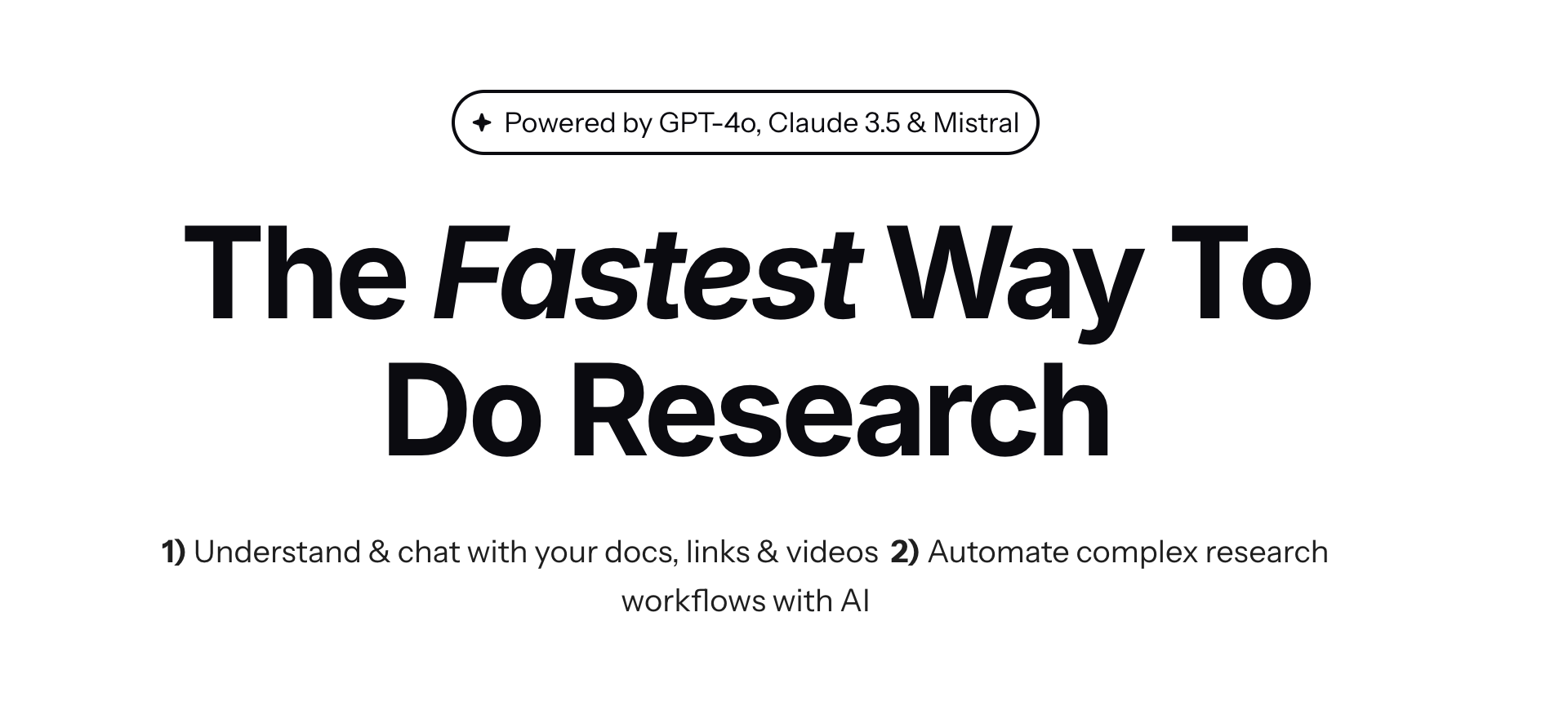
Otio is a robust time management and productivity software designed to streamline workflows for individuals and teams. With Otio, manage your daily tasks, schedule meetings, and maximize productivity through a seamless interface accessible from any device. Perfect for both remote and in-office environments, Otio integrates with various applications to provide a cohesive user experience.

Key Features

  • Task Management

    Organize and prioritize tasks with Otio’s intuitive task management feature. Users can create, assign, and track tasks in real-time, ensuring that nothing falls through the cracks.

  • Calendar Integration

    Effortlessly sync with popular calendar applications. Otio provides an integrated view of all your events and deadlines, helping you better manage your schedule and avoid double-booking.

  • Time Tracking

    Track the time spent on each task with Otio’s built-in timer. This feature is invaluable for professionals needing to bill clients or evaluate the efficiency of their workflows.

  • Collaboration Tools

    Enhance teamwork and communication with Otio’s suite of collaboration tools. Share documents, leave comments, and provide feedback directly within tasks for a unified workflow.

  • Customizable Dashboards

    Otio allows users to customize their dashboards to display information that’s most important to them, ensuring quick access to key metrics and data.

  • Automated Notifications

    Receive timely notifications for task deadlines, schedule changes, and team updates. Otio’s automated alerts ensure you stay informed without overwhelming you with unnecessary information.

Use Cases

Otio is ideal for various roles and industries, including:

  • Freelancers and Consultants needing efficient time tracking and billing features.
  • Project Managers looking for comprehensive task management and team collaboration tools.
  • Small to large enterprises aiming to improve workflow efficiency and interdepartmental communication.
  • Remote teams requiring reliable integration with communication platforms and calendar apps.

Pricing

For detailed pricing information, please visit our View pricing page.

Tool Analysis

Pros

  • User-friendly interface with smooth navigation.
  • Comprehensive integration with popular apps.
  • Highly customizable dashboards for personal preference.
  • Strong emphasis on team collaboration and communication.

Cons

  • Advanced features require a learning curve.
  • Limited offline functionality.
  • Occasional syncing delays with external calendars.

FAQs

  • Can I use Otio on my mobile device?

    Yes, Otio offers a mobile app that provides full functionality and synchronization with your desktop version.

  • Is there a free version of Otio available?

    Otio offers a free trial, after which a subscription is required for continued use.

  • Can Otio integrate with other project management tools?

    Yes, Otio integrates with several popular project management tools to enhance your workflow.

  • How secure is my data with Otio?

    Your data is secured with end-to-end encryption and is stored on private cloud servers.

  • Does Otio provide customer support?

    Yes, Otio offers 24/7 customer support via chat, email, and phone.

There are no reviews yet.

Leave a Review

Your email address will not be published. Required fields are marked *

Related listing