otterpng

Otter AI

Features

About the Tool

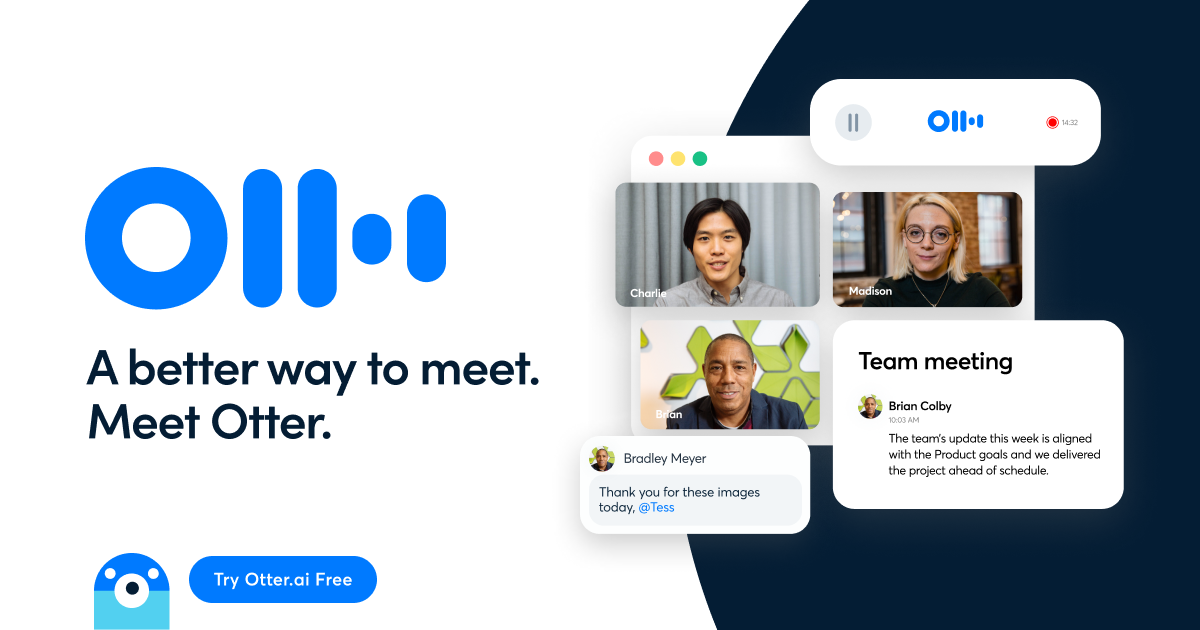
Otter AI is a real-time transcription and meeting notes platform that captures conversations, generates summaries, and makes discussions searchable across your organization. It joins your calls, transcribes live, identifies speakers, and produces action-ready notes you can share instantly with teammates. Available on web, iOS, and Android, Otter streamlines meetings for sales, recruiting, education, media, and more.

Key Features

  • Live Meeting Transcription and Otter Assistant

    Automatically joins Zoom, Google Meet, and Microsoft Teams to transcribe conversations in real time. Participants can follow along live, add comments, and capture key moments without missing the discussion.

  • AI Summaries, Action Items, and Highlights

    Generates concise meeting summaries with key points, decisions, and action items. Create highlights during calls or let Otter extract them automatically to speed up follow-ups and handoffs.

  • Speaker Identification and Searchable Archives

    Detects and labels speakers for clarity, then indexes transcripts so you can search across meetings by keyword, phrase, or speaker. Quickly jump to the exact moment with time-stamped playback.

  • Slide and Screen Capture Context

    Captures and syncs slides or shared screens alongside the transcript, adding visual context to notes. Review what was shown at any point without scrubbing through the entire recording.

  • Collaboration and Sharing Controls

    Share transcripts with teammates, add comments, tag colleagues, and assign tasks. Control permissions to keep sensitive discussions private while enabling cross-functional collaboration.

  • Integrations and Workflow Extensions

    Works with popular conferencing tools and offers exports to formats like TXT, DOCX, and SRT for downstream workflows. Connect Otter to your calendar to auto-join scheduled meetings.

  • Mobile and Multi-Device Capture

    Record and transcribe on the go with iOS and Android apps, then pick up on desktop with synced transcripts. Ideal for interviews, lectures, and field meetings.

Use Cases

  • Sales teams: Capture discovery calls, auto-generate action items, and share summaries with CRM notes.

  • Recruiters: Record interviews, tag competencies, and share highlights with hiring panels.

  • Product managers: Document roadmap reviews, decisions, and follow-ups across stakeholders.

  • Educators and students: Transcribe lectures, create study summaries, and review time-stamped content.

  • Journalists and podcasters: Transcribe interviews accurately and export quotes with speaker labels.

  • Customer success: Track renewal and QBR calls, capture risks, and assign tasks to account teams.

  • Operations and HR: Keep records of trainings, policy updates, and cross-team meetings.

Pricing

See pricing page. View pricing

Tool Analysis

Pros

  • Accurate live transcription with real-time collaboration tools.

  • Actionable AI summaries that reduce manual note-taking and follow-up time.

  • Strong meeting integrations and calendar-aware automation.

  • Searchable archives make institutional knowledge easy to retrieve.

  • Mobile apps support flexible, on-the-go recording.

Cons

  • Best results are in English; heavy accents or noisy environments may impact accuracy.

  • Advanced features may require higher-tier plans.

  • Some organizations may need deeper compliance options and custom integrations.

FAQs

  • Which platforms does Otter integrate with?

    Otter works with Zoom, Google Meet, and Microsoft Teams, and connects to your calendar to auto-join scheduled meetings.

  • How accurate is the transcription?

    Accuracy is typically high in clear audio conditions and improves with quality microphones and minimal cross-talk. You can edit transcripts and add custom vocabulary for better results.

  • Can I export my notes and recordings?

    Yes. Export transcripts in formats like TXT, DOCX, and SRT, and access associated audio for review and sharing within your organization.

  • Is Otter suitable for teams and enterprises?

    Otter offers team features such as shared workspaces, admin controls, and centralized billing. Enterprise options include advanced controls and deployment support.

  • Does Otter support mobile recording?

    Yes. The iOS and Android apps let you record, transcribe, and review notes on the go, with everything synced to your web account.

There are no reviews yet.

Leave a Review

Your email address will not be published. Required fields are marked *

Related listing
