
PitchBob

PitchBobpng

PitchBob

Features

About the Tool

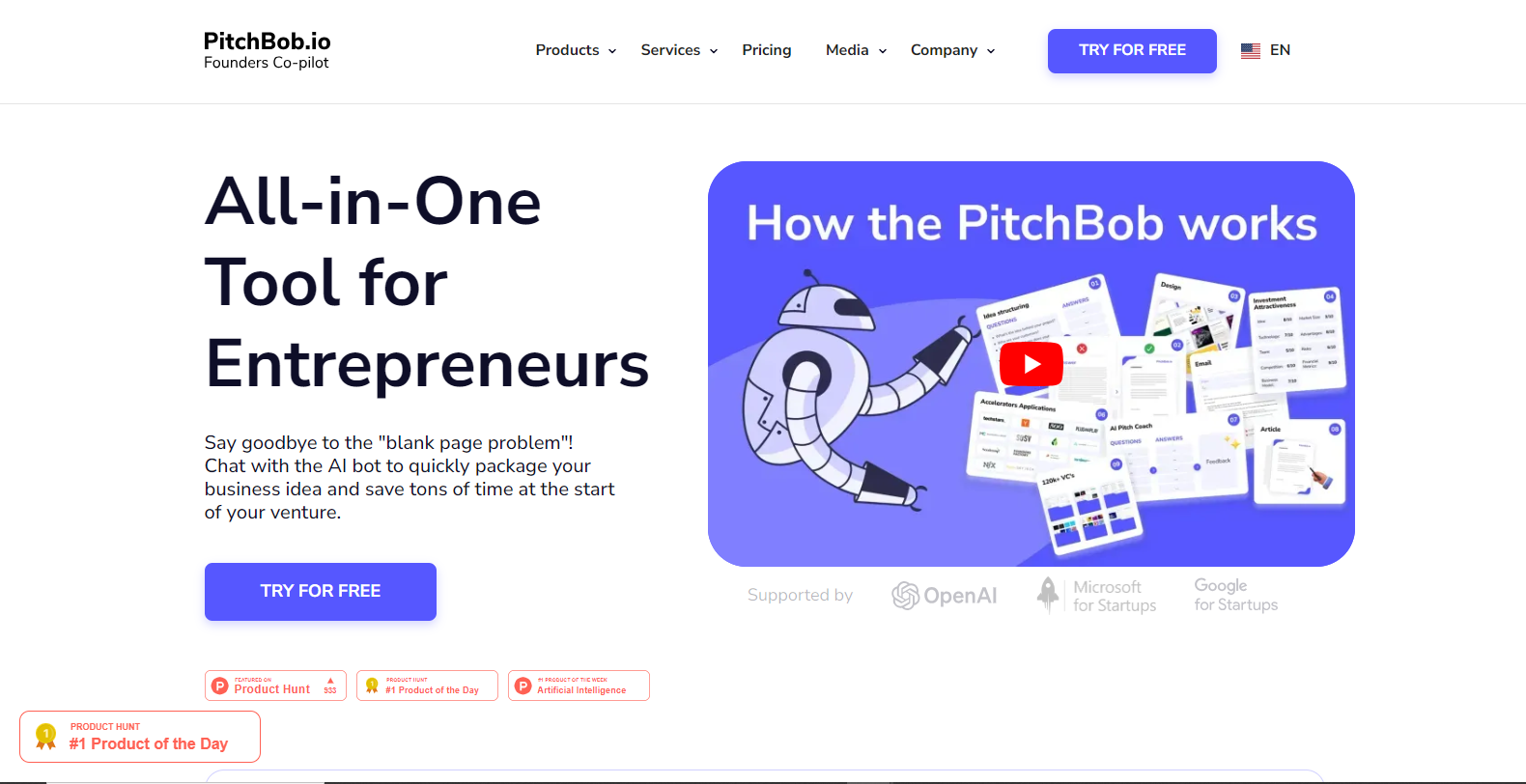
PitchBob is an innovative presentation and pitch management tool designed to assist entrepreneurs, sales teams, and presenters in creating compelling and effective pitches. It streamlines the process, allowing users to focus on the content and delivery of their presentations. PitchBob is intuitive and offers a variety of features to enhance the overall presentation experience.

Key Features

  • Customizable Templates

    PitchBob offers a wide range of professionally-designed templates that can be customized to suit any business or presentation style. Users can easily adjust colors, fonts, and layouts to create unique presentations that align with their branding.

  • Real-Time Collaboration

    With real-time collaboration, teams can work together seamlessly on a single pitch document. This feature supports live updates, ensuring that all team members are on the same page and can contribute simultaneously, no matter where they are located.

  • AI-Powered Suggestions

    PitchBob’s AI feature provides intelligent suggestions to improve pitches, such as enhanced messaging, slide transition recommendations, and even audience engagement tips based on the content type and audience profile.

  • Analytics and Feedback

    Integrated analytics tools allow users to track the performance of their presentations. Feedback features enable presenters to gather insights from viewers, helping to refine and optimize future pitches.

  • Multi-Platform Integration

    PitchBob seamlessly integrates with popular platforms such as Google Slides, PowerPoint, and Zoom, making it easy to import existing presentations or export new ones for live virtual meetings.

  • Secure Cloud Storage

    All your pitches and presentations are stored securely in the cloud, ensuring your data is safe and accessible from anywhere. This feature is crucial for teams that need reliable access to their pitches at any time.

Use Cases

PitchBob is ideal for a variety of roles and industries including:

  • Entrepreneurs and startups seeking to impress investors with compelling pitches
  • Sales teams aiming to enhance their product presentations and close more deals
  • Marketing professionals looking to create engaging content for webinars and events
  • Corporate trainers and educators designing interactive workshops
  • Consultants developing customized client presentations

Pricing

PitchBob offers flexible pricing plans to cater to different user needs and team sizes. View pricing for more information.

Tool Analysis

Pros

  • Intuitive and user-friendly interface
  • AI-powered suggestions for improved engagement
  • Robust analytics for performance tracking
  • Seamless integration with other platforms

Cons

  • Limited offline functionality
  • Advanced features may have a learning curve
  • Dependence on internet connection for cloud access

FAQs

  • What makes PitchBob different from other presentation tools?

    PitchBob’s unique combination of AI-powered suggestions and robust analytics sets it apart by ensuring presentations are not only visually appealing but also highly effective in engaging audiences.

  • Can I use PitchBob offline?

    While PitchBob primarily operates online due to its collaborative and cloud-based features, you can export presentations for offline use.

  • Is PitchBob suitable for large enterprises?

    Yes, PitchBob offers plans that cater to large enterprises, providing advanced features and customization options to meet complex needs.

  • How secure is my data on PitchBob?

    Your data is securely stored in the cloud with encryption standards akin to those used by leading industry players, ensuring robust protection.

  • What integrations does PitchBob support?

    PitchBob integrates with major platforms like Google Slides, PowerPoint, and Zoom, allowing seamless transitions between different tools.

There are no reviews yet.

Leave a Review

Your email address will not be published. Required fields are marked *

Related listing