
Prooftiles

Prooftilespng

Prooftiles

Features

About the Tool

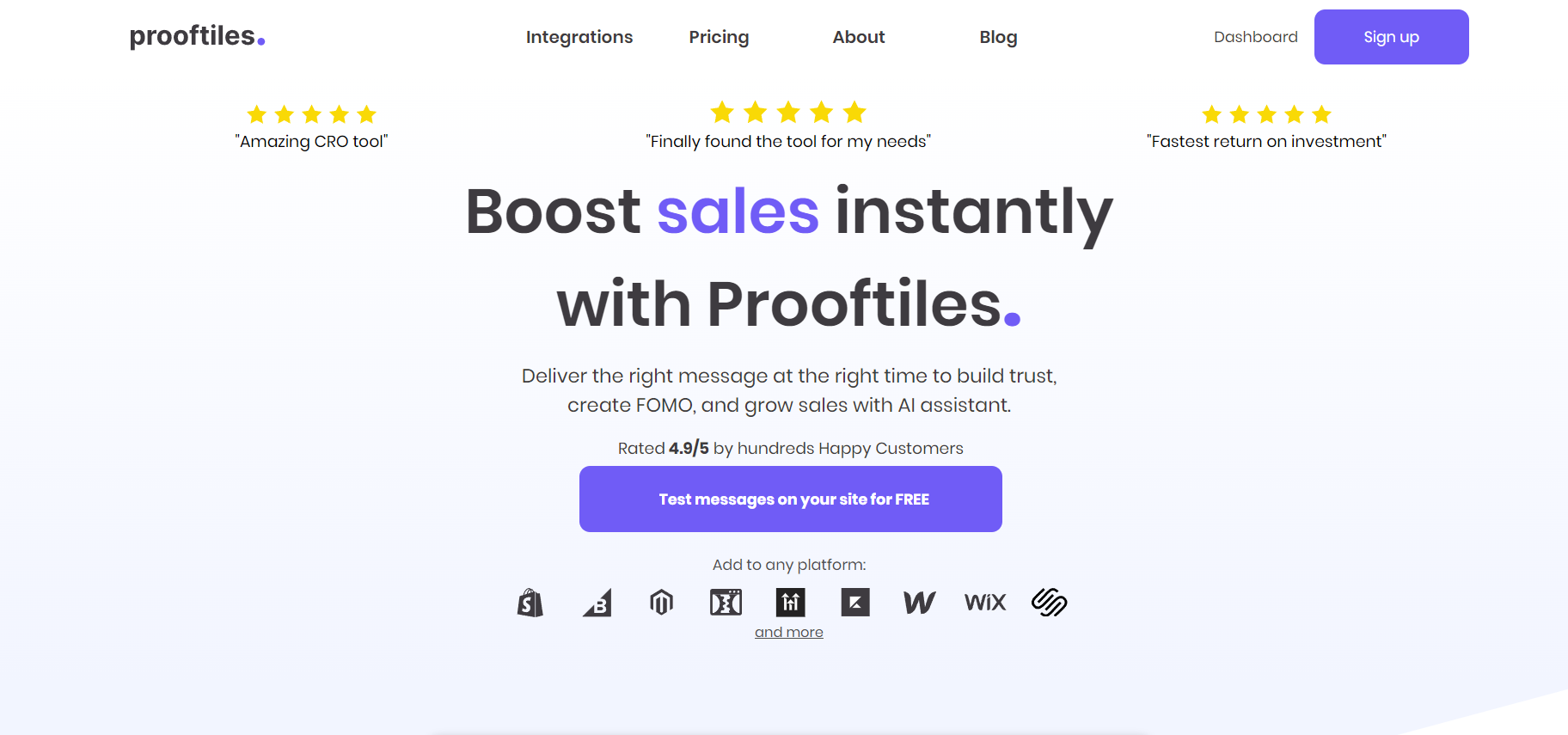
Prooftiles is a powerful tool designed to enhance project collaboration and boost productivity by offering a seamless platform for sharing and reviewing creative assets. Whether you’re a freelancer or part of a large enterprise team, Prooftiles helps streamline feedback workflows and improve time management by consolidating all communication and project files in one accessible location.

Key Features

  • Effortless File Uploads

    Prooftiles allows users to easily upload and organize various file types, including images, videos, and documents, using a simple drag-and-drop interface. This ensures quick setup and access to essential project materials.

  • Real-Time Collaboration

    With real-time collaboration features, team members can comment, annotate, and approve files instantly. This reduces the usual back-and-forth and helps teams make swift progress on creative projects.

  • Version Control

    Prooftiles offers robust version control capabilities, allowing users to track changes, revert to previous versions, and compare revisions side-by-side. This feature is crucial for maintaining consistency and quality in ongoing projects.

  • Integrated Workflows

    The platform integrates seamlessly with popular tools like Adobe Creative Cloud, Slack, and Trello. These integrations simplify the workflow by allowing users to navigate projects without needing to switch between platforms frequently.

  • Customizable Feedback Options

    Users can customize their feedback settings, choosing between quick approvals, detailed reviews, or specific task assignments. This flexibility ensures feedback is precise and aligns with project goals.

  • Secure Data Sharing

    Prooftiles prioritizes data security. With advanced encryption protocols and permission-based access, sensitive project files are kept confidential while ensuring that only authorized individuals can view or edit files.

Use Cases

Prooftiles is especially valuable for creative agencies, marketing teams, freelancers, and any industries involving design and media production. Graphic designers and video editors benefit from its collaborative features, ensuring their work is reviewed and approved efficiently. Marketing teams leverage the tool to streamline campaign asset approvals and ensure consistency across all channels.

Pricing

To explore our competitive pricing and find the perfect plan for your needs, please visit our pricing page. View pricing

Tool Analysis

Pros

  • Intuitive interface suitable for all user levels
  • Robust integration with popular professional tools
  • Strong security features ensuring data safety
  • Excellent support for various file types
  • High customization for feedback and approvals

Cons

  • May require a learning curve for some advanced functionalities
  • Potential integration hiccups with less popular third-party tools
  • Limited offline capabilities

FAQs

  • How does Prooftiles handle file versioning?

    Prooftiles tracks all changes and allows users to access and compare different versions to maintain consistency in projects.

  • Can I integrate Prooftiles with other project management tools?

    Yes, Prooftiles integrates seamlessly with tools like Trello, Slack, and Adobe Creative Cloud to enhance your workflow.

  • Is there a mobile app available for Prooftiles?

    Currently, Prooftiles does not offer a dedicated mobile app, but the platform is accessible through mobile web browsers.

  • What file types can I upload to Prooftiles?

    You can upload a variety of files including images, videos, and documents, making it versatile for different types of projects.

  • Can I try Prooftiles before purchasing?

    Yes, Prooftiles offers a free trial, allowing potential users to explore the tool’s features before committing to a purchase.

There are no reviews yet.

Leave a Review

Your email address will not be published. Required fields are marked *

Related listing