
ReceiptsAI

ReceiptsAIpng

ReceiptsAI

Features

About the Tool

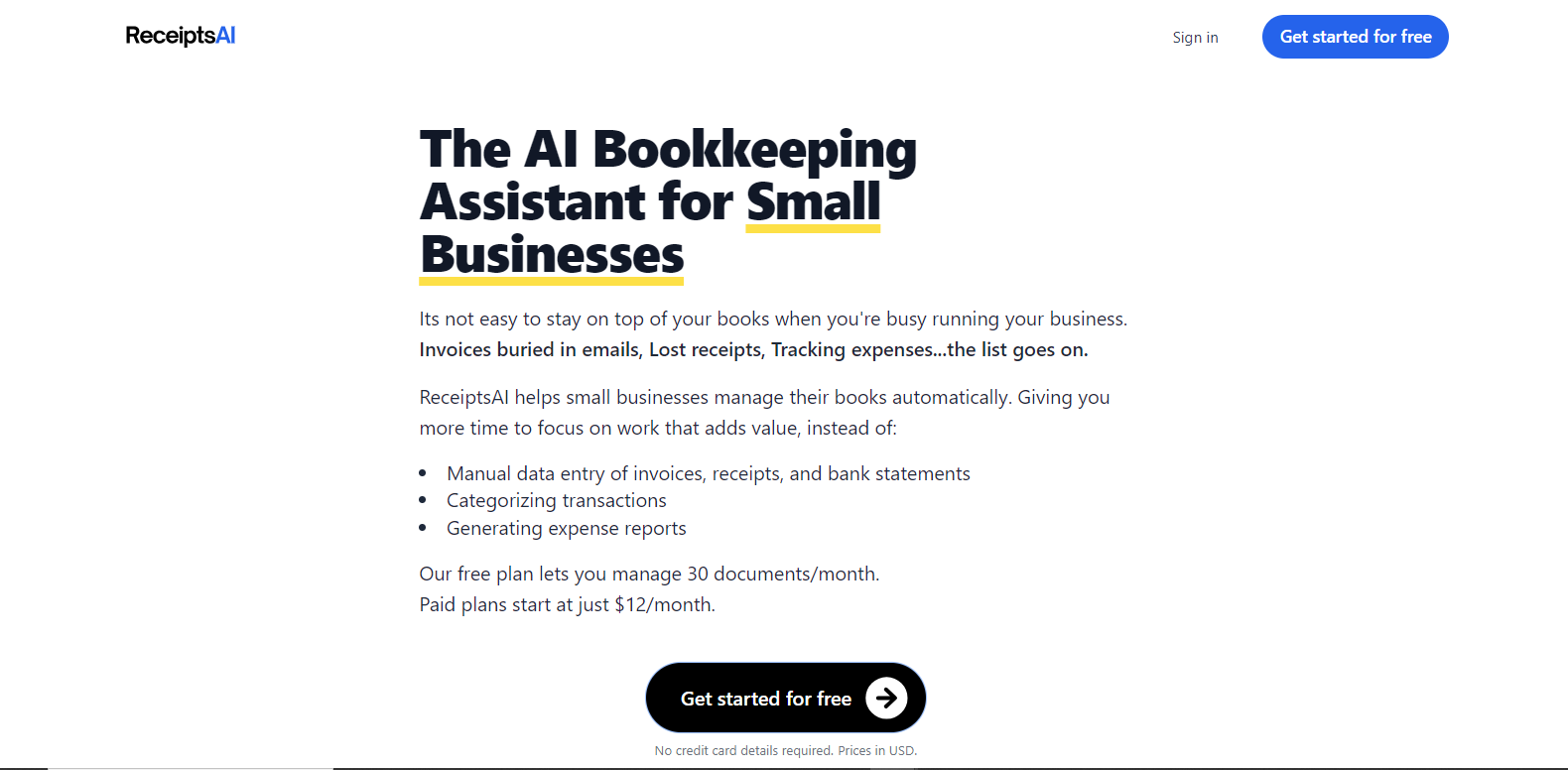
ReceiptsAI is an innovative business tool designed to streamline expense management by automatically capturing, categorizing, and organizing receipts. Leveraging advanced AI technology, ReceiptsAI simplifies financial processes, reduces manual effort, and enhances accuracy in accounting tasks. The tool is ideal for businesses of all sizes looking to improve their financial record-keeping and reporting efficiency.

Key Features

  • Automated Receipt Capture

    ReceiptsAI uses intelligent scanning technology to automatically capture data from physical and digital receipts, eliminating the need for manual entry and minimizing human error.

  • Advanced Categorization

    The tool categorizes expenses based on predefined tags and custom rules, ensuring that all financial transactions are organized and easily accessible for accounting purposes.

  • Seamless Integration

    ReceiptsAI integrates smoothly with popular accounting software such as QuickBooks and Xero, providing a cohesive workflow for financial management within your existing systems.

  • Expense Reporting

    Create detailed and customizable expense reports with ease. ReceiptsAI allows users to generate reports that provide insights into spending patterns and help with budget adjustments.

  • Data Security and Compliance

    With end-to-end encryption and GDPR compliance, ReceiptsAI ensures that all sensitive financial information is kept secure and private, safeguarding against data breaches.

  • Mobile Access

    The mobile app allows users to capture and manage expenses on the go, offering the flexibility needed in today’s fast-paced business environment.

Use Cases

ReceiptsAI is particularly beneficial for roles and industries such as:

  • Accountants, who need streamlined processes for managing multiple clients’ receipts.
  • Small business owners, looking to reduce the time spent on manual expense tracking.
  • HR departments, requiring efficient tools for expense reimbursement claims.
  • Corporate finance teams, needing detailed expense reporting and auditing.

Pricing

ReceiptsAI offers a range of subscription plans to suit different business needs. View pricing.

Tool Analysis

Pros

  • Reduces manual data entry and errors with automated processes.
  • Enhances financial insights through detailed reporting.
  • Improves data security with encryption and compliance features.
  • Increases efficiency with integration into existing accounting software.

Cons

  • Initial setup may require some configuration to optimize for unique business needs.
  • Subscription costs may be high for very small businesses or freelancers.
  • Some users may experience a learning curve with the AI-driven categorizations.

FAQs

  • How does ReceiptsAI capture data from my receipts?

    ReceiptsAI uses advanced OCR (Optical Character Recognition) technology to scan and extract data from your physical and digital receipts automatically.

  • Can ReceiptsAI integrate with my current accounting software?

    Yes, ReceiptsAI seamlessly integrates with popular accounting platforms like QuickBooks and Xero, enhancing your existing financial management processes.

  • Is my financial data safe with ReceiptsAI?

    Absolutely. ReceiptsAI employs end-to-end encryption and operates under GDPR compliance to ensure the highest level of security for your financial data.

  • Does ReceiptsAI offer a mobile app?

    Yes, ReceiptsAI provides a mobile app that allows users to capture and manage receipts on the go, offering convenience and flexibility.

  • How can I get started with ReceiptsAI?

    You can start by signing up on their website, selecting a pricing plan that suits your business needs, and following the setup instructions to integrate with your current systems.

There are no reviews yet.

Leave a Review

Your email address will not be published. Required fields are marked *

Related listing