
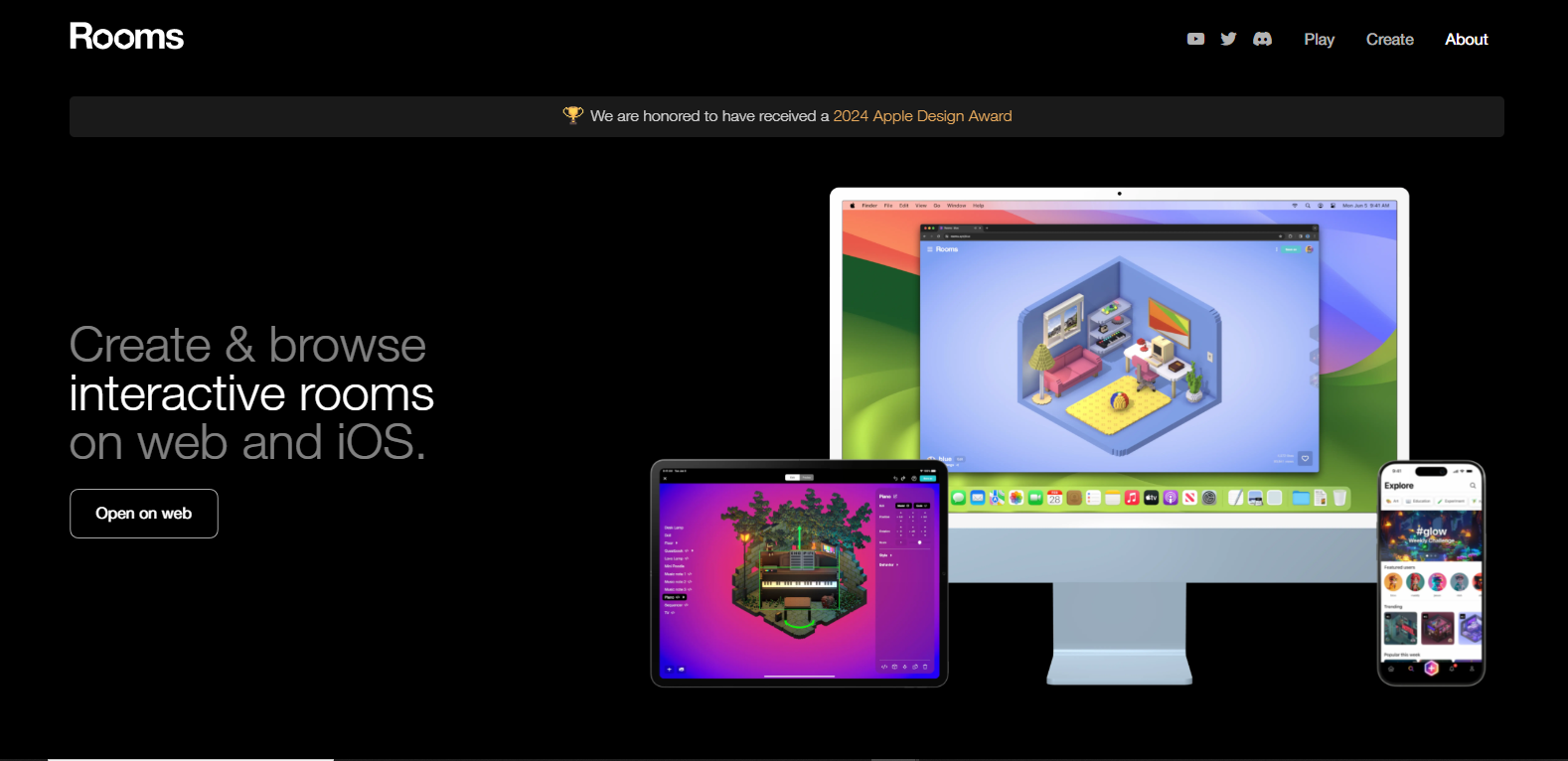
Roomspng

Features

About the Tool

Rooms is a versatile project management and collaboration tool designed to streamline workflows and enhance team productivity. It enables teams to create, organize, and manage their tasks and projects in a centralized platform, making it an excellent choice for businesses of all sizes. With a focus on user-friendliness and powerful functionalities, Rooms helps teams stay on top of their projects, ensuring clarity and efficiency in every aspect of collaboration.

Key Features

  • Intuitive Task Management

    Easily create tasks, assign team members, set deadlines, and track progress in a user-friendly interface that minimizes the learning curve and boosts productivity.

  • Customizable Workspaces

    Design workspaces that fit your team’s workflow. Customize views, labels, and priorities to better align with your project needs and team dynamics.

  • Real-Time Collaboration

    Ensure seamless team communication with real-time collaboration features. Utilize chat, comments, and file sharing to keep everyone on the same page and foster a collaborative environment.

  • Comprehensive Reporting Tools

    Access detailed reports and analytics to track project performance. Measure key metrics and gain insights to guide decision-making and improve project outcomes.

  • Cross-Platform Accessibility

    Access Rooms from any device with its responsive design. Whether on desktop or mobile, stay connected and productive no matter where you are.

  • Integration with Popular Tools

    Integrate seamlessly with popular tools like Slack, Google Drive, and Trello to enhance efficiency and expand capabilities without switching platforms.

Use Cases

Rooms is ideal for project managers, team leaders, and departments in various industries such as technology, marketing, and event planning. It is particularly useful for remote teams seeking efficient project management and smooth communication channels to stay coordinated despite geographical barriers.

Pricing

Explore our flexible pricing plans tailored to fit different team sizes and project requirements. View pricing.

Tool Analysis

Pros

  • User-friendly interface that shortens the onboarding period for new users.
  • Highly customizable workspaces that adapt to various project requirements.
  • Seamless integration with widely-used tools, enhancing overall productivity.

Cons

  • Advanced features might require additional training for optimal use.
  • Limited offline capabilities could hamper productivity in areas with poor internet connectivity.

FAQs

  • What is the maximum number of users supported by Rooms?

    Rooms supports teams of all sizes, from small groups to large enterprises. There is no hard limit on the number of users.

  • Can Rooms be integrated with other task management tools?

    Yes, Rooms integrates with several task management tools and other popular applications to streamline your workflow.

  • Does Rooms offer customer support?

    Yes, Rooms offers 24/7 customer support to assist with any queries or technical issues that may arise.

  • Is there a mobile version of Rooms available?

    Yes, Rooms is accessible on both iOS and Android devices, ensuring you stay connected and productive on the go.

  • Are there any discounts available for non-profit organizations?

    Rooms offers special pricing for non-profit organizations to support their operational needs. Contact our sales team for more information.

There are no reviews yet.

Leave a Review

Your email address will not be published. Required fields are marked *

Related listing