
Scenepng

Features

About the Tool

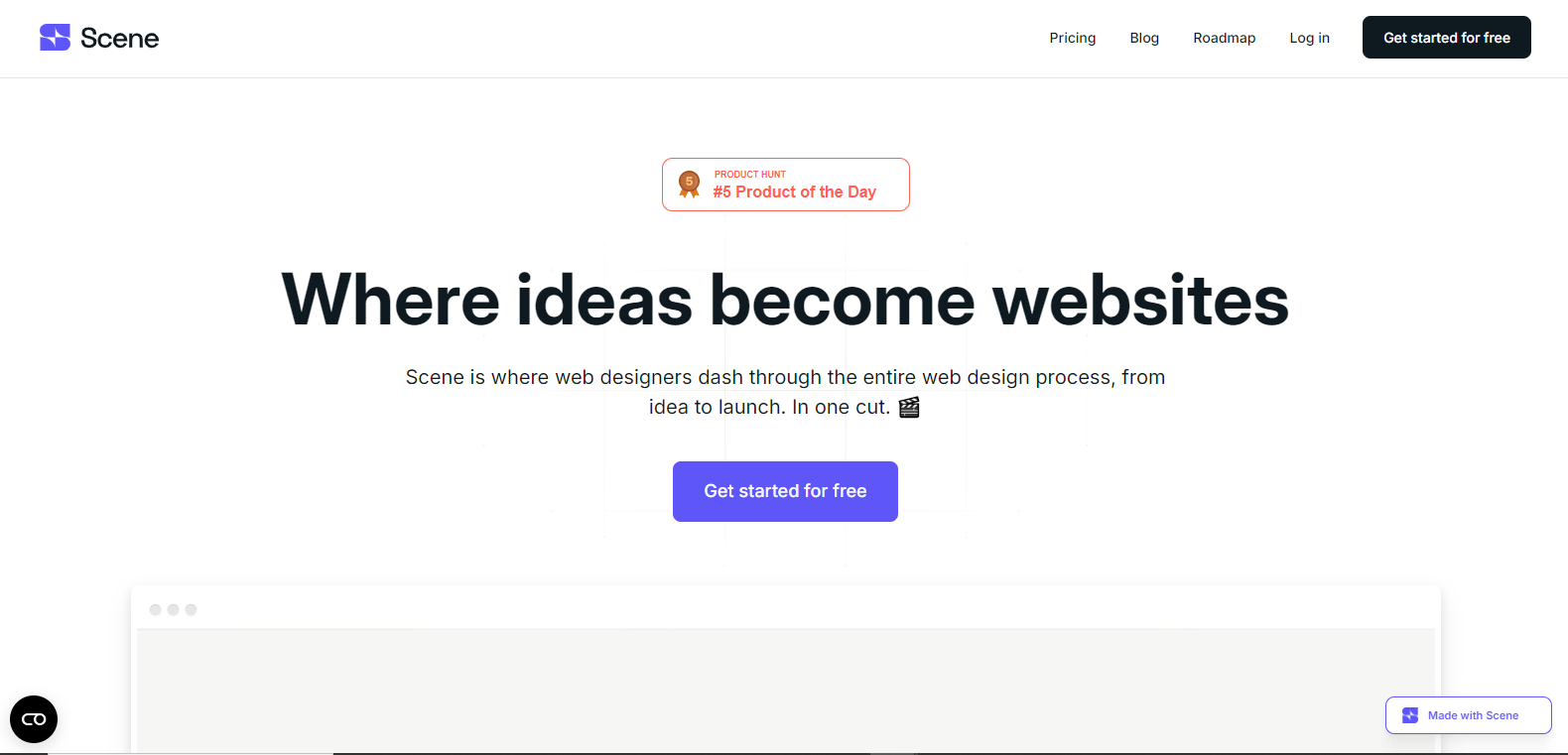
Scene is a versatile visualization software designed to transform complex data into stunning, interactive visual content. Perfect for professionals across various industries, Scene helps users create compelling narratives using powerful visualization tools, streamlined workflows, and collaborative features.

Key Features

  • Interactive Visualization

    Scene offers a wide range of interactive visualization options that allow users to engage with data dynamically, making it easier to uncover trends and insights.

  • Data Integration

    Seamlessly integrate data from multiple sources, ensuring that your visualizations are always up-to-date and reflective of the latest information available.

  • Collaborative Workspaces

    Facilitate teamwork by sharing projects and insights with colleagues in real-time, allowing for faster decision-making and more cohesive project outcomes.

  • Customizable Templates

    Access a library of customizable templates to get started quickly, ensuring your visual content is both professional and tailored to your specific needs.

  • Advanced Analytical Tools

    Utilize advanced analytical tools that provide in-depth insights, helping users identify patterns and anomalies in their data with precision.

  • Secure Data Management

    Maintain high security standards with robust data protection features, ensuring that sensitive information is kept safe and secure.

Use Cases

Scene is ideal for data analysts, marketing teams, and business strategists looking to leverage data visualization for better insights and decision-making. Additionally, it serves industries such as finance, healthcare, and education, where interactive data representation is crucial for success.

Pricing

To explore the various pricing tiers and plans available, View pricing.

Tool Analysis

Pros

  • Intuitive interface that enhances user experience.
  • Comprehensive selection of visualization tools.
  • Effective data integration capabilities.
  • Strong focus on collaboration and teamwork.
  • Secure management of sensitive data.

Cons

  • Steep learning curve for complex features.
  • Limited offline functionality.
  • May require additional training for non-tech-savvy users.

FAQs

  • What types of data sources can be integrated with Scene?

    Scene supports a wide range of data sources, including spreadsheets, databases, cloud services, and APIs, ensuring broad compatibility across platforms.

  • Is Scene suitable for small businesses?

    Yes, Scene caters to both small businesses and large enterprises, offering scalable solutions tailored to the size and needs of your organization.

  • Does Scene offer customer support?

    Scene provides comprehensive customer support, including online resources, tutorials, and direct support channels to assist users.

  • Can I customize visualization templates in Scene?

    Absolutely! Scene allows users to customize templates to match their specific requirements, ensuring visualizations align with brand guidelines and audience expectations.

  • Are there any training resources available for beginners?

    Yes, Scene offers an extensive library of tutorials and guides specifically designed to help new users become proficient with the platform quickly.

There are no reviews yet.

Leave a Review

Your email address will not be published. Required fields are marked *

Related listing