
Open Interpreter
- Pricing : GitHub

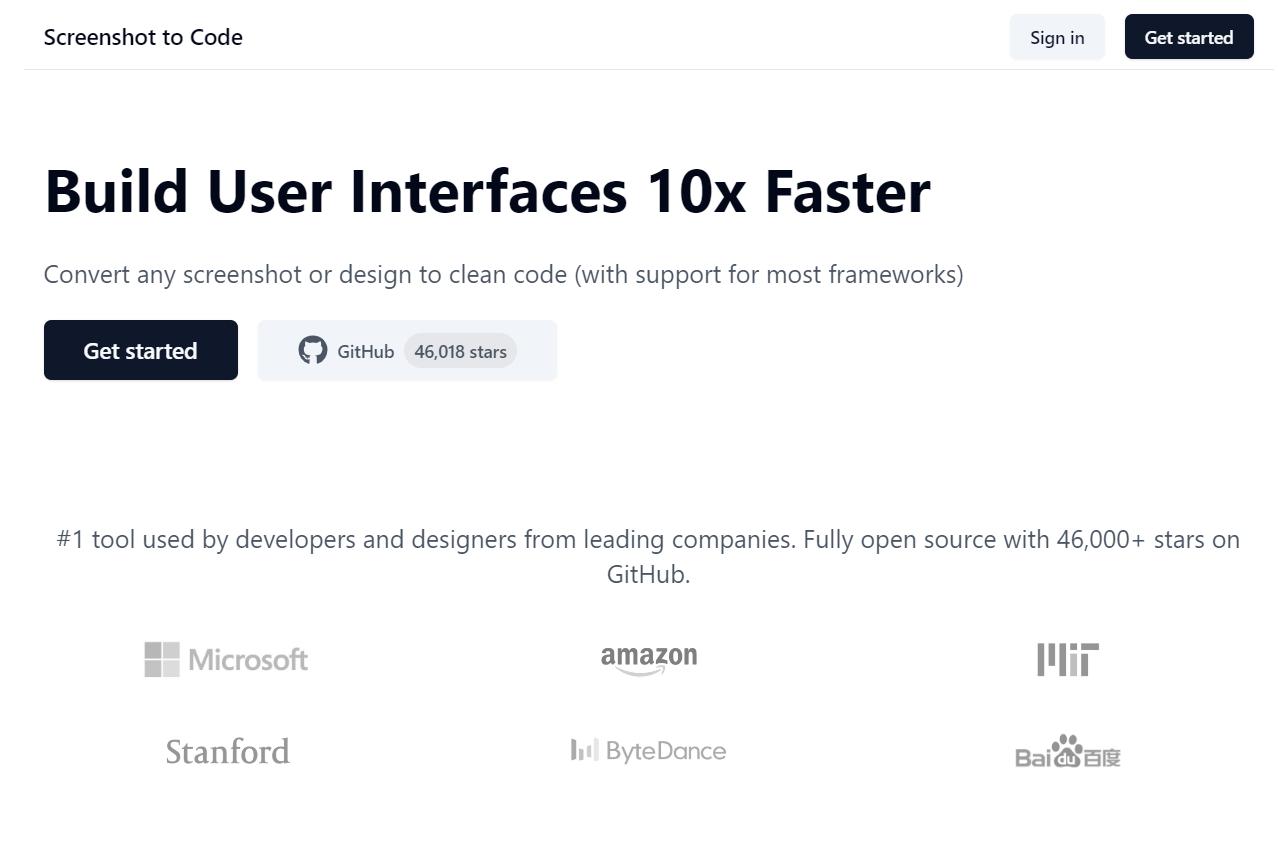
Screenshot To Code is an innovative tool designed to rapidly convert visual designs into functional HTML/CSS code. Aimed at streamlining the front-end development process, this tool empowers developers and designers to turn their creative concepts into reality with minimal hassle and maximum efficiency.
Leverage advanced artificial intelligence algorithms to accurately interpret and convert screenshots into robust web code. The tool’s AI is continually learning, making it more accurate with every use.
The tool automatically generates code that is responsive, ensuring designs look great on all devices. Modify breakpoints and grid layouts easily for a custom fit.
Screenshot To Code optimizes the output code for performance, ensuring quick load times without compromising on design fidelity. Cleaner code means better maintenance and scalability.
Fine-tune the generated code by customizing CSS variables, class names, and more directly within the tool. This feature allows for seamless integration with existing codebases.
Integrate effortlessly with popular tools like Figma, Sketch, and Photoshop. Simply import designs and let the tool handle the conversion to code.
Simplify collaboration and feedback integration with seamless version control system support. Track changes and maintain code history with ease.
The tool supports multiple languages and frameworks, providing flexibility to export code in the format you need, including HTML/CSS, React, Angular, or Vue.js.
Screenshot To Code is ideal for web developers looking to expedite the development process, designers seeking to see their work come to life on the web, and project managers who want to reduce turnaround times and improve workflow efficiency. Industries that benefit include web development agencies, tech startups, and digital design firms.
Explore various pricing plans to suit individual professionals or entire teams. View pricing.
You can upload screenshots in common formats including PNG, JPEG, and GIF.
Yes, Screenshot To Code supports exporting code in multiple frameworks including React, Angular, and Vue.js.
Yes, a free trial is available for new users to explore the tool’s features before committing to a subscription.
The AI improves accuracy by learning from previous conversions and user feedback, making the design-to-code process more effective over time.
Screenshot To Code is designed for users of all technical levels, though some understanding of HTML/CSS can be beneficial for customizing code output.
There are no reviews yet.