
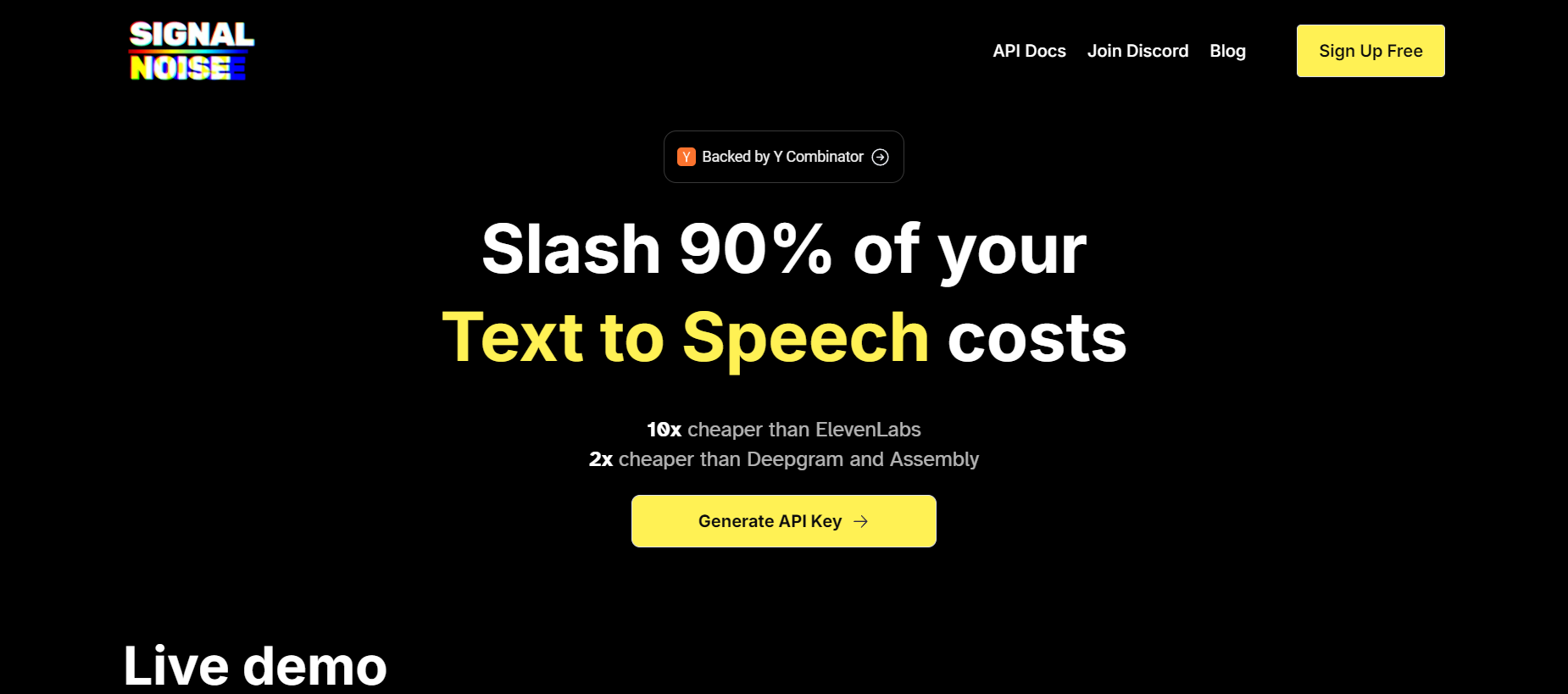
Snr-audiopng

Snr audio

Features

About the Tool

Snr Audio is a versatile audio editing software designed specifically for both amateur enthusiasts and seasoned professionals. It offers a comprehensive suite of features that enable users to edit, mix, and enhance audio tracks with precision and ease. The tool is favored for its user-friendly interface and powerful capabilities, making it a valuable asset for industries ranging from music production to podcasting.

Key Features

  • Advanced Noise Reduction

    With Snr Audio’s state-of-the-art noise reduction technology, users can effortlessly eliminate background noise and enhance the clarity of their recordings, ensuring a professional sound quality.

  • Multi-Track Editing

    Snr Audio allows users to layer multiple audio tracks and manage them simultaneously, making it ideal for creating complex soundscapes and seamless audio compositions.

  • Real-Time Effects

    The tool offers a wide range of real-time effects, including reverb, delay, and equalization, enabling users to experiment and hear changes instantaneously while editing their tracks.

  • Intuitive Interface

    The intuitive, drag-and-drop interface is designed for ease of use, allowing users of all levels to navigate and utilize the software efficiently without a steep learning curve.

  • File Export Options

    Snr Audio supports various file formats and provides multiple export options, facilitating easy sharing and collaboration across different platforms and devices.

  • Collaboration Tools

    Integrated collaboration features enable multiple users to work on a project simultaneously, enhancing productivity and streamlining the creative process.

Use Cases

Snr Audio is widely used across various industries and by different professional roles, including:

  • Music producers creating and editing musical compositions.
  • Podcast creators enhancing audio quality and mixing episodes.
  • Sound designers developing audio for film, television, or games.
  • Content creators producing high-quality video soundtracks.
  • Educators producing clear and engaging educational audio materials.

Pricing

Snr Audio offers flexible pricing plans to suit different needs and budgets. For detailed information, please visit the View pricing page.

Tool Analysis

Pros

  • User-friendly interface suitable for all experience levels.
  • Comprehensive editing tools with real-time effects.
  • Excellent noise reduction capabilities.
  • Supports multiple file formats for diverse export options.

Cons

  • Initial setup may require significant system resources.
  • Advanced features might involve a learning curve for new users.

FAQs

  • What system requirements are needed for Snr Audio?

    Snr Audio requires a minimum of 4GB RAM and 500MB of free disk space. It supports both Windows and macOS platforms.

  • Can I use Snr Audio for live performances?

    Yes, Snr Audio is equipped with real-time effects that can be utilized during live performances to enhance audio output quality.

  • Does Snr Audio offer a free trial?

    Snr Audio offers a 14-day free trial for users to explore its features and functionalities before committing to a subscription plan.

  • Are there tutorials available for learning Snr Audio?

    Yes, Snr Audio provides a comprehensive set of tutorials and online resources to help users maximize their use of the tool.

  • Is customer support available for Snr Audio users?

    24/7 customer support is available via live chat and email to assist users with any questions or issues they may encounter.

There are no reviews yet.

Leave a Review

Your email address will not be published. Required fields are marked *

Related listing