
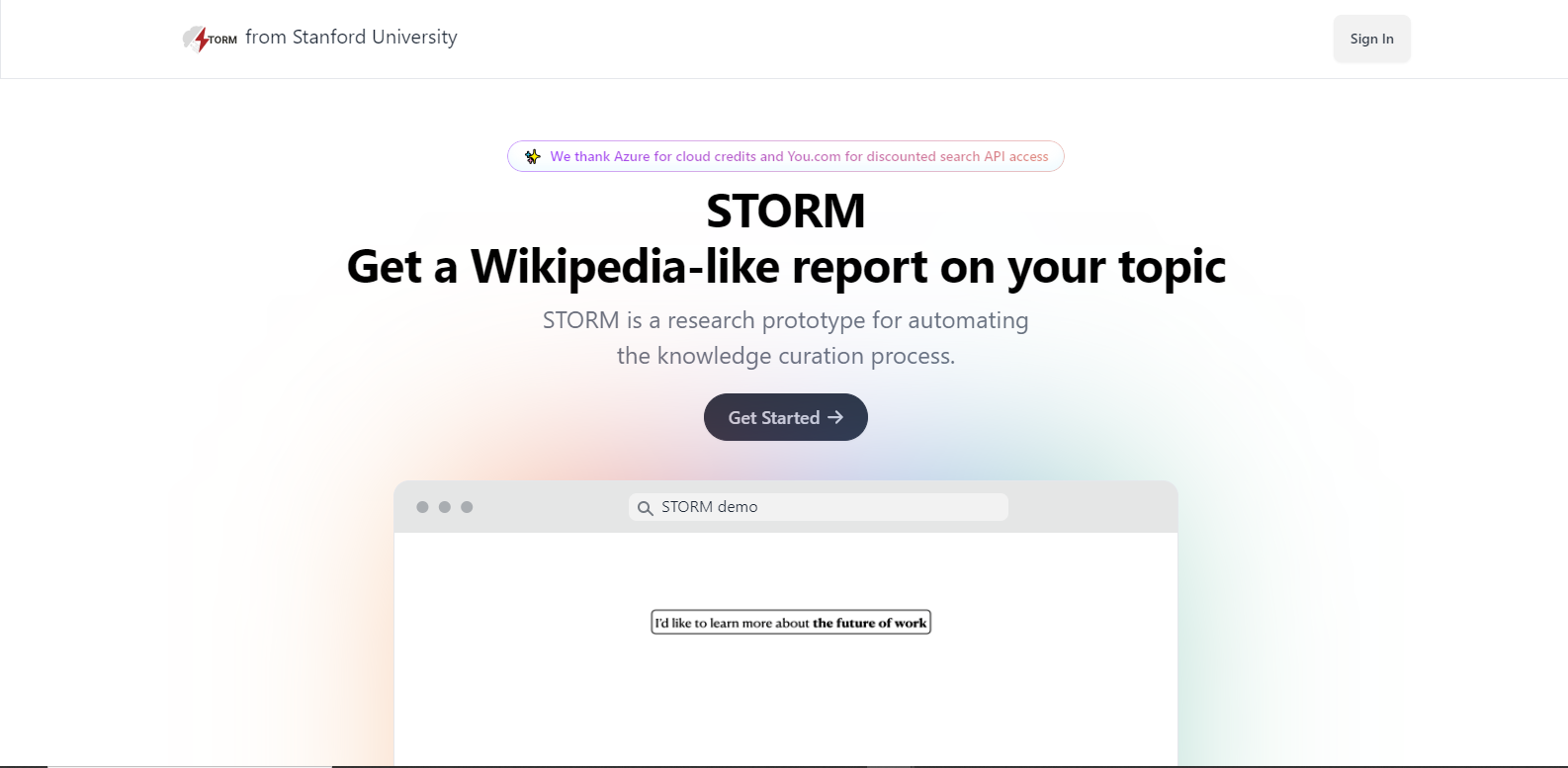
STORMpng

Features

About the Tool

STORM is a cutting-edge project management and collaboration tool designed to streamline team workflows and enhance productivity. By integrating advanced planning, tracking, and communication features, STORM aims to be the central hub for teams looking to optimize their operations across various projects and tasks.

Key Features

  • Advanced Task Management

    STORM allows users to create, assign, and prioritize tasks efficiently. With intuitive drag-and-drop functionalities, teams can visualize project statuses, set deadlines, and adjust task priorities swiftly to meet project goals.

  • Real-Time Collaboration

    Enhance team collaboration with real-time document editing and instant messaging features. This ensures that all team members are always aligned and project details are transparent and easily accessible.

  • Comprehensive Reporting Tools

    The tool offers customizable reporting features that provide insights into project progress, resource allocation, and team performance. Users can generate automated reports to help visualize key metrics and drive data-informed decisions.

  • Seamless Integration

    STORM is designed to integrate effortlessly with popular third-party applications such as Slack, Google Drive, and Jira, ensuring a seamless workflow and reducing the need for excessive switching between tools.

  • Robust Security Measures

    Data protection is prioritized with STORM’s industry-standard encryption and role-based access controls, ensuring that sensitive project information remains secure and only accessible to authorized personnel.

  • Customizable Workspaces

    Tailor your project management experience with STORM’s customizable dashboards and workspace settings, allowing teams to configure their spaces according to specific needs and preferences.

Use Cases

STORM is ideal for a variety of industries and roles, including:

  • Software Development Teams
  • Marketing Agencies
  • Product Management
  • Remote Workforces
  • Construction and Engineering Firms

Pricing

STORM offers flexible pricing plans to suit different business needs. For detailed information on our pricing structure, please View pricing.

Tool Analysis

Pros

  • User-friendly interface
  • Strong integration capabilities
  • Comprehensive reporting features
  • Real-time collaboration tools
  • High data security standards

Cons

  • Steeper learning curve for some advanced features
  • May require periodic updates for optimal performance

FAQs

  • How secure is STORM?

    STORM employs cutting-edge security measures, including encryption and role-based access controls, to ensure your data is protected.

  • Can STORM integrate with my current tools?

    Yes, STORM offers integrations with a multitude of third-party tools including Slack, Google Drive, and Jira.

  • Is there a mobile application available?

    Yes, STORM offers a mobile application for both iOS and Android devices, ensuring you can manage projects on-the-go.

  • What type of support does STORM offer?

    STORM provides 24/7 customer support through various channels including email, live chat, and an extensive knowledge base.

  • Can I customize the STORM interface?

    Absolutely, STORM allows users to customize their dashboards and workspaces to align with individual or team preferences.

There are no reviews yet.

Leave a Review

Your email address will not be published. Required fields are marked *

Related listing