
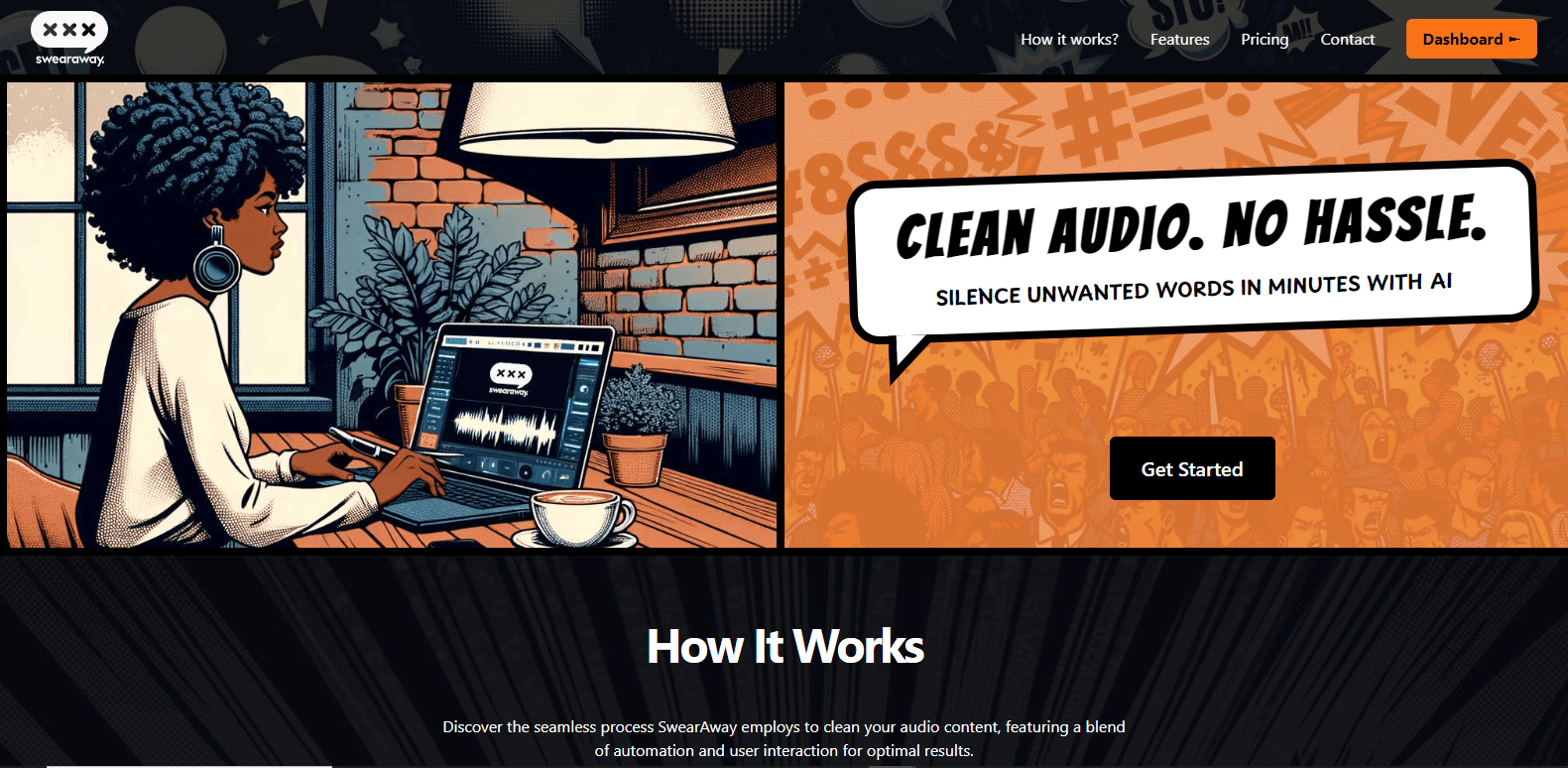
SwearAwaypng

SwearAway

Features

About the Tool

SwearAway is an innovative software solution designed to help individuals and businesses eliminate profanity from their communications. Whether it’s in emails, chat messages, or social media posts, SwearAway employs advanced algorithms to detect and replace offensive language, promoting a more professional and inclusive environment. This tool is perfect for teams aiming to maintain a respectful tone in all interactions.

Key Features

  • AI-Powered Language Detection

    SwearAway utilizes cutting-edge AI technology to accurately identify a wide range of profane words and phrases, ensuring nothing slips through the cracks. The tool’s learning algorithm is constantly updated, refining its capabilities to adapt to evolving slang and expressions.

  • Customizable Filter Settings

    Users can tailor the profanity filter settings to their specific needs, allowing for customizable keywords or phrases that may be important to their organization. This flexibility ensures that SwearAway aligns with the unique culture of each business.

  • Real-Time Content Review

    Get instant feedback on your communications with SwearAway’s real-time content review feature. Any detected profanity is flagged immediately, enabling users to make necessary edits before sending messages.

  • Integrated Reporting Tools

    Track usage and filter effectiveness with integrated reporting tools. SwearAway provides insights into the frequency of profanity detection and user engagement, helping organizations assess their communication strategy.

  • Multi-Platform Support

    SwearAway operates seamlessly across various platforms, including email, messaging apps, and social media, ensuring consistency in language standards across all communication channels.

  • User-Friendly Interface

    Designed with simplicity in mind, SwearAway boasts an intuitive interface that makes it easy for users of all technical levels to navigate and utilize its features effectively.

Use Cases

SwearAway is ideal for a variety of roles and industries, including:

  • Corporate teams maintaining professionalism in communications
  • Educational institutions promoting respectful interactions among students
  • Customer service departments ensuring a positive customer experience
  • Marketing teams managing brand reputation and voice
  • Gaming communities fostering a friendly environment

Pricing

For detailed pricing information, please visit our View pricing page.

Tool Analysis

Pros

  • User-friendly and easy to implement.
  • Customizable settings cater to diverse organizational needs.
  • Real-time feedback enhances communication effectiveness.
  • Robust reporting tools offer valuable insights.

Cons

  • Initial setup may require adjustment to filter settings for optimal performance.
  • Some users may find the AI detection too aggressive.

FAQs

  • Can I customize the list of banned words?

    Yes, SwearAway allows users to add specific words or phrases to the filter to suit their organizational culture.

  • Does SwearAway integrate with popular messaging platforms?

    Absolutely! SwearAway is designed to work with various messaging and email platforms for seamless integration.

  • Is there a trial version available?

    Yes, SwearAway offers a trial version for users to explore the features before committing.

  • How often are the profanity filters updated?

    The profanity filters are updated regularly to include new slang and language trends, responding to user feedback.

  • Can you use SwearAway across multiple devices?

    Yes, SwearAway is accessible across various devices, ensuring consistent coverage wherever you communicate.

There are no reviews yet.

Leave a Review

Your email address will not be published. Required fields are marked *

Related listing