
Thumbmachine

Thumbmachinepng

Thumbmachine

Features

About the Tool

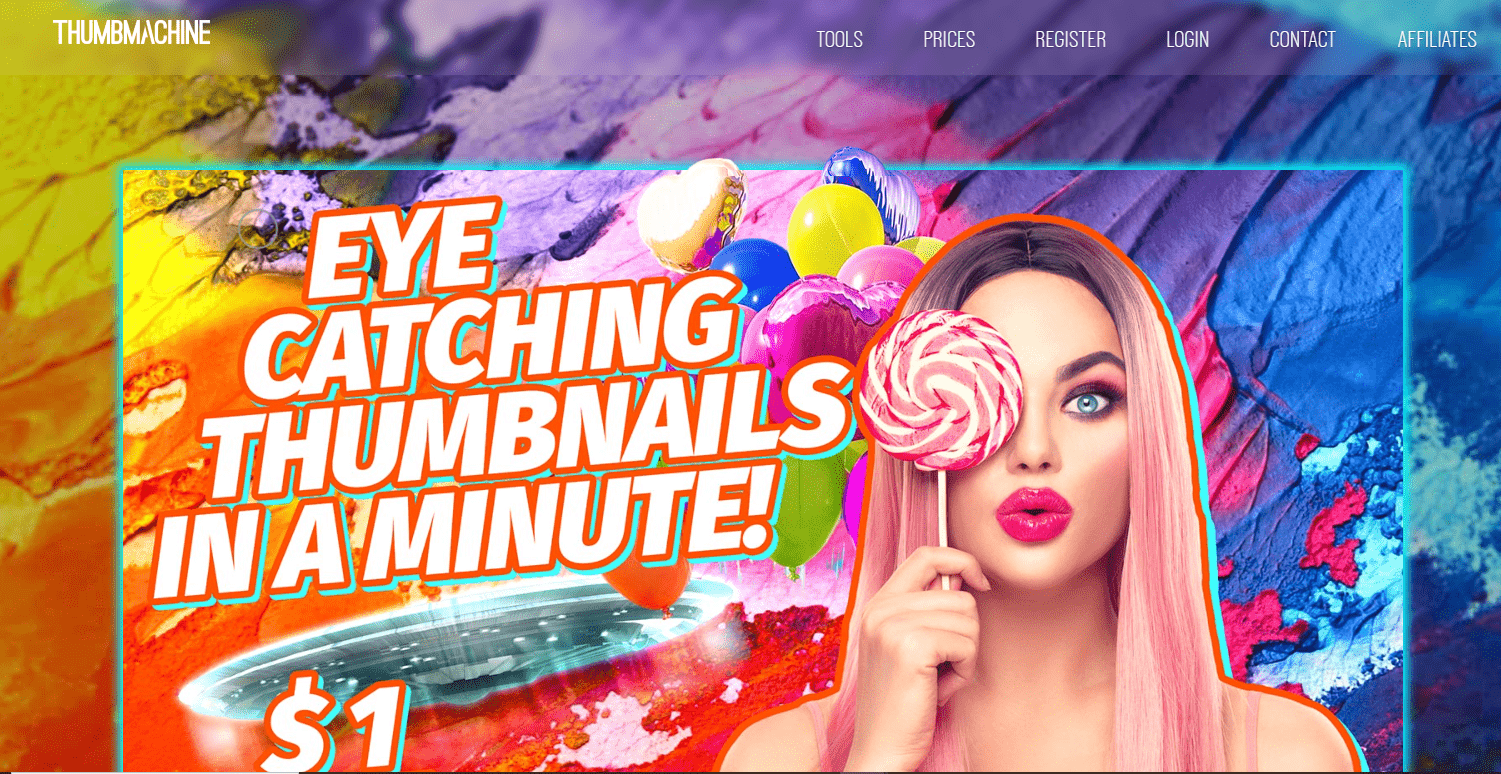
Thumbmachine is an innovative digital tool designed to streamline the creation of eye-catching video thumbnails. With a focus on simplicity and effectiveness, Thumbmachine empowers content creators to easily generate professional-grade thumbnails that enhance video appeal and engage audiences.

Key Features

  • Customizable Templates

    Choose from a variety of professionally designed templates that cater to different themes and styles. Easily modify these templates to suit your brand identity with customizable text and images.

  • AI-Powered Suggestions

    Leverage artificial intelligence to receive smart suggestions for colors, fonts, and layout designs based on trending aesthetics and industry best practices.

  • High-Resolution Outputs

    Ensure your thumbnails look crisp and professional across all devices with high-resolution outputs that maintain quality with every download.

  • Drag-and-Drop Interface

    Experience a user-friendly, drag-and-drop interface that allows you to design thumbnails with ease, reducing the time spent on intricate design tasks.

  • Real-time Collaboration

    Work collaboratively with team members in real-time, sharing ideas and editing projects without the need for back-and-forth emails.

  • Stock Image Integration

    Access a vast library of stock images and icons to enhance your design creativity without needing third-party subscriptions.

Use Cases

Thumbmachine is ideal for YouTube creators, marketing professionals, educators, and social media managers looking to increase video engagement through compelling visuals. It serves industries such as digital marketing, online education, entertainment, and e-commerce.

Pricing

Explore the flexible pricing options that Thumbmachine offers to suit different user needs and budgets. View pricing.

Tool Analysis

Pros

  • Intuitive interface suitable for users of all skill levels.
  • Wide range of templates and custom options.
  • Seamless integration with social media platforms.

Cons

  • Limited to thumbnail design functionalities.
  • May require a strong internet connection for optimal performance.
  • Additional features might come at a premium cost.

FAQs

  • How do I get started with Thumbmachine?

    Sign up for an account on the Thumbmachine website and choose a subscription plan that meets your needs. Once registered, you can start creating thumbnails right away.

  • Can I use my own images in thumbnails?

    Yes, Thumbmachine allows you to upload and incorporate your personal images into templates for a customized look.

  • Is there a trial version available?

    Thumbmachine offers a free trial with limited access, allowing you to test its core features before committing to a subscription.

  • Are there any video tutorials available for Thumbmachine?

    Yes, Thumbmachine provides a collection of video tutorials and guides on their website to help you navigate the platform easily.

  • What kind of support does Thumbmachine offer?

    Thumbmachine offers email support and a comprehensive help center to assist with any technical or usage questions you might have.

There are no reviews yet.

Leave a Review

Your email address will not be published. Required fields are marked *

Related listing