
WebWavepng

WebWave

Features

About the Tool

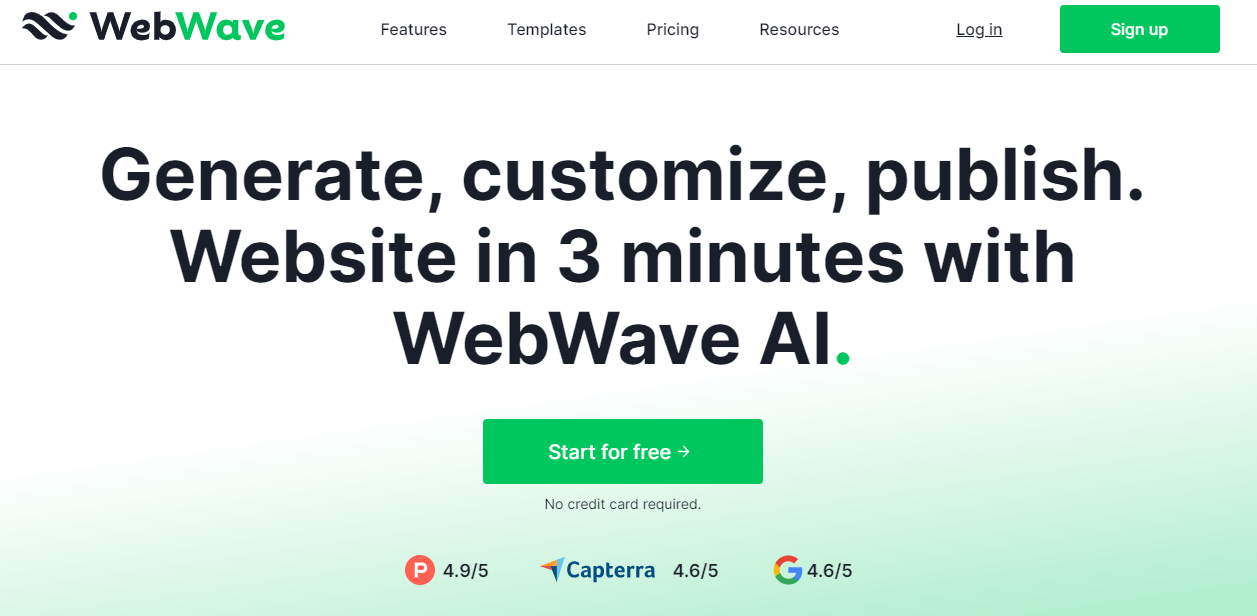
WebWave is a feature-rich website builder designed specifically for individual creators, agencies, and small to medium-sized businesses. This user-friendly platform offers a seamless website creation experience, eliminating the need for coding knowledge while ensuring complete creative freedom. With WebWave, users can design visually stunning and highly functional websites that are fully responsive and optimized for all devices.

Key Features

  • Drag-and-Drop Interface

    WebWave offers an intuitive drag-and-drop interface, allowing users to easily arrange elements, such as images, texts, and widgets, on their web pages. This feature empowers users to craft unique layouts without any coding skills.

  • Responsive Design Tools

    All websites built on WebWave are automatically optimized for mobile and desktop platforms. The responsive design tools ensure that your website looks stunning on any device, enhancing user experience across various screen sizes.

  • Customizable Templates

    Choose from a wide array of professionally designed templates that can be fully customized to match your brand identity. Whether you’re starting from scratch or need inspiration, these templates serve as a versatile foundation for your website.

  • SEO Management

    Boost your website’s visibility with WebWave’s built-in SEO management tools. Configure meta tags, alt texts, and URL structures easily to ensure your content ranks higher on search engine results pages.

  • E-commerce Capabilities

    Transform your website into a fully functioning online store with WebWave’s e-commerce features. Manage product listings, accept payments, and track orders seamlessly with integrated payment gateways and inventory management tools.

  • Collaborative Editing

    WebWave supports collaborative project work, allowing multiple users to edit and manage a site concurrently. This feature is perfect for teams who need to coordinate efforts and maintain a consistent vision across their web projects.

Use Cases

WebWave is ideal for a variety of users, including:

  • Freelance Designers: Create custom websites for clients without worrying about backend complexities.
  • Small Business Owners: Quickly launch an online presence with minimal investment and effort.
  • Marketing Agencies: Deliver tailored website solutions rapidly to enhance client campaigns.
  • Educators: Build interactive and engaging educational websites effortlessly.

Pricing

WebWave offers flexible pricing plans to match the needs of different users and businesses. To explore the available options and find the best plan for your needs, View pricing.

Tool Analysis

Pros

  • Intuitive and simple user interface that is friendly to beginners.
  • Comprehensive set of design tools offering total creative control.
  • Excellent customer support and community resources.
  • Flexible pricing plans catering to various business needs.

Cons

  • Might require time to fully understand all advanced features.
  • Limited third-party integrations compared to some competitors.
  • Occasional updates may result in temporary interface changes.

FAQs

  • What platforms does WebWave support?

    WebWave allows you to create websites that are fully responsive and optimized for both desktop and mobile browsers.

  • Can I use a custom domain with WebWave?

    Yes, WebWave allows you to connect and manage custom domains. This ensures your website maintains a professional appearance and reinforces your brand identity.

  • Is WebWave suitable for e-commerce websites?

    Absolutely. WebWave provides robust e-commerce capabilities, including product management and multiple payment integration options, making it ideal for online stores.

  • Does WebWave offer customer support?

    Yes, WebWave provides comprehensive customer support, including live chat, detailed documentation, and a robust user community for troubleshooting and guidance.

  • How often are new features added to WebWave?

    WebWave regularly updates to include new features and enhancements, ensuring users have access to the latest tools for website design and management.

There are no reviews yet.

Leave a Review

Your email address will not be published. Required fields are marked *

Related listing