
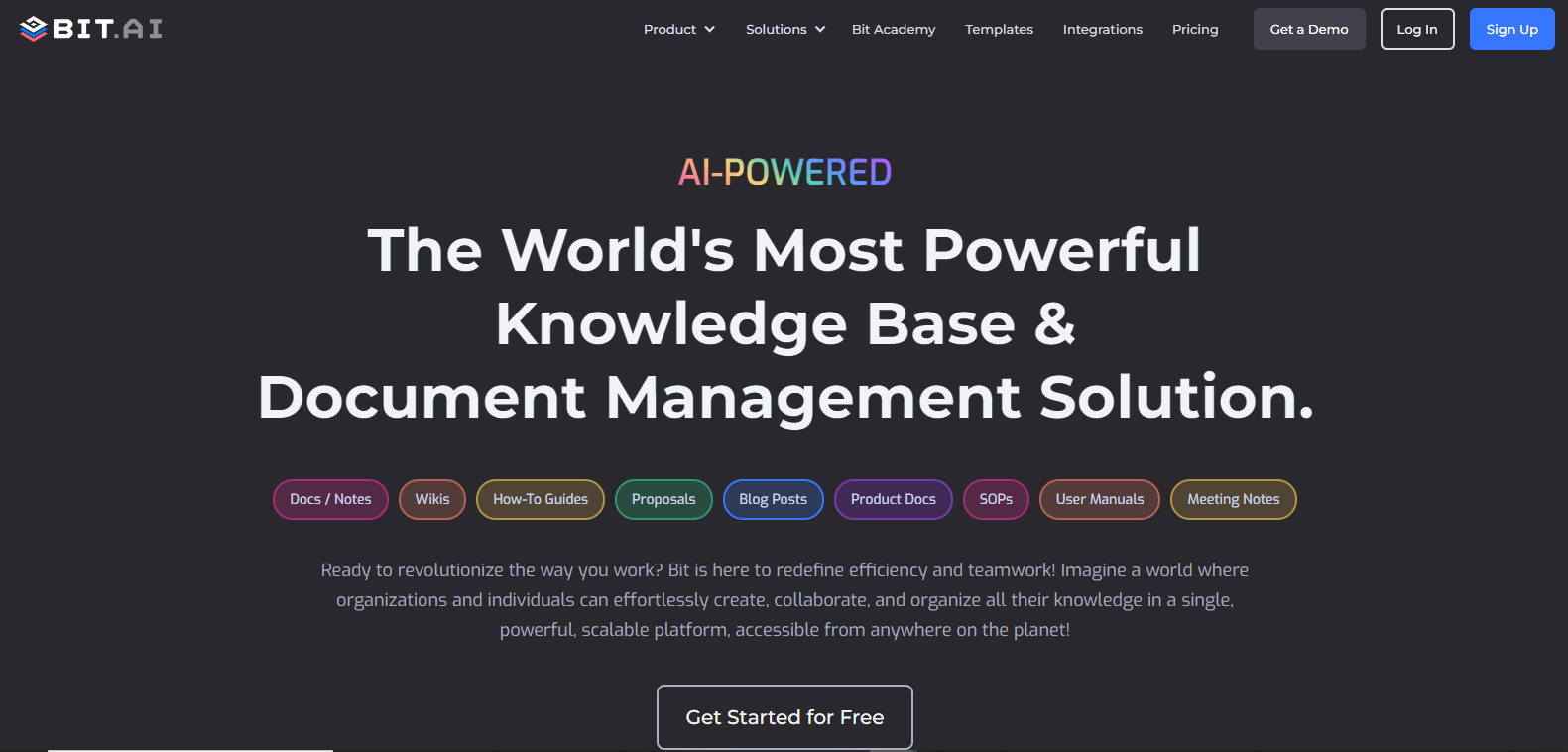
Bit-AIpng

Features

About the Tool

Bit AI is a dynamic document collaboration platform designed for teams to create, share, and collaborate on documents in real time. With its user-friendly interface and robust features, Bit AI empowers teams to streamline their workflows, enhance productivity, and ensure seamless collaboration across projects and departments.

Key Features

  • Real-Time Collaboration

    Bit AI allows multiple users to collaborate on documents simultaneously, offering real-time updates and edits. This feature minimizes lag and ensures all team members are on the same page, literally.

  • Rich Media Embedding

    Enhance your documents by embedding a variety of rich media such as images, videos, PDFs, and more. This capability enables more engaging and informative documents, offering readers a comprehensive view of the subject matter.

  • Smart Workspaces

    Organize your team’s work with smart workspaces that categorize documents based on teams, projects, or departments. These workspaces ensure that everyone knows where to find and store documents relevant to their tasks.

  • Interactive Document Sharing

    Share your documents with stakeholders both within and outside your organization easily. Bit AI offers sophisticated sharing options, including adjustable permissions to control who can view, comment, or edit the documents.

  • Document Templates

    Accelerate your document creation process with a library of customizable templates suitable for various disciplines, such as marketing reports, project proposals, and more. This feature saves time and ensures consistency in document formats.

  • Version History

    Track changes efficiently with Bit AI’s version history feature. It allows users to view previous document versions, compare differences, and revert changes if necessary, providing peace of mind and control over document evolution.

  • Integrations

    Bit AI integrates seamlessly with tools your team already uses, such as Slack, Google Drive, and Trello. These integrations consolidate workflows, enhancing team efficiency by reducing time spent switching between different applications.

Use Cases

Bit AI is ideal for diverse roles and industries, including marketing teams creating campaign documents, project managers coordinating teams, educational institutions developing course materials, and small businesses aiming to improve internal communication.

Pricing

To explore detailed pricing options tailored to your organization’s needs, please View pricing.

Tool Analysis

Pros

  • User-friendly interface with intuitive navigation.
  • Flexible document sharing and collaboration options.
  • Wide range of integrations with popular tools.
  • Efficient organizational features through smart workspaces.

Cons

  • Customization options for templates might feel limited for some users.
  • Initial setup can be overwhelming for inexperienced teams.
  • Advanced features require time to master fully.

FAQs

  • Is Bit AI suitable for small teams?

    Yes, Bit AI is designed to accommodate both small and large teams, offering scalable features that cater to various team sizes.

  • Can Bit AI handle real-time collaboration effectively?

    Absolutely, Bit AI excels at real-time collaboration, allowing multiple users to work on documents simultaneously without lag.

  • Does Bit AI offer a mobile app?

    As of now, Bit AI does not offer a dedicated mobile app, but the web platform is optimized for mobile browsing, ensuring accessibility on-the-go.

  • What support options are available for Bit AI?

    Bit AI offers comprehensive support through tutorials, live chat, and an extensive help center to assist users in navigating the platform effectively.

  • How secure is data stored on Bit AI?

    Bit AI prioritizes data security with robust security protocols, including encryption and secure data storage facilities to protect user information.

There are no reviews yet.

Leave a Review

Your email address will not be published. Required fields are marked *

Related listing