
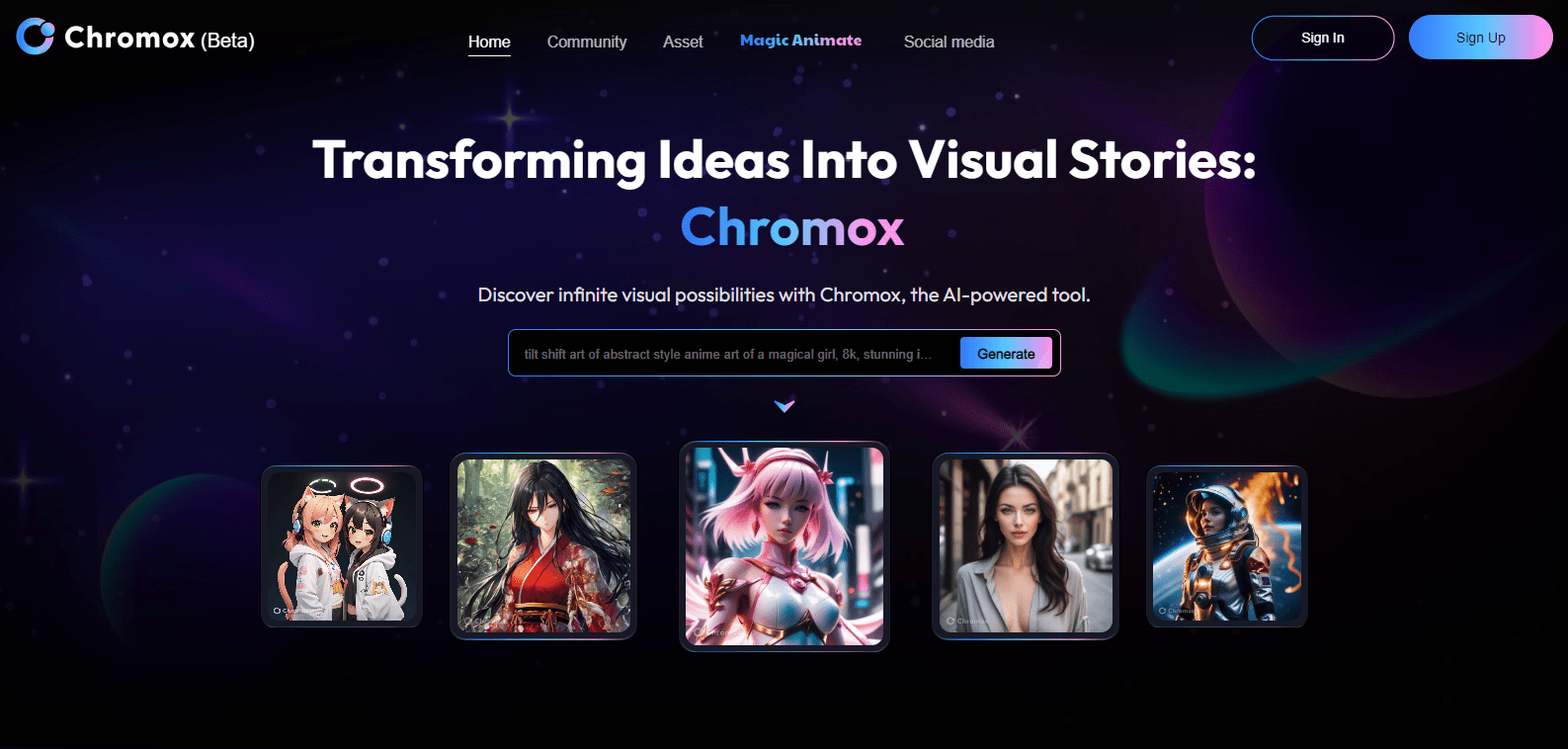
Chromox

Chromoxpng

Chromox

Features

About the Tool

Chromox is a powerful productivity tool designed to enhance team collaboration and streamline workflow processes. Engineered for a wide range of industries, Chromox offers a suite of features that optimize task management, facilitate seamless communication, and drive project success. Whether you are a small startup or a sprawling enterprise, Chromox is the flexible solution for achieving your business goals efficiently.

Key Features

  • Task Automation

    Simplify recurring tasks with Chromox’s task automation. Set triggers and conditional rules to automate mundane processes, saving valuable time and reducing human error.

  • Integrated Communication

    Enhance team communication with integrated messaging and video call features. Chromox keeps all conversations related to projects within the platform, ensuring all team members remain informed and engaged.

  • Real-Time Collaboration

    Foster collaboration with real-time document editing and sharing. Team members can simultaneously work on files, see updates immediately, and ensure everyone’s voice is heard.

  • Customizable Dashboards

    Create tailored dashboards for individual projects, allowing you to monitor progress, deadlines, and team performance at a glance. This customizable feature ensures that you have the data you need at your fingertips.

  • Resource Scheduling

    Efficiently manage resources with Chromox’s advanced scheduling capabilities. Assign tasks based on availability and skill set, ensuring projects are completed on time and within budget.

  • Advanced Analytics

    Make informed decisions with Chromox’s advanced analytics. Track key performance indicators, project timelines, and resource utilization with detailed reports that provide actionable insights.

Use Cases

Chromox is essential for project managers, team leads, and business executives who need to oversee multiple projects and teams concurrently. Industry sectors such as IT services, marketing agencies, and consultancy firms greatly benefit from the tool’s robust feature set and analytical capabilities.

Pricing

Chromox offers competitive pricing plans designed to suit various business needs. View pricing

Tool Analysis

Pros

  • User-friendly interface that shortens the onboarding process.
  • Comprehensive integration capabilities with third-party apps.
  • Robust customer support with quick response times.

Cons

  • Limited offline functionality which may affect remote users.
  • Advanced features can have a steep learning curve for new users.
  • Occasional system updates can cause temporary disruptions.

FAQs

  • Can Chromox integrate with other project management tools?

    Yes, Chromox supports integration with a variety of popular project management tools, ensuring seamless workflow across platforms.

  • Is there a mobile app available for Chromox?

    Yes, Chromox offers a mobile application for both iOS and Android devices, providing access to essential features on the go.

  • What kind of customer support does Chromox offer?

    Chromox provides 24/7 customer support through email, chat, and phone, with a dedicated team ready to assist with any inquiries or issues.

  • Is it possible to customize user permissions in Chromox?

    Absolutely, Chromox allows for detailed customization of user roles and permissions to ensure data security and appropriate access.

  • Does Chromox provide training for new users?

    Yes, Chromox offers comprehensive training sessions and resources, including webinars and tutorials, to help new users get up to speed quickly.

There are no reviews yet.

Leave a Review

Your email address will not be published. Required fields are marked *

Related listing