
Color.io

Color-iopng

Color.io

Features

About the Tool

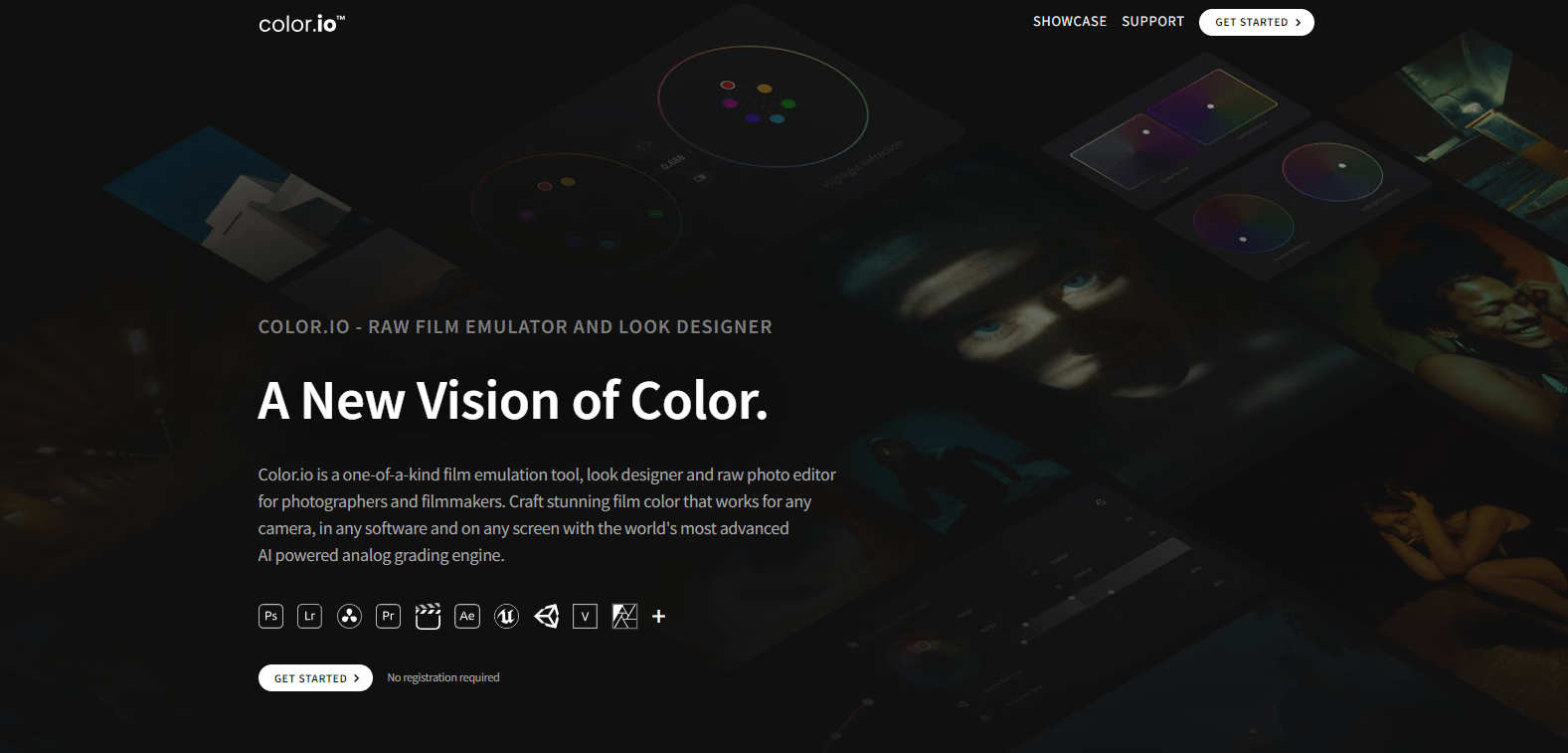
Color.io is a dynamic and user-friendly color management tool designed for designers, artists, and creative professionals. It offers an intuitive platform for generating, exploring, and managing color palettes with ease. Color.io caters to both seasoned professionals and amateurs by simplifying the process of finding the perfect color combinations for any project.

Key Features

  • Advanced Color Palette Generator

    Create diverse and unique color palettes with just a few clicks. The advanced algorithm suggests complementary, analogous, and triadic color schemes based on an initial input or color theme.

  • Real-Time Collaboration

    Work collaboratively with team members or clients in real-time. Share palettes and receive instant feedback, ensuring that every team member is on the same page when it comes to color selection.

  • Extensive Library of Color Schemes

    Access a vast library of curated color schemes, designs, and templates. This feature gives users inspiration from trending palettes and historical color data.

  • Color Blindness Simulator

    Ensure your color schemes are accessible to a wider audience. The simulator helps in adjusting design elements to be more inclusive to individuals with color vision deficiencies.

  • Export and Integration Options

    Export color palettes directly into popular design software like Adobe Photoshop, Illustrator, and Sketch. The seamless integration enhances workflow efficiency by eliminating the need for manual input.

  • Customizable User Interface

    Personalize the user interface to suit your preferences. Adjust layouts, themes, and toolbars to create a workspace that boosts productivity.

Use Cases

Color.io is ideal for graphic designers, web developers, digital marketers, branding specialists, and interior designers. Its applications span across various industries where colors play a crucial role in aesthetic appeal and user engagement.

Pricing

To explore our pricing options and find the plan that best suits your needs, please View pricing.

Tool Analysis

Pros

  • Easy-to-use and intuitive interface
  • Wide range of palette generation options
  • Real-time collaboration enhances teamwork
  • Accessible design features with color blindness simulator
  • Seamless integration with popular design software

Cons

  • Advanced features require a learning curve for beginners
  • Limited offline capabilities
  • Some customization limits on the free version

FAQs

  • How does Color.io help with color blind accessibility?

    Color.io includes a color blindness simulator that allows users to adjust their palettes to cater to various types of color vision deficiencies, ensuring greater inclusivity.

  • Can I import my own color palettes into Color.io?

    Yes, users can easily import existing color palettes into Color.io for further modification and integration with other projects.

  • Is there a mobile app available for Color.io?

    Currently, Color.io is optimized for web usage, but we are working on developing a comprehensive mobile app to extend accessibility for our users on the go.

  • Does Color.io support Pantone colors?

    Yes, Color.io includes support for Pantone colors, enabling users to match and convert colors accurately for printing and branding purposes.

  • Can I use Color.io offline?

    Some features are available offline; however, full functionality and real-time collaboration require an internet connection.

There are no reviews yet.

Leave a Review

Your email address will not be published. Required fields are marked *

Related listing