
Colormind

Colormindpng

Colormind

Features

About the Tool

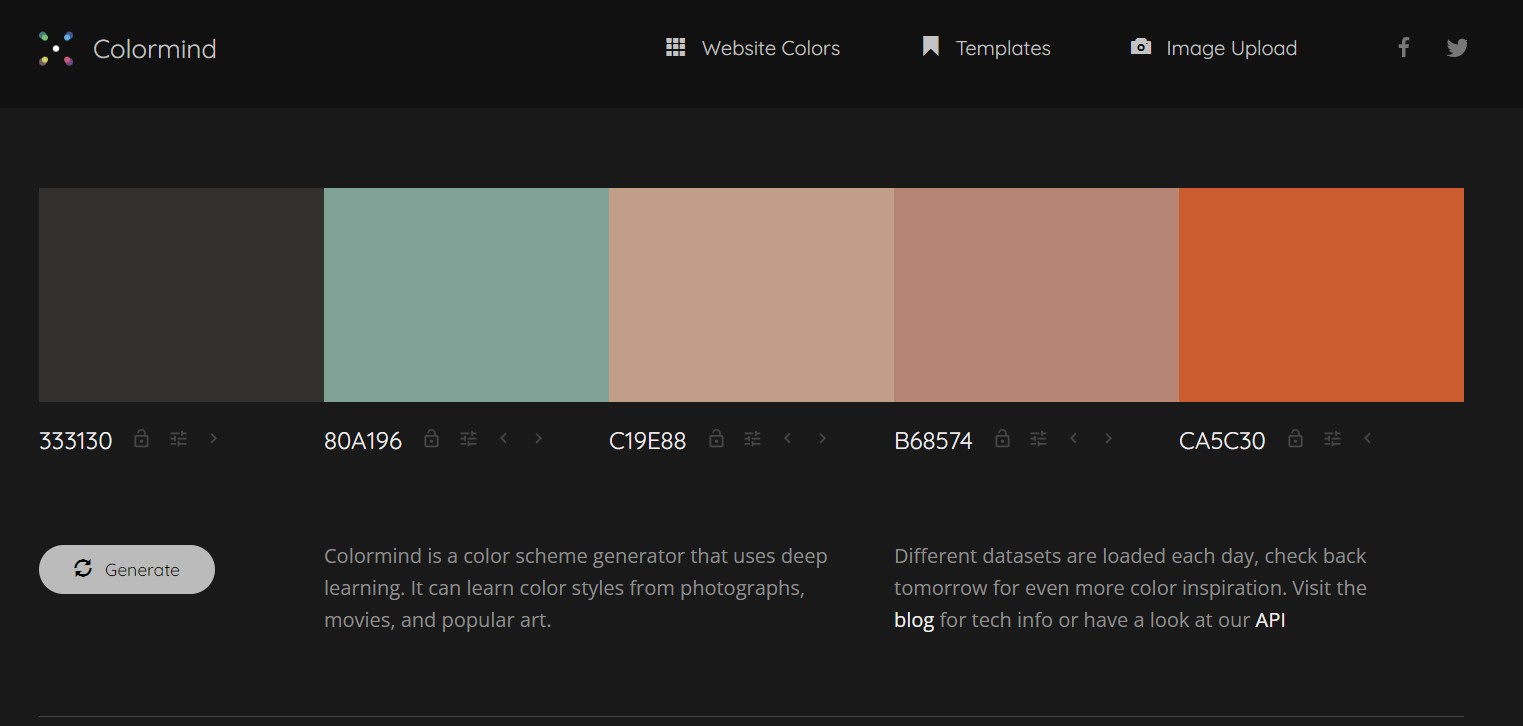
Colormind is a powerful color palette generator that utilizes deep learning to create harmonious color schemes suitable for various design projects. Whether you’re a designer seeking inspiration or a developer looking to enhance the aesthetic of your application’s user interface, Colormind provides an intuitive platform to explore and generate appealing color combinations seamlessly.

Key Features

  • AI-Driven Color Suggestions

    Colormind employs advanced deep learning algorithms to recommend color palettes that are both visually striking and harmonious. By learning from nature, art, and popular designs, it ensures the generated palettes are current and trendy.

  • Customizable Input

    Users can input their own colors to get a palette generation that complements specific hues, making it ideal for designers who have a starting point but need further inspiration.

  • Multiple Color Modes

    Adjust between RGB, HEX, and HSL to suit your project needs. This flexibility allows you to use Colormind no matter what platform or project you’re working on.

  • Palette Download Options

    Export your final color palettes in various formats, such as CSS or text file, for seamless integration into your design tools and projects.

  • Responsive Interface

    Optimized for both desktop and mobile use, Colormind offers a user-friendly interface that enables effortless switching and saving of color schemes on the go.

  • Integrated Color Blindness Simulator

    Ensure your designs are inclusive by previewing how color palettes appear to individuals with color vision deficiencies, enabling you to adjust palettes accordingly.

Use Cases

Colormind is beneficial for:

  • Graphic designers looking for inspiration and balanced color schemes.
  • UI/UX designers aiming to create aesthetically pleasing user interfaces.
  • Marketing professionals seeking captivating color combinations for visual content.
  • Web developers needing to ensure the aesthetic integrity of their sites and apps.
  • Brand strategists refining and defining brand color guidelines.

Pricing

Explore detailed plans and options suitable for your needs and budget by visiting the pricing page. View pricing

Tool Analysis

Pros

  • Easy-to-use interface that doesn’t require previous design experience.
  • AI-driven suggestions that keep up with current design trends.
  • Customizable outputs to suit various formats and requirements.

Cons

  • Limited palette saving options can be a constraint for advanced users.
  • Requires a reliable internet connection as it’s a web-based tool.
  • No native app version available, limiting offline accessibility.

FAQs

  • How does Colormind generate color palettes?

    Colormind uses deep learning algorithms trained on a range of images, movies, and other visual media to generate palettes that blend well together.

  • Can I set specific colors I want in the palette?

    Yes, you can input your own starting colors and Colormind will generate compatible additional colors around them.

  • Does Colormind work offline?

    No, Colormind is a web-based application and requires an internet connection to function as it fetches data and processes color generation online.

  • How can I download a generated color palette?

    Color palettes can be downloaded in various formats like CSS or text files, making it easy to integrate into your projects.

  • Is Colormind suitable for professional use?

    Yes, many professionals in graphic design, web development, and brand strategy use Colormind to inspire and define their color schemes.

There are no reviews yet.

Leave a Review

Your email address will not be published. Required fields are marked *

Related listing