
Creately VIZ

Creately-VIZpng

Creately VIZ

Features

About the Tool

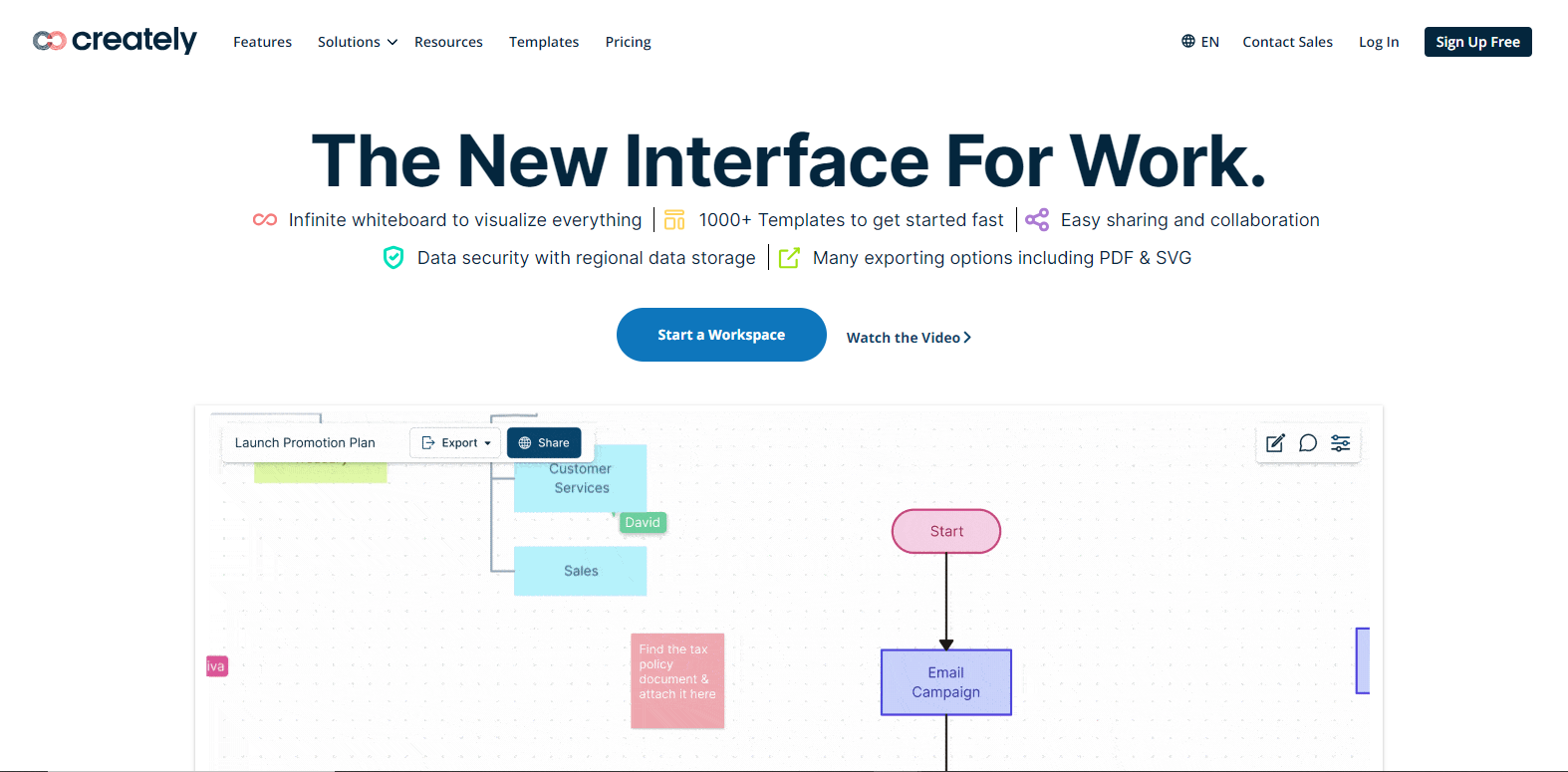
Creately VIZ is a versatile diagramming and collaboration tool designed to enhance productivity and creativity. From simple flowcharts to complex visualizations, Creately VIZ helps teams convert ideas into visually meaningful content effortlessly. Its intuitive interface and powerful features make it a go-to solution for professionals across various domains seeking to optimize their visual communication and project planning processes.

Key Features

  • Intuitive Diagramming Interface

    Creately VIZ offers an easy-to-navigate interface designed to minimize the learning curve. Users can drag and drop shapes, customize diagrams with ease, and leverage a wide variety of pre-built templates to kickstart their projects.

  • Real-Time Collaboration

    This feature allows team members to work synchronously from different locations. With real-time updates and comments, teams can ensure changes are tracked instantly, improving efficiency and reducing miscommunication.

  • Extensive Diagram Templates

    Users have access to a rich library of templates spanning various categories such as flowcharts, mind maps, and network diagrams. This facilitates faster execution of tasks by providing professionals with a foundation to build on.

  • Advanced Visual Customization

    Creately VIZ allows intricate customization to suit specific project needs. Users can change colors, fonts, and shapes, ensuring that every diagram meets their branding and visual standards.

  • Integration Capabilities

    Seamlessly integrate Creately VIZ with popular tools like Google Drive, Slack, and Microsoft Teams. This feature ensures that workflows remain smooth and uninterrupted across platforms.

  • Cloud Storage and Security

    All diagrams and data are securely stored in the cloud, providing users with peace of mind over their confidential information. Furthermore, the cloud-based nature of Creately VIZ allows easy access from anywhere, anytime.

Use Cases

  • Project Managers: Utilize Creately VIZ for project planning, task management, and timeline creation to streamline project workflows.
  • Educators: Enhance lesson plans and engage students with interactive diagramming tools that simplify complex concepts.
  • Product Designers: Map out product features, design user journeys, and create prototypes using comprehensive diagramming solutions.
  • Business Analysts: Visualize data, create process maps, and present analytical insights to stakeholders efficiently.

Pricing

For detailed and up-to-date pricing information on Creately VIZ, please View pricing.

Tool Analysis

Pros

  • User-friendly interface with minimal learning curve.
  • Strong collaborative features suitable for remote teams.
  • Diverse template library catering to various professional needs.
  • Robust security and cloud storage for secure data handling.
  • Seamless integration with widely used productivity tools.

Cons

  • The advanced customization options might be overwhelming for beginners.
  • Integration with less common software can be limited.

FAQs

  • Can Creately VIZ be used offline?

    No, Creately VIZ requires an internet connection as it is a cloud-based solution.

  • Does Creately VIZ offer a free trial?

    Yes, Creately VIZ offers a free trial allowing users to explore the tool’s capabilities before committing to a purchase.

  • Is there a mobile version of Creately VIZ?

    Creately VIZ is accessible via mobile browsers, but a dedicated mobile app is not currently available.

  • How does Creately VIZ ensure data security?

    Creately VIZ uses advanced encryption and secure cloud storage solutions to protect user data.

  • Does the tool support multiple languages?

    Yes, Creately VIZ supports multiple languages to cater to its global user base.

There are no reviews yet.

Leave a Review

Your email address will not be published. Required fields are marked *

Related listing