
Excalidraw

Excalidrawpng

Excalidraw

Features

About the Tool

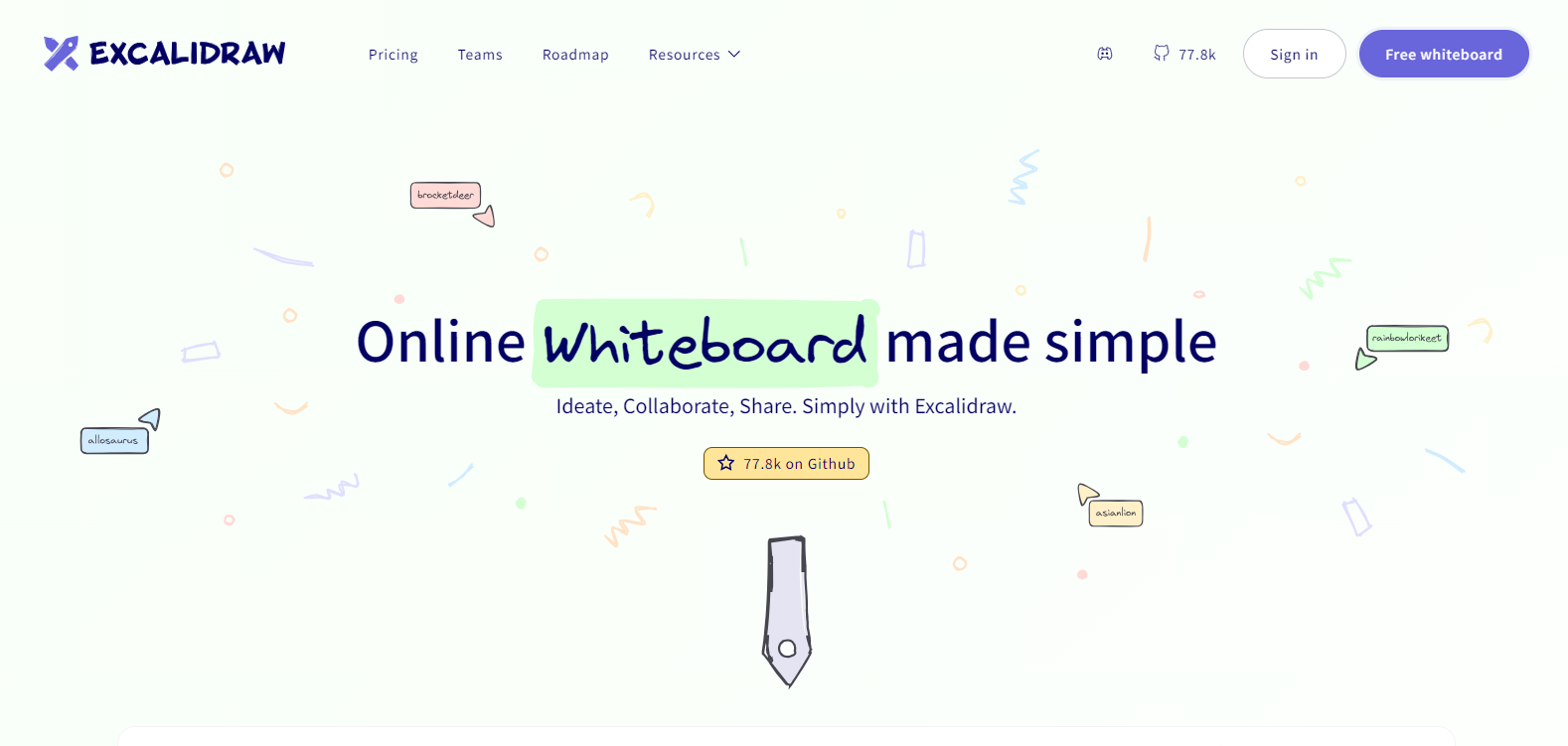
Excalidraw is a versatile online whiteboard and sketching application that enables users to visually express their ideas with ease. Designed for both team collaboration and individual brainstorming, Excalidraw offers an intuitive interface that mimics hand-drawn graphics, making it appealing for users who prefer a more organic and freeform drawing experience.

Key Features

  • Freehand Drawing Capabilities

    Excalidraw provides a canvas that feels like drawing by hand, allowing users to sketch out their thoughts with natural fluidity. Its vector-based engine ensures that drawings remain scalable and clear on any screen size.

  • Collaboration Tools

    Real-time collaboration is seamless with Excalidraw, enabling multiple users to contribute to the same canvas simultaneously. This feature supports remote brainstorming, making it ideal for distributed teams.

  • Custom Shapes and Libraries

    Users can access a variety of pre-built shapes and create custom libraries for frequently used icons or components, speeding up the design process and ensuring consistency across projects.

  • Easy Sharing and Export Options

    Finished sketches can be easily shared with team members or exported in several formats including PNG, SVG, and PDF, simplifying integration with other tools and presentations.

  • Secure and Privacy-focused

    With a commitment to privacy, Excalidraw ensures that user data is handled securely. It supports end-to-end encryption for all collaborative activities, making it a reliable choice for sensitive projects.

  • Keyboard Shortcuts

    To enhance efficiency, Excalidraw is equipped with a comprehensive set of keyboard shortcuts, enabling advanced users to navigate the tool and execute actions quickly with minimal mouse interaction.

Use Cases

Excalidraw is tailored for a wide range of roles and industries:

  • Designers looking for quick mock-up and ideation tools
  • Educators creating engaging, illustrative lesson content
  • Project managers mapping out project flows and timelines
  • Software developers drawing out architecture diagrams
  • Remote teams collaborating on visual strategies

Pricing

Explore the various plans and pricing options to find the fit that suits your needs. View pricing

Tool Analysis

Pros

  • User-friendly interface that mimics hand-drawn sketches
  • Strong collaboration features supporting remote work
  • Wide variety of export options
  • Customizability with shapes and saved templates
  • Emphasis on security and user privacy

Cons

  • Limited advanced drawing and design features compared to dedicated graphic design software
  • Potential performance issues with very large diagrams or heavy collaboration
  • No native mobile app, which may affect usability on tablets and smartphones

FAQs

  • Is Excalidraw free to use?

    Excalidraw offers a free access tier with core functionalities. Additional features are available through paid plans.

  • Can I use Excalidraw offline?

    Excalidraw is primarily a web-based tool, but it offers limited offline capabilities; drawings can be accessed and edited offline once opened.

  • How do I share a drawing with someone who doesn’t use Excalidraw?

    You can easily export your drawing to various formats such as PNG or PDF and share it via email or other file-sharing methods.

  • What integrations does Excalidraw support?

    Excalidraw can be integrated with platforms like Slack and Notion for a seamless workflow experience along with API access for deeper integrations.

  • Is it possible to use custom fonts in Excalidraw?

    Currently, Excalidraw uses a set of pre-defined fonts to maintain compatibility and simplicity but may expand options in future updates.

There are no reviews yet.

Leave a Review

Your email address will not be published. Required fields are marked *

Related listing