
Fill 3D

Fill-3Dpng

Fill 3D

Features

About the Tool

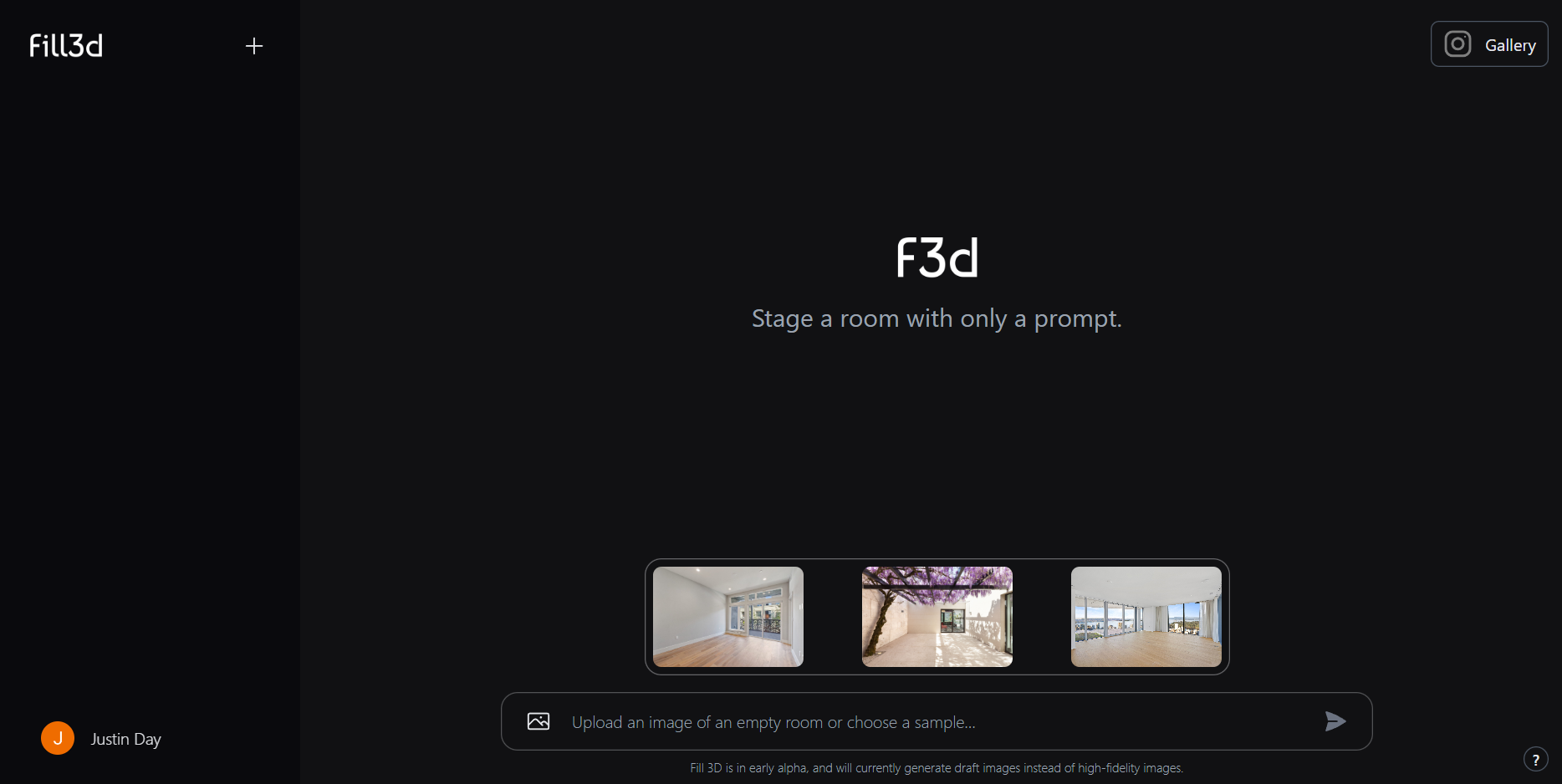
Fill 3D is a cutting-edge software application designed for creating, editing, and rendering 3D models with ease. Perfect for professionals in architecture, gaming, and visual effects, Fill 3D offers an intuitive interface and robust features to streamline your workflow and enhance your creative capabilities.

Key Features

  • Intuitive User Interface

    Fill 3D boasts a user-friendly interface that makes navigation simple, regardless of the user’s technical skill level. With customizable toolbars and shortcuts, users can optimize their workspace for efficiency and productivity.

  • Advanced Rendering Engine

    Utilizing state-of-the-art rendering technology, Fill 3D produces high-quality visuals quickly. The rendering engine supports real-time adjustments and dynamic lighting effects to improve the realism of your models.

  • Comprehensive File Format Support

    Whether working with OBJ, FBX, or STL files, Fill 3D supports a wide range of file formats. This ensures compatibility with other industry-standard software and provides flexibility when importing and exporting projects.

  • Collaboration Tools

    Fill 3D includes robust collaboration features such as version history and cloud sharing, allowing multiple stakeholders to contribute and review projects seamlessly and in real-time.

  • Extensive Asset Library

    Enhance your projects with a vast asset library featuring textures, models, and scene templates. Easily drag and drop assets into your work, saving time and adding flair to your designs.

  • Customizable Plugins

    Expand Fill 3D’s capabilities with a range of customizable plugins that cater to specific tasks like animation, simulation, and more, allowing for bespoke workflow enhancements tailored to your project needs.

Use Cases

Fill 3D is utilized across various industries and roles, including:

  • Architectural Visualization Professionals seeking realistic renderings
  • Game Developers designing complex virtual environments
  • VFX Artists crafting high-impact effects for multimedia projects
  • Product Designers simulating and prototyping products
  • Educators and Students leveraging powerful 3D tools for learning

Pricing

For detailed pricing information, please visit our View pricing page.

Tool Analysis

Pros

  • Comprehensive toolset suitable for professionals and beginners alike
  • Effective collaboration features for team projects
  • Flexible integration with other tools through extensive file support
  • Rapid rendering with a high degree of realism

Cons

  • High learning curve for advanced features
  • Requires powerful hardware for optimal performance
  • Cloud features depend on a stable internet connection

FAQs

  • Is Fill 3D suitable for beginners?

    Yes, Fill 3D features an intuitive interface that is accessible to beginners, alongside an extensive library of tutorials and resources to help new users learn.

  • Can I use Fill 3D on multiple devices?

    Yes, Fill 3D licenses are designed to support multiple device installations, provided they are being used by the licensed user.

  • What support options are available?

    Fill 3D offers comprehensive customer support, including a help center, live chat, community forums, and email support.

  • Does Fill 3D offer a free trial?

    Yes, Fill 3D provides a 14-day free trial to allow users to explore the software’s features before committing to a subscription.

  • Are updates included in the subscription?

    Yes, all Fill 3D subscriptions include automatic updates, ensuring users always have access to the latest features and improvements.

There are no reviews yet.

Leave a Review

Your email address will not be published. Required fields are marked *

Related listing