
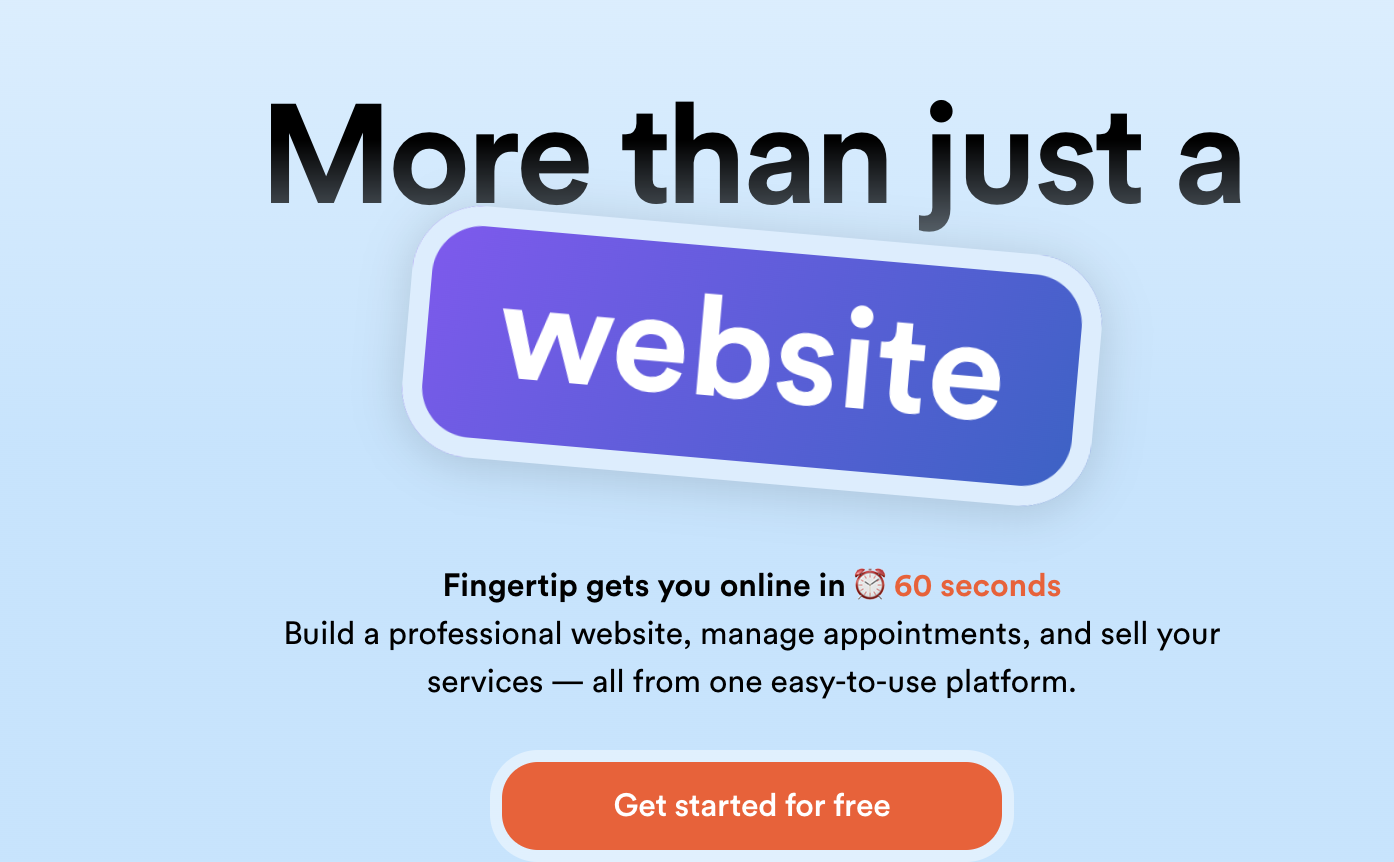
Fingertip

Fingertip

Features

About the Tool

Fingertip is an innovative collaboration platform designed to streamline project management, enhance team synergy, and drive productivity. By integrating decision management and collaborative functionalities, Fingertip helps teams make informed decisions and execute tasks effectively. Tailored for businesses of all sizes, it offers a seamless user experience with its intuitive interface and robust toolset.

Key Features

  • Decision Management

    Fingertip aids in structured decision-making by facilitating transparent communication, tracking decision history, and evaluating the outcomes. This feature ensures decisions are made with all necessary insights and accountability.

  • Task & Project Tracking

    With advanced project tracking tools, users can assign tasks, set deadlines, and monitor progress. This enables teams to keep projects on schedule and maintain productivity.

  • Document Collaboration

    Seamlessly share and collaborate on documents within the platform. Real-time editing and version management allow teams to collaborate efficiently without version conflicts.

  • Integrated Communication Tools

    Fingertip incorporates chat and video conferencing capabilities, allowing for instant communication and reducing the need for third-party communication tools.

  • Customizable Workflows

    Users can create and customize workflows to fit their specific needs, ensuring that the platform adapts to the unique processes of any team or industry.

  • Analytics and Reporting

    Generate detailed reports and analytics to gain insights into team performance and project progress, helping in informed decision-making and strategic planning.

Use Cases

Fingertip is ideal for a variety of roles and industries, including project managers, IT teams, marketing agencies, and education sectors, providing versatile tools that support collaborative efforts and decision-making across diverse environments.

Pricing

For detailed pricing plans tailored to suit your specific needs, View pricing.

Tool Analysis

Pros

  • User-friendly interface that requires minimal training
  • Comprehensive decision tracking fosters accountability
  • Seamless integration with existing tools and systems
  • Customizable to fit varied business models

Cons

  • Potential learning curve for advanced features
  • Limited offline functionality

FAQs

  • Is Fingertip suitable for small businesses?

    Yes, Fingertip is scalable and suitable for both small businesses and large enterprises, offering features that cater to varying team sizes and needs.

  • Can Fingertip integrate with our current tools?

    Fingertip supports integration with numerous third-party applications such as Slack, Microsoft Office, and Google Workspace, allowing seamless operations with existing tools.

  • What is the onboarding process for new users?

    Fingertip provides comprehensive onboarding support including tutorials, documentation, and customer service to ensure a smooth transition for new users.

  • Does Fingertip offer a mobile app?

    Yes, Fingertip offers a mobile application for both iOS and Android devices, enabling you to manage projects and collaborate on the go.

  • What kind of customer support is available?

    Fingertip provides 24/7 customer support via chat, email, and phone, ensuring users can access assistance whenever needed.

There are no reviews yet.

Leave a Review

Your email address will not be published. Required fields are marked *

Related listing