
Floutworkpng

Floutwork

Features

About the Tool

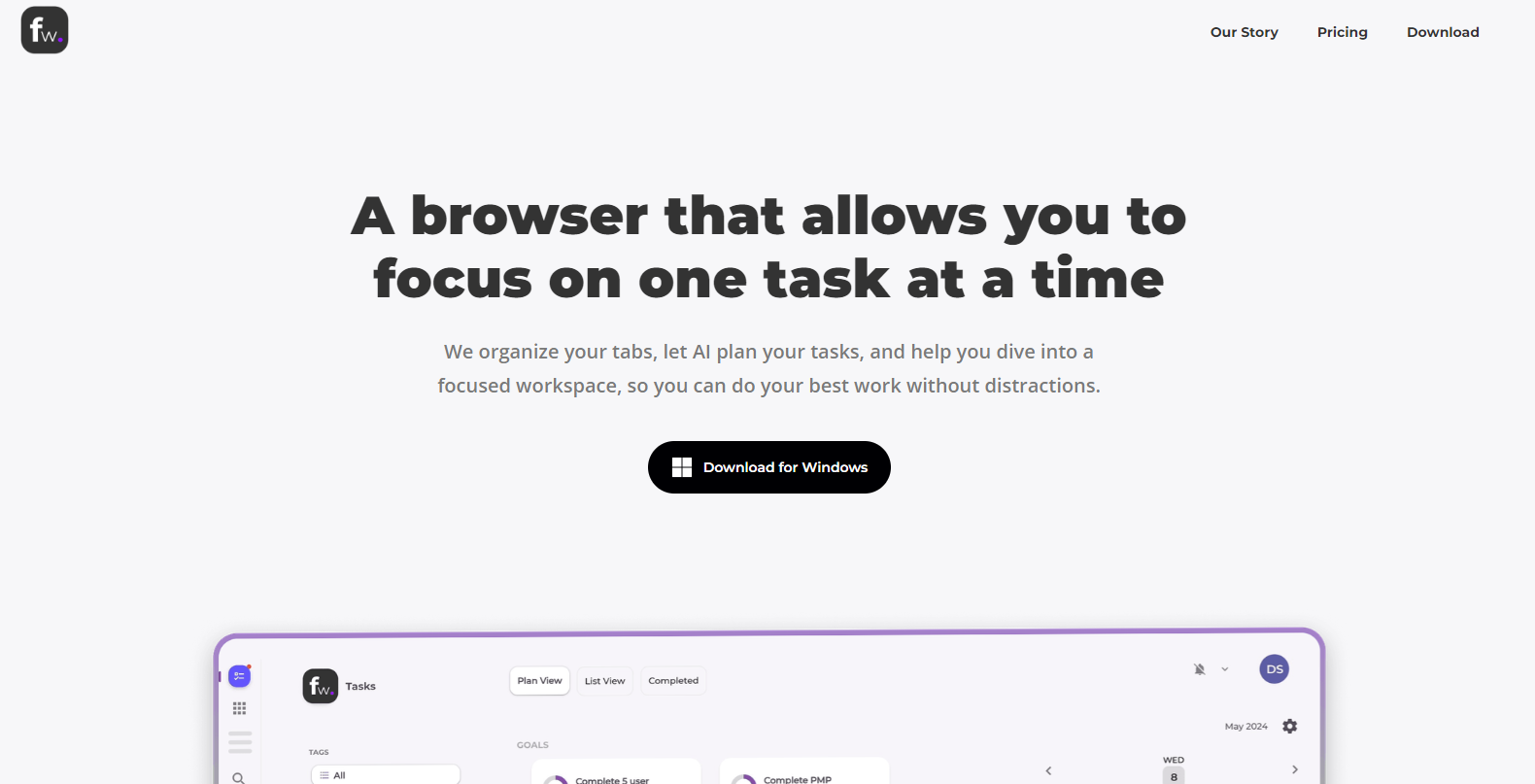
Floutwork is a collaborative work management tool designed to streamline workflow operations across various industries. It’s an all-in-one platform that helps teams manage projects, track progress, and improve productivity. Whether you’re a small startup or an established corporation, Floutwork provides an intuitive interface for organizing tasks and fostering team collaboration.

Key Features

  • Task Management

    Floutwork offers an intuitive task management system that allows users to create, assign, and prioritize tasks easily. With real-time updates, teams can stay informed about progress and deadlines, ensuring everyone is on the same page.

  • Customizable Workflows

    Users can customize workflows to fit their specific project needs. This flexibility enables teams to automate repetitive tasks, reducing manual errors and saving valuable time.

  • Collaboration Tools

    Floutwork features built-in chat and file-sharing capabilities, making it easy for team members to communicate and exchange resources without leaving the platform.

  • Time Tracking

    The tool includes a comprehensive time tracking feature that allows users to log hours and monitor productivity. This helps in accurate project billing and effective resource management.

  • Data Analytics and Reporting

    Floutwork delivers powerful analytics and reporting tools that provide insights into team performance and project status. Customize reports to gain valuable insights for future project planning.

  • Integration Capabilities

    Seamlessly integrate with other popular productivity tools, including Slack, Google Workspace, and Microsoft Teams, to streamline operations and enhance workflow efficiency.

Use Cases

Floutwork is versatile and applicable across industries. It is ideal for project managers who need to oversee multiple tasks, marketing teams looking for streamlined collaboration, IT departments managing complex projects, and freelance professionals who need an all-in-one tool to manage their workload independently. Educational institutions can also benefit from Floutwork by using it for organizing coursework and group assignments.

Pricing

For detailed information on Floutwork’s pricing plans tailored to your business needs, please View pricing.

Tool Analysis

Pros

  • User-friendly interface with easy navigation.
  • Highly customizable to suit different workflows.
  • Robust reporting and analytics for data-driven decisions.
  • Seamless integrations with popular tools.
  • Reliable customer support and extensive resources for users.

Cons

  • Steeper learning curve for users not familiar with project management software.
  • Feature set may be overwhelming for small teams with basic needs.
  • Customization options require time to set up properly.

FAQs

  • What types of projects can I manage with Floutwork?

    Floutwork is versatile and can manage a wide range of projects including IT development, marketing campaigns, event planning, and educational projects.

  • Can I integrate Floutwork with other tools?

    Yes, Floutwork offers integrations with various productivity tools such as Slack, Google Workspace, and Microsoft Teams to enhance your workflow.

  • Is there a mobile app available?

    Yes, Floutwork offers a mobile app for both iOS and Android, enabling you to manage projects on-the-go.

  • Does Floutwork offer customer support?

    Floutwork provides reliable customer support through email, live chat, and a detailed help center with numerous resources.

  • Is there a free trial available?

    Yes, Floutwork offers a free trial so you can explore its features before committing to a paid plan.

There are no reviews yet.

Leave a Review

Your email address will not be published. Required fields are marked *

Related listing