
Framepng

Features

About the Tool

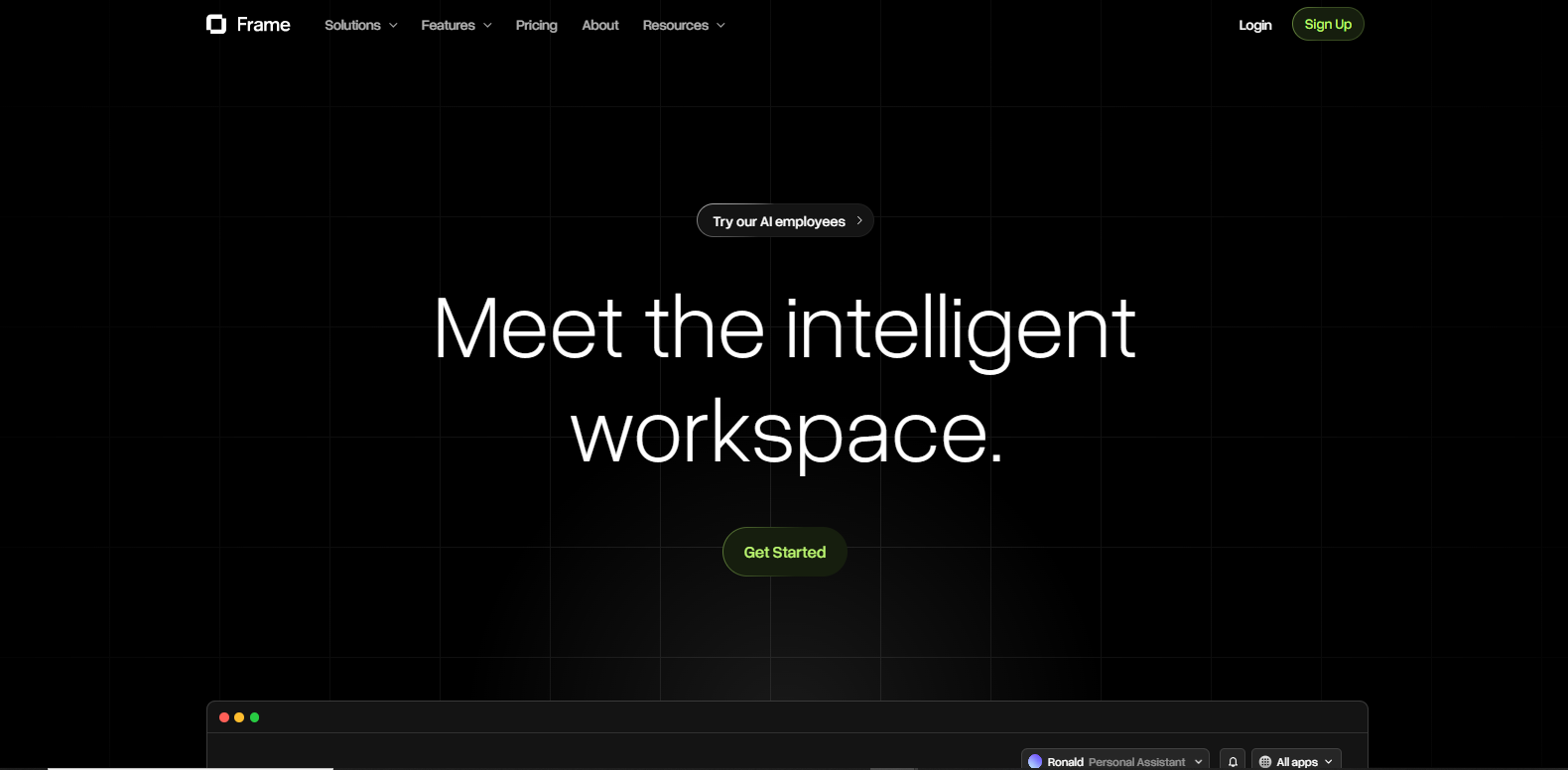
Frame is an innovative digital workspace platform designed to enhance productivity and streamline team collaboration. It provides a centralized hub where teams can manage projects, track progress, and communicate effectively, ensuring everyone stays on the same page. The platform is suitable for remote teams and enterprises looking to boost efficiency through structured workflows and seamless integration with other tools.

Key Features

  • Intuitive Project Management

    Frame offers an intuitive project management interface that allows users to create, manage, and track projects with ease. The customizable dashboards provide real-time insights and analytics, enabling teams to make data-driven decisions.

  • Seamless Communication Channels

    Built-in communication features, such as video conferencing, chat, and forums, ensure that team members can easily connect and collaborate, regardless of their location. This keeps everyone aligned and minimizes communication barriers.

  • Robust File Management System

    With Frame’s file management system, teams can store, share, and access files securely. Version control ensures that everyone is working with the most up-to-date information, reducing errors and confusion.

  • Advanced Automation Tools

    Frame includes powerful automation tools to streamline repetitive tasks. Users can set up workflows and automate processes, freeing up time to focus on more critical activities.

  • Comprehensive Integrations

    The platform supports a wide range of integrations with popular tools like Slack, Google Workspace, and Trello. This ensures a seamless workflow across different applications, enhancing productivity and reducing manual effort.

  • Enhanced Security Features

    Frame prioritizes security with features like two-factor authentication and encryption, protecting sensitive data and providing peace of mind for users and stakeholders.

Use Cases

Frame is ideal for a variety of industries and roles, including software development teams seeking agile project management, marketing agencies looking for collaborative content creation tools, and remote teams in need of a centralized hub to manage work and communication seamlessly. It’s also suitable for educational organizations aiming for an efficient learning management system.

Pricing

For detailed pricing information and to find a plan that suits your needs, please view pricing.

Tool Analysis

Pros

  • User-friendly interface that enhances team collaboration.
  • Comprehensive feature set tailored for remote work environments.
  • Integrations with a wide array of third-party tools.
  • Excellent customer support with prompt responses.

Cons

  • May have a learning curve for users unfamiliar with digital workspaces.
  • Some integrations might require additional configurations.

FAQs

  • Is there a free trial available for Frame?

    Yes, Frame offers a 14-day free trial for new users to explore the platform’s features before committing to a subscription.

  • Can Frame be used on mobile devices?

    Absolutely! Frame provides a mobile app for both iOS and Android devices, allowing users to manage projects and collaborate from anywhere.

  • Does Frame offer customer support?

    Yes, Frame offers 24/7 customer support through email, chat, and phone to assist users with any questions or issues.

  • What security measures does Frame have in place?

    Frame employs industry-leading security measures, including data encryption, regular security audits, and two-factor authentication to protect user data.

  • Can Frame integrate with other project management tools?

    Yes, Frame can integrate with several project management tools, facilitating seamless data transfer and workflow management across platforms.

There are no reviews yet.

Leave a Review

Your email address will not be published. Required fields are marked *

Related listing