
Hummingbird

Hummingbirdpng

Hummingbird

Features

About the Tool

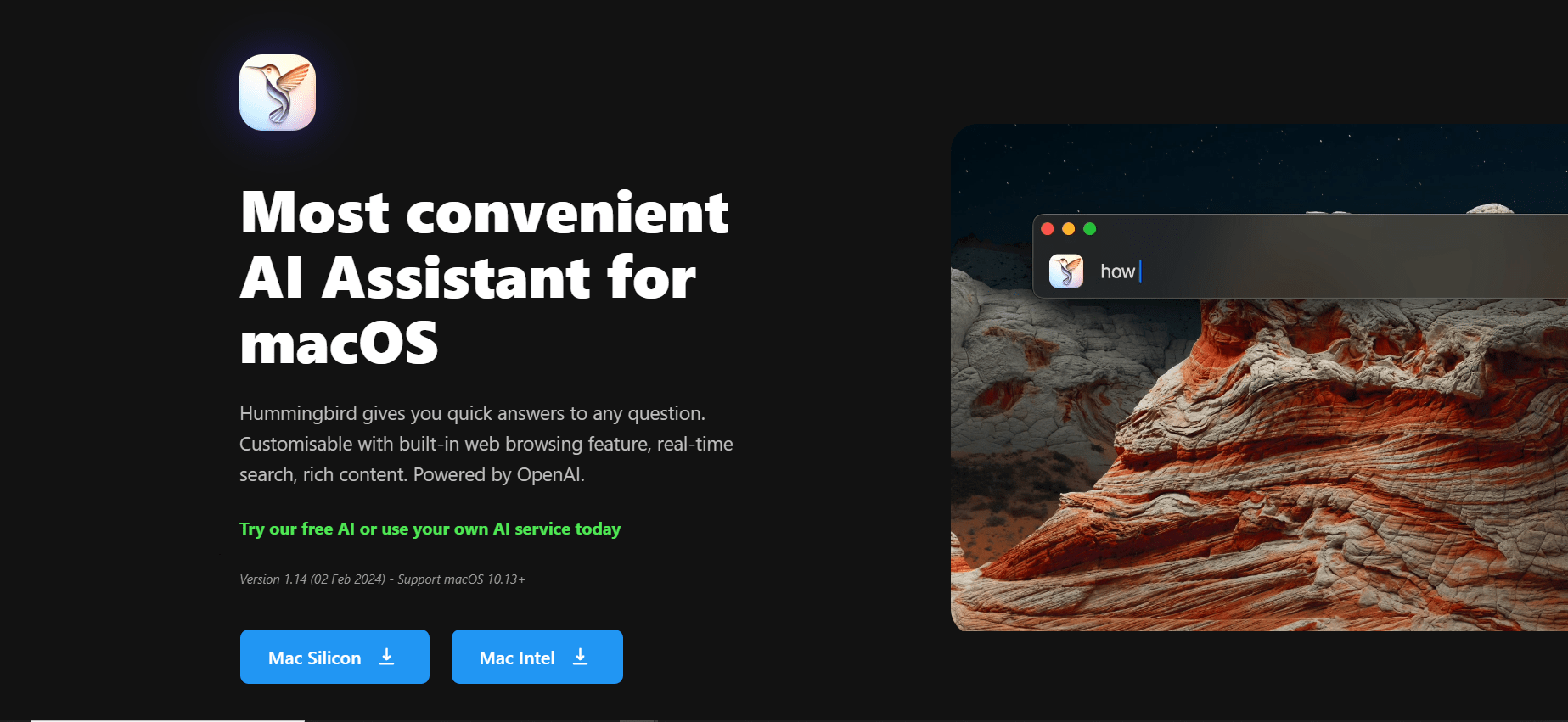
Hummingbird is a cutting-edge productivity tool designed to enhance workflow efficiency for individuals and teams across various industries. It combines seamless communication, real-time collaboration, and powerful task management in a single platform that allows users to streamline processes, improve productivity, and achieve their goals more effectively.

Key Features

  • Real-Time Collaboration

    Hummingbird facilitates smooth collaboration by allowing team members to work together on projects and documents in real time. Share files, provide feedback, and complete tasks as a team without delays or miscommunications.

  • Integrated Task Manager

    The integrated task manager helps users create, assign, and monitor tasks efficiently. Set deadlines, track progress, and automate reminders to ensure all team members stay on target.

  • Advanced Communication Tools

    Enhance internal communication with Hummingbird’s instant messaging and video conferencing features, designed to make team interactions seamless and effective.

  • Customizable Dashboard

    Users can personalize their dashboard to highlight important tasks, deadlines, and notifications, providing a tailored workflow experience that boosts productivity.

  • Comprehensive Analytics

    Gain insights into individual and team performance with detailed analytics and reporting tools, helping you make informed decisions and optimize your processes.

  • Third-Party Integrations

    Hummingbird integrates with popular tools like Slack, Dropbox, and Google Workspace, ensuring that you can maintain streamlined workflows across multiple platforms.

Use Cases

Hummingbird is ideal for project managers, remote teams, marketing departments, and any industry professionals who need to streamline communication and project management. Whether you are coordinating a large project or managing daily tasks, Hummingbird can adapt to various professional environments.

Pricing

For detailed pricing information, including subscription plans and available discounts, please visit our View pricing page.

Tool Analysis

Pros

  • User-friendly interface ensures quick onboarding and easy navigation for new users.
  • Robust security features protect your data and confidential information.
  • Highly customizable to fit the specific needs and workflows of different teams.

Cons

  • Limited offline functionality may require constant internet access.
  • Some users may find advanced features overwhelming initially without proper training.
  • Integration setup can be complex with less common third-party tools.

FAQs

  • Is Hummingbird suitable for small businesses?

    Yes, Hummingbird is designed to accommodate the needs of small businesses while also scaling up to support larger organizations.

  • Does Hummingbird offer customer support?

    Yes, we provide 24/7 customer support via email and live chat to assist with any questions or technical issues.

  • Can Hummingbird be used on mobile devices?

    Absolutely. Hummingbird offers mobile applications for both iOS and Android, ensuring you can manage your tasks on the go.

  • How secure is my data with Hummingbird?

    Hummingbird employs state-of-the-art encryption and security protocols to protect user data and ensure privacy.

  • Is there a free trial available?

    Yes, we offer a 14-day free trial for new users to explore Hummingbird’s features before committing to a subscription.

There are no reviews yet.

Leave a Review

Your email address will not be published. Required fields are marked *

Related listing