
Iconify AI

iconifyai-1jpg

Iconify AI

Features

About the Tool

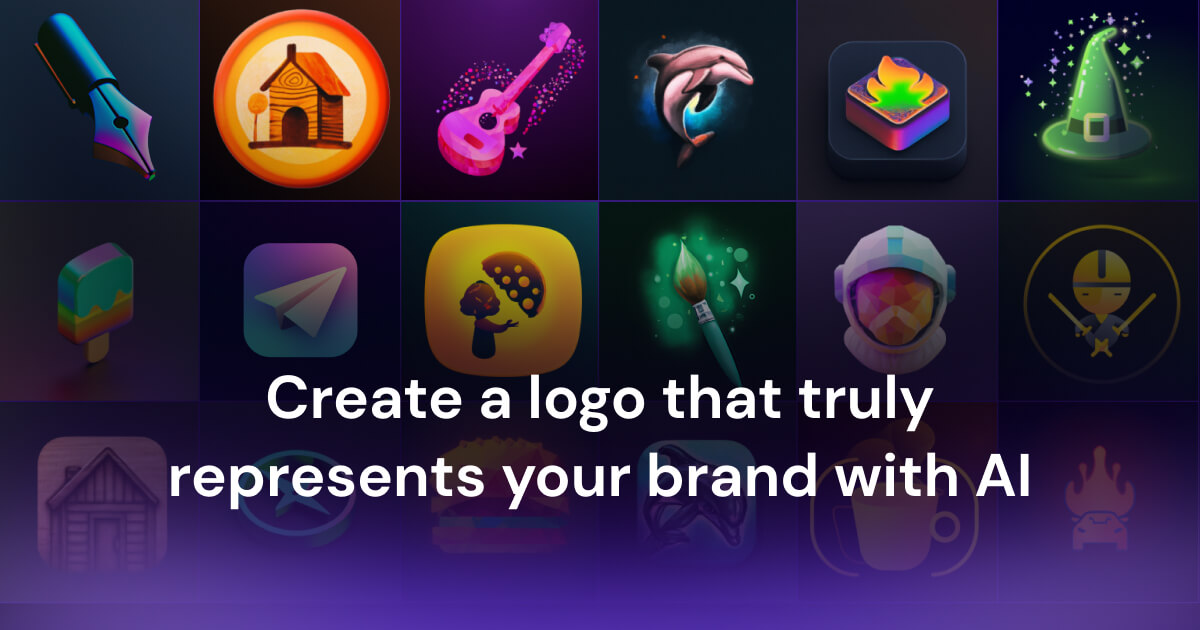
Iconify AI is a cutting-edge design tool that utilizes artificial intelligence to create unique, high-quality icons for a variety of digital and print projects. Streamlining the design process, Iconify AI automates tedious tasks while offering creative options to cater to both professional designers and enthusiasts. Whether you are looking to enhance your brand’s visual identity or create cohesive iconography for a project, Iconify AI provides a seamless solution.

Key Features

  • AI-Powered Design Suggestions

    Leverage AI-driven suggestions that adapt to your style preferences, offering personalized icon designs with minimal input. The tool learns your design tendencies to ensure a consistent and adaptive output, making the creative process faster and more intuitive.

  • Extensive Icon Library

    Access an extensive library of pre-made icons that can be customized to fit the specific needs of your project. More than just a repository, each icon can be adjusted for color, size, and style, offering flexibility and ease of use.

  • Drag-and-Drop Interface

    Designed for user-friendliness, the intuitive drag-and-drop interface allows easy rearrangement and customization of icons. Effortlessly integrate custom icons into your workflow, saving time while maximizing design efficiency.

  • Real-Time Collaboration

    Collaborate with team members in real time, whether you’re remote or co-located. Share designs, feedback, and edits in a centralized workspace to accelerate the design process and enhance productivity.

  • Export Options

    Export your icon designs in multiple formats such as SVG, PNG, and JPEG, ensuring compatibility with various platforms and design requirements. Tailor your exports to maintain quality and resolution for any application.

  • Style Consistency Tools

    Maintain a cohesive design language across all your icons with tools that help ensure style consistency. Use color palettes, icon sets, and typography features to standardize your visual output.

Use Cases

Iconify AI caters to a variety of industries and roles, including:

  • Graphic Designers: Enhance creative workflows with easy integration of custom icon designs.
  • Marketing Teams: Strengthen brand identity with consistent and customizable iconography.
  • Web Developers: Easily incorporate visually appealing icons into websites for better UX.
  • Content Creators: Augment visual content with eye-catching icons that align with storytelling.

Pricing

For detailed pricing information tailored to your needs, please View pricing.

Tool Analysis

Pros

  • Efficient AI-driven design customization.
  • Wide range of export formats for versatile use.
  • Real-time collaboration boosting productivity.
  • User-friendly interface accommodating all skill levels.

Cons

  • Requires stable internet connection for optimal performance.
  • Limited offline functionality for on-the-go usage.
  • Learning curve for leveraging full AI capabilities.

FAQs

  • How does Iconify AI integrate with other tools?

    Iconify AI offers integrations with popular design tools and platforms, enabling seamless access and synchronization of your icon projects.

  • Can I use my own icon designs with Iconify AI?

    Yes, you can import your own designs to customize and incorporate them into the Iconify AI workflow.

  • Is there a trial version available?

    A free trial version of Iconify AI is available, allowing users to explore features and functionalities before committing to a subscription.

  • What kind of support does Iconify AI provide?

    Iconify AI offers 24/7 customer support through chat, email, and phone to assist with any queries or technical issues.

  • Are there any tutorials or resources for beginners?

    Yes, Iconify AI provides an array of tutorials, webinars, and documentation to help beginners become proficient with the tool.

There are no reviews yet.

Leave a Review

Your email address will not be published. Required fields are marked *

Related listing