
Image App

Image-Apppng

Image App

Features

About the Tool

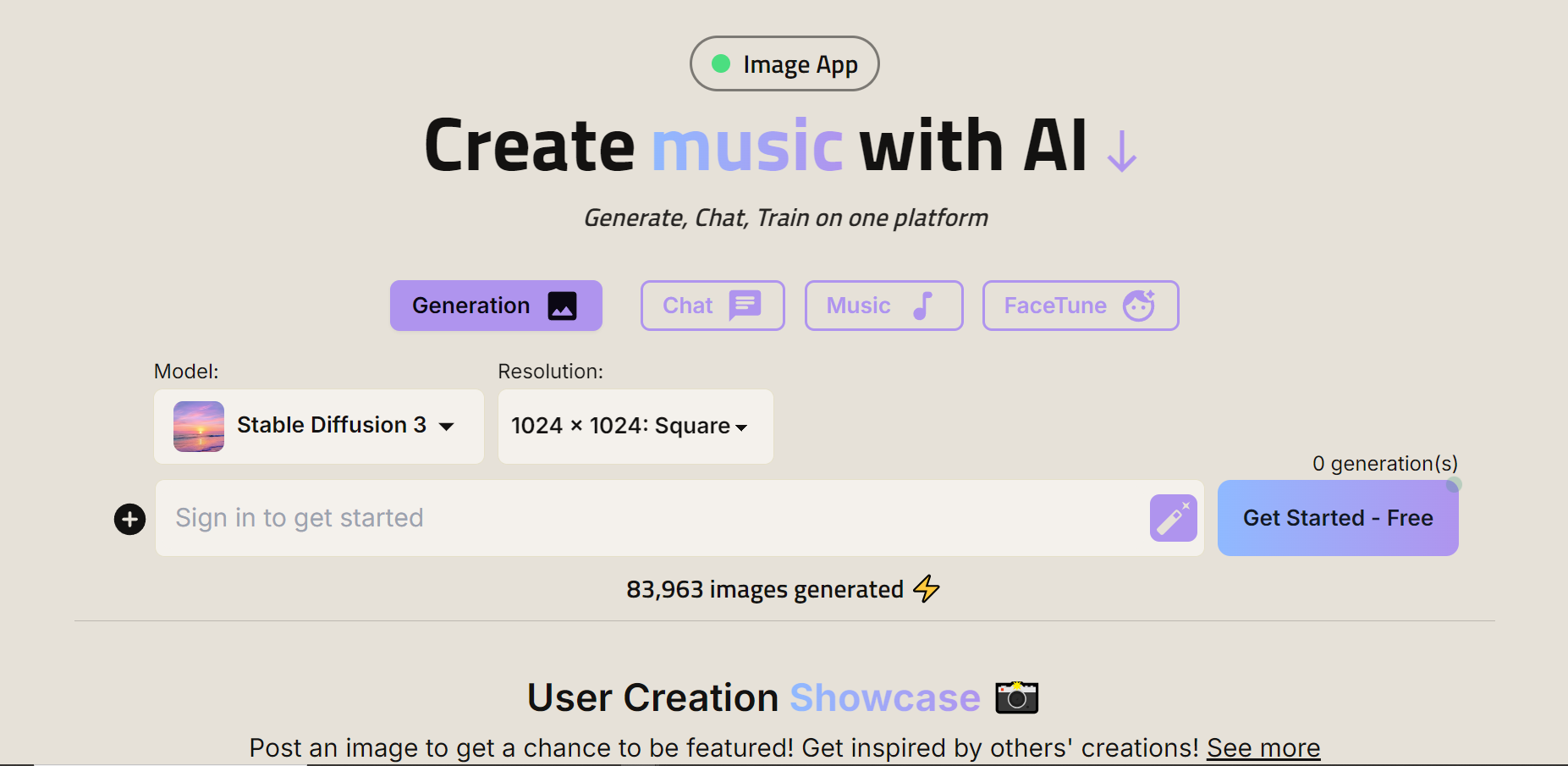
Image App is a cutting-edge cloud-based solution designed specifically for creatives, marketers, and digital agencies seeking a robust tool for editing, organizing, and sharing their visual content efficiently. Leveraging advanced AI algorithms, Image App offers an intuitive user interface combined with powerful features, making it an essential tool for anyone working with images regularly.

Key Features

  • AI-Powered Editing

    Harness advanced artificial intelligence to enhance or make detailed edits to your images with ease. The AI can automatically adjust color, light, and shadow levels to make your images pop effortlessly.

  • Cloud Storage and Access

    Securely store and access your images from any device using the app’s cloud storage solution. Share access with teammates or clients seamlessly, ensuring everyone has the most up-to-date versions at their fingertips.

  • Batch Processing

    Accelerate your workflow by applying edits to multiple images simultaneously. With batch processing, you can save time on tasks like resizing, renaming, or applying filters.

  • Collaboration Tools

    Facilitate teamwork with built-in collaboration features. Comment, annotate, and suggest changes directly on the images, ensuring clear communication within your team or with clients.

  • Advanced Image Management

    Organize your digital assets with ease. Tag, rate, and categorize your images to maintain an efficient library, which makes retrieving any image a breeze.

  • Social Media Integration

    Bridge the gap between your image assets and your social media channels. Directly publish or schedule posts to various platforms, streamlining your content management process.

  • Customizable Templates

    Create professional-grade images quickly using a vast library of customizable templates tailored for various industries and uses, such as marketing campaigns or personal projects.

Use Cases

Image App is ideal for:

  • Digital Marketers: Enhance campaign assets and streamline workflows.
  • Creative Agencies: Collaborate with clients and produce high-quality visuals efficiently.
  • Photographers: Edit and organize large collections of photos seamlessly.
  • Social Media Managers: Quickly adapt and post engaging content.
  • Graphic Designers: Utilize powerful tools and templates to create stunning visuals.

Pricing

To view the various pricing options available to best suit your needs, please View pricing.

Tool Analysis

Pros

  • Intuitive and user-friendly interface.
  • Robust AI capabilities enhancing editing efficiency.
  • Comprehensive collaboration tools.
  • Flexible and scalable pricing models.

Cons

  • Requires consistent internet connectivity for cloud features.
  • Advanced features may have a learning curve for new users.
  • Occasional performance lags with high-resolution images.

FAQs

  • Is there a free trial available for Image App?

    Yes, Image App offers a 14-day free trial for new users to explore all features.

  • Can Image App handle RAW image formats?

    Yes, Image App supports multiple formats, including RAW files, for professional-grade editing.

  • How does Image App ensure data privacy?

    The app uses industry-standard encryption and complies with data protection regulations to secure your images and data.

  • Can I integrate Image App with my existing workflows?

    Image App offers various integrations with popular platforms and tools to enhance your workflow.

  • What support options are available?

    Image App provides 24/7 customer support through live chat, email, and an extensive online resource center.

There are no reviews yet.

Leave a Review

Your email address will not be published. Required fields are marked *

Related listing