
Khroma

Features

About the Tool

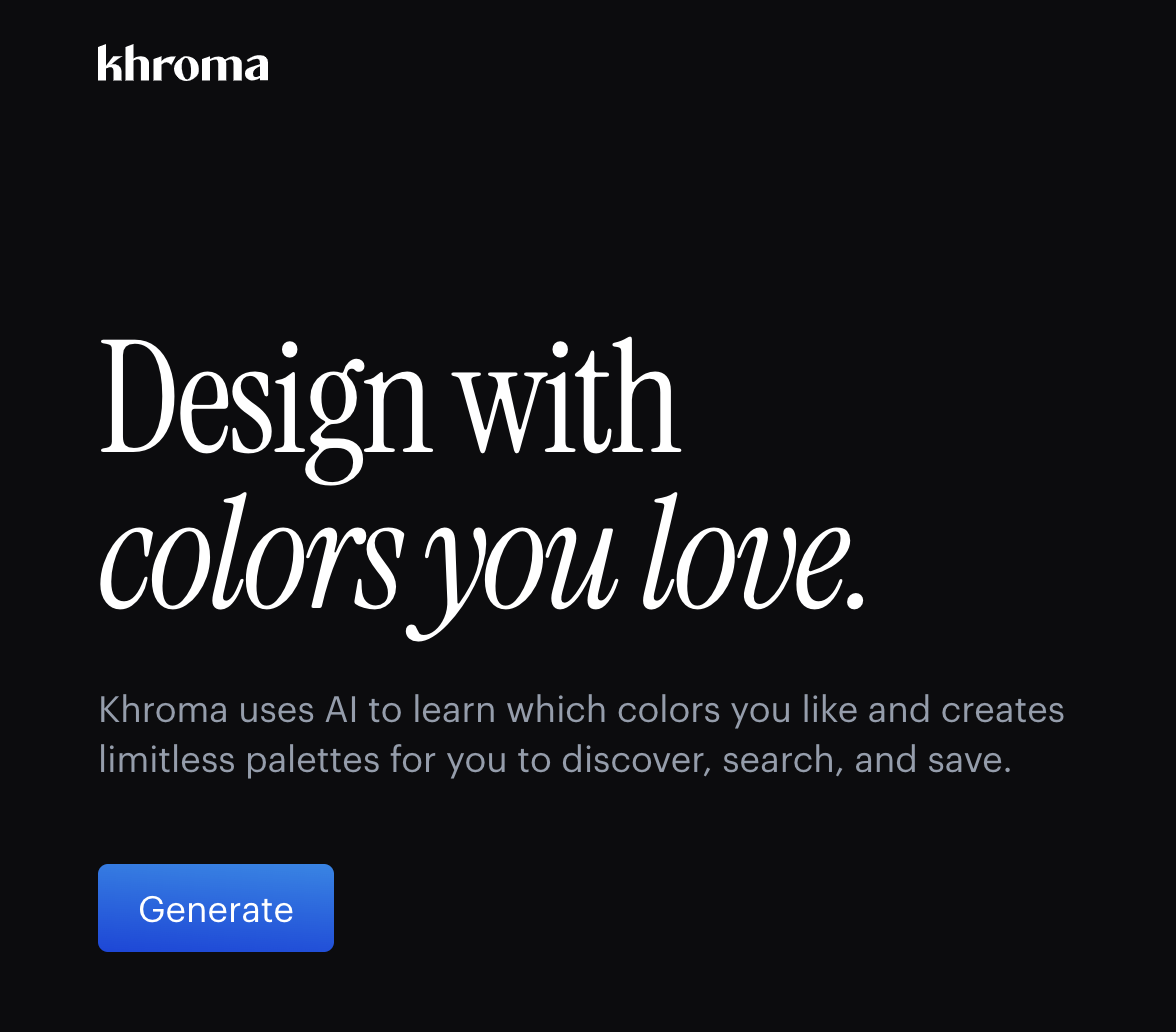
Khroma is a cutting-edge color palette generator designed to help designers, artists, and creatives find the perfect color combinations for their projects. Leveraging AI technology, Khroma learns your personal color preferences to generate high-quality palettes that resonate with your unique design style. Ideal for both professional designers and hobbyists, Khroma simplifies the color selection process and inspires creativity by providing endless palette possibilities.

Key Features

  • AI-Powered Color Suggestions

    Utilize Khroma’s AI technology to receive personalized color recommendations. The tool analyzes your input preferences to offer color schemes that align perfectly with your design vision.

  • Endless Palette Combinations

    Explore a virtually limitless array of color combinations. Khroma generates both complimentary and contrasting palettes to ensure your design pops.

  • User-Friendly Interface

    Enjoy a seamless and intuitive user experience with Khroma’s clean and straightforward interface, designed to make finding and applying colors quick and efficient.

  • Palette Inspiration and Exploration

    Browse endless options with comprehensive layouts that showcase each palette’s potential across different themes and settings, providing the inspiration you need for any project.

  • Customizable Palette Library

    Create and save your favorite palettes in a personal library for easy access and organization. Customize palettes further to fit your precise needs.

  • Integrations with Design Tools

    Khroma easily integrates with popular design software, allowing you to directly import palettes into your projects, ensuring color consistency across all platforms.

Use Cases

Khroma is especially useful for graphic designers, UI/UX designers, marketing teams, brand managers, and anyone involved in the creative industries. It aids in developing branding materials, websites, digital artwork, and product designs, ensuring cohesive and appealing color choices.

Pricing

For detailed information on Khroma’s pricing plans, please View pricing.

Tool Analysis

Pros

  • Personalized color suggestions tailored to user preferences.
  • User-friendly and intuitive interface designed for quick use.
  • Extensive customizability and integration options with popular design tools.

Cons

  • May require initial investment in time to set preferences for the most accurate color suggestions.
  • Advanced features may be locked behind premium pricing tiers.

FAQs

  • What is Khroma best used for?

    Khroma is ideal for generating color palettes, providing personalized color suggestions, and integrating with design tools for consistent project results.

  • Does Khroma offer a free version?

    Yes, Khroma does offer a free version, though some advanced features may require a subscription.

  • How does the AI technology in Khroma work?

    Khroma’s AI technology analyzes your chosen colors and preferences to generate palettes tailored to your unique style, learning and improving over time.

  • Can I save and organize palettes in Khroma?

    Yes, you can save your favorite palettes in a personal library and organize them for easy access later.

  • Does Khroma integrate with other design software?

    Khroma supports integrations with a variety of design tools, ensuring smooth workflow and color consistency.

There are no reviews yet.

Leave a Review

Your email address will not be published. Required fields are marked *

Related listing