
Lazybirdpng

Lazybird

Features

About the Tool

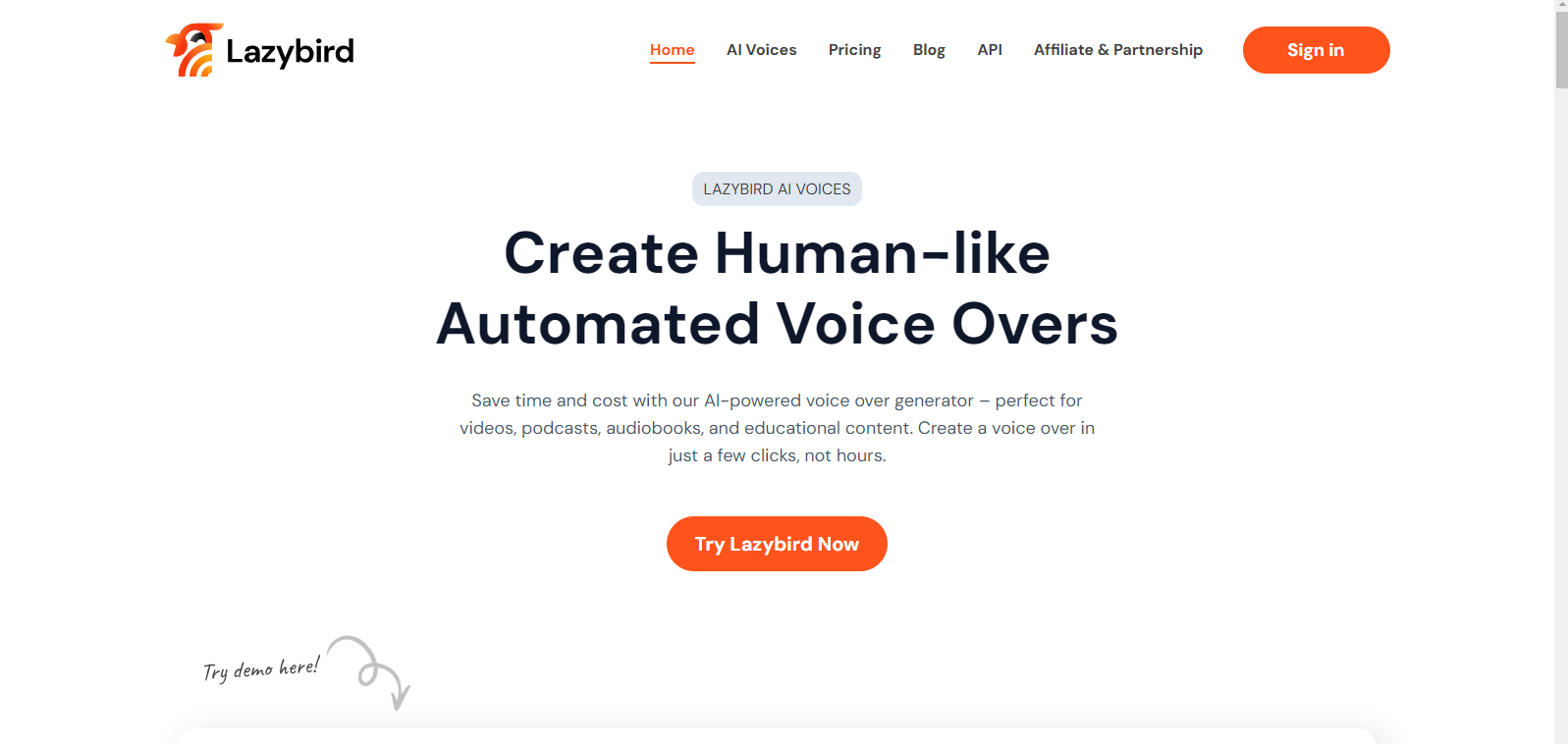
Lazybird is an innovative task automation tool designed to streamline workflows by minimizing repetitive tasks. It leverages smart automation strategies to help professionals focus on high-impact activities. Whether you’re in project management, sales, or simply looking to enhance productivity, Lazybird offers a robust platform tailored to meet diverse needs.

Key Features

  • Automated Task Scheduling

    Effortlessly schedule tasks with Lazybird’s intelligent planner that prioritizes your workload based on deadlines and task importance, ensuring you never miss a critical task.

  • Seamless Integration

    Connect Lazybird with your favorite tools like Slack, Trello, and Google Workspace to centralize all your operations in one platform, boosting efficiency and productivity.

  • Customizable Templates

    Create and reuse customizable templates for recurring workflows, saving time on setup and allowing you to maintain consistency across your processes.

  • Advanced Analytics

    Track and analyze your performance with comprehensive dashboards offering insights into task completion rates, time management, and overall productivity trends.

  • Collaborative Workspace

    Enhance team collaboration with shared workspaces where team members can assign tasks, share updates, and communicate in real time.

  • AI-Powered Suggestions

    Receive intelligent suggestions for optimizing your workflow based on past performance data and machine learning insights.

Use Cases

Lazybird is particularly beneficial for project managers, marketing teams, freelance professionals, and sales departments. Its versatility helps streamline project tracking, automate marketing campaigns, manage client interactions, and improve sales processes.

Pricing

Explore different pricing plans tailored to suit individual, small business, and enterprise needs. View pricing

Tool Analysis

Pros

  • User-friendly interface that requires minimal training
  • Robust integration capabilities with major productivity tools
  • Comprehensive analytics for performance tracking
  • AI-powered features for enhanced workflow optimization

Cons

  • Advanced features may seem overwhelming for new users
  • Limited offline functionality

FAQs

  • Can I try Lazybird for free?

    Yes, Lazybird offers a 14-day free trial for new users to explore all the features before committing to a paid plan.

  • What platforms is Lazybird compatible with?

    Lazybird is a web-based tool accessible through any modern browser on both desktop and mobile devices.

  • How secure is my data with Lazybird?

    Lazybird uses industry-standard encryption protocols to ensure your data’s security and privacy are protected at all times.

  • Does Lazybird offer customer support?

    Yes, Lazybird provides 24/7 customer support through live chat, email, and phone to assist with any inquiries or issues.

  • Can Lazybird be used for team collaboration?

    Definitely. Lazybird includes collaborative workspaces where teams can work together, share updates, and manage tasks jointly.

There are no reviews yet.

Leave a Review

Your email address will not be published. Required fields are marked *

Related listing