
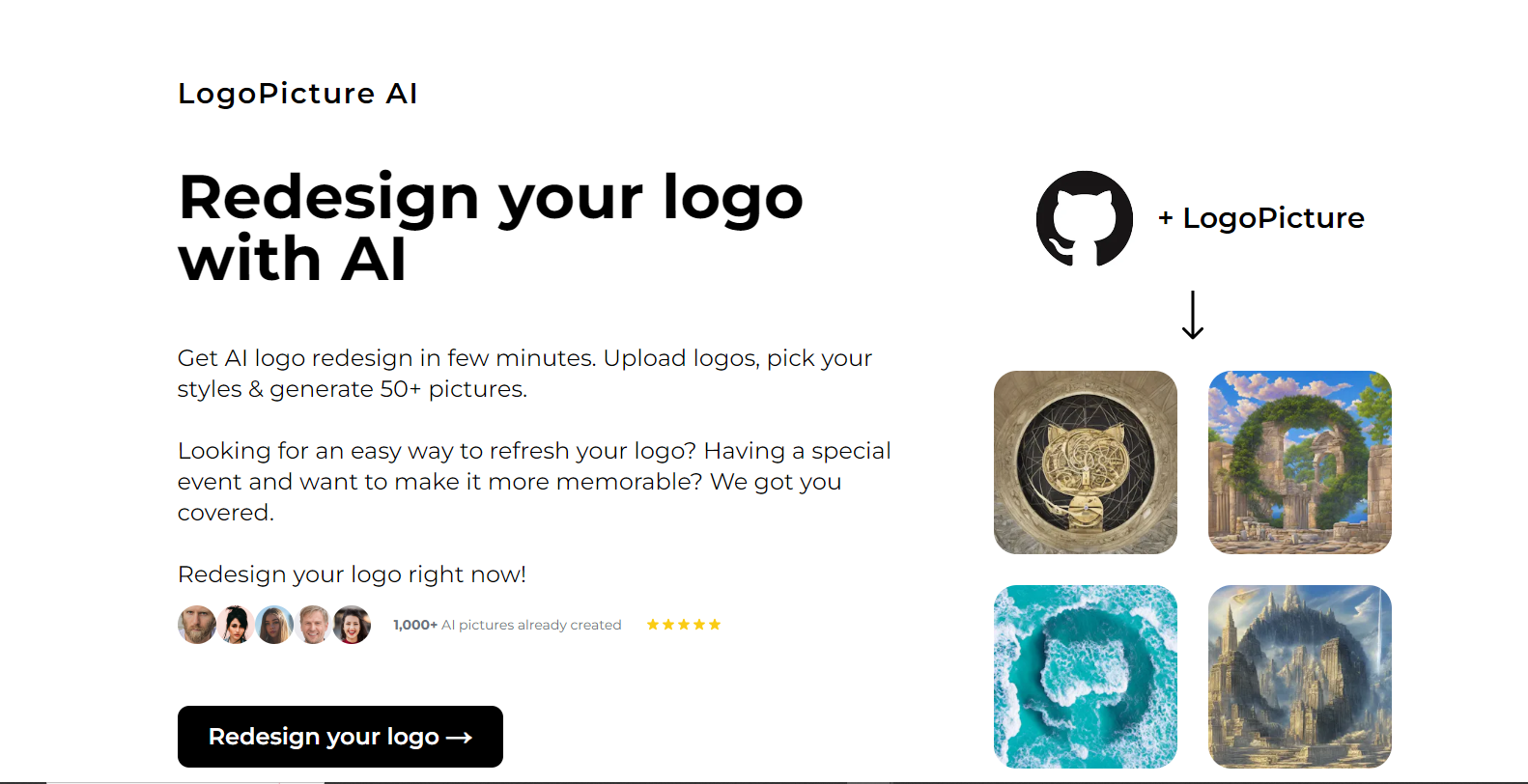
LogoPicture

LogoPicturepng

LogoPicture

Features

About the Tool

LogoPicture is a powerful, intuitive design tool crafted for creating unique and professional logos effortlessly. Aimed at entrepreneurs, designers, and marketing teams, LogoPicture streamlines the process of logo creation with its advanced features and user-friendly interface.

Key Features

  • AI-Powered Design Suggestions

    Leverage the power of artificial intelligence to receive personalized design suggestions that perfectly align with your brand vision. This feature analyzes your inputs and provides design drafts that save time and enhance creativity.

  • Extensive Template Library

    Access a vast collection of professionally designed logo templates. Customize these templates easily to suit specific brand needs, allowing for quick yet tailor-made logo creation.

  • Vector-Based Editing Tools

    Create and refine logos with precision using vector-based editing tools. This ensures scalability and quality, making your logos look flawless across all media, from business cards to billboards.

  • Color Palette Generator

    Use the built-in color palette generator to discover the perfect color combinations for your logo. This tool helps in aligning your logo with your brand’s color scheme or exploring new palettes.

  • Font Integration and Text Styling

    Choose from a wide variety of fonts and text styling options to add the perfect typography to your logo. This feature allows for seamless integration of text that resonates with your brand’s tone.

  • Cloud Storage and Collaboration

    Store your projects securely in the cloud and collaborate with team members in real-time. This ensures that your design process is flexible, collaborative, and efficient.

Use Cases

LogoPicture is ideal for a variety of roles and industries, including:

  • Graphic Designers looking to streamline their logo creation process.
  • Marketing Professionals aiming to maintain brand consistency in visual identities.
  • Small Business Owners who need a professional logo that reflects their brand’s personality.
  • Startups seeking to establish a strong brand identity quickly and affordably.
  • Creative Agencies wanting to expand their service offerings with a robust logo design tool.

Pricing

LogoPicture offers flexible pricing plans that cater to different needs and budgets. View pricing to choose the plan that suits you best.

Tool Analysis

Pros

  • User-friendly with a minimal learning curve.
  • Offers high-quality, scalable designs.
  • Robust collaboration features for teams.

Cons

  • Limited to logo design; not designed for full branding solutions.
  • Some advanced features are available only in higher-tier plans.
  • Requires a stable internet connection for cloud-based features.

FAQs

  • How easy is it to get started with LogoPicture?

    LogoPicture is designed to be user-friendly, and new users can begin designing within minutes of signing up, thanks to its intuitive interface and guides.

  • Can I upload my own icons and graphics?

    Yes, LogoPicture supports uploading custom graphics, allowing for a more personalized and unique logo design.

  • Is there customer support available?

    LogoPicture provides comprehensive customer support including a knowledge base, live chat, and email support to assist users.

  • Does LogoPicture offer free trials?

    Yes, LogoPicture provides a free trial period for new users to explore its features and capabilities before committing to a subscription.

  • Can logos be exported in multiple file formats?

    Absolutely, LogoPicture allows users to export logos in various formats such as PNG, JPG, SVG, and PDF for versatile use across different platforms.

There are no reviews yet.

Leave a Review

Your email address will not be published. Required fields are marked *

Related listing