Magic Slides

MagicSlidespng

Magic Slides

Features

About the Tool

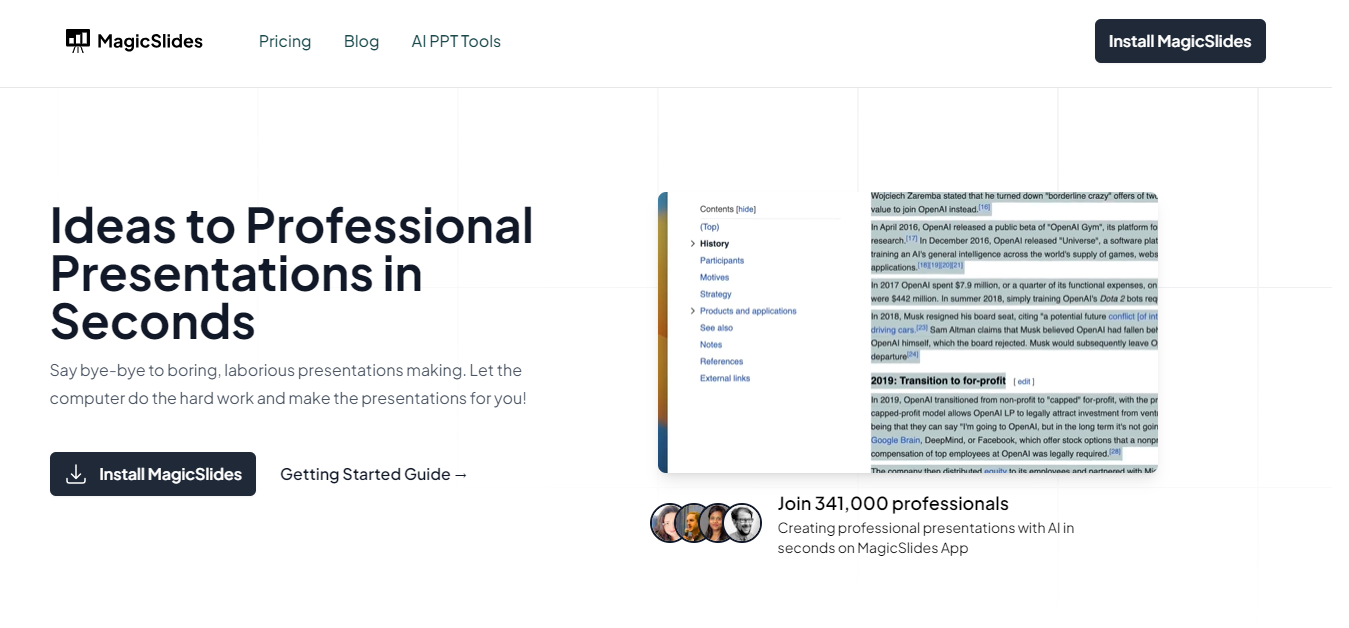
Magic Slides is an innovative presentation software designed to elevate your presentation game with minimal effort. Whether you’re a business executive, educator, or entrepreneur, Magic Slides helps you create stunning, professional presentations in no time. This tool comes with advanced features that streamline the design process, allowing you to focus more on content and less on layout.

Key Features

  • Intuitive Drag-and-Drop Interface

    Magic Slides simplifies slide creation with a user-friendly drag-and-drop interface. Seamlessly organize text, images, and multimedia elements, giving you control over the appearance and flow of your presentation.

  • AI-Powered Design Suggestions

    Leverage AI technology to receive design recommendations that improve the aesthetic appeal of your slides. The tool analyzes your content and suggests layouts, color schemes, and fonts that enhance readability and engagement.

  • Extensive Template Library

    Access a vast array of professionally designed templates suited for various industries and purposes. These templates are customizable, ensuring your presentation aligns perfectly with your brand identity.

  • Real-Time Collaboration

    Collaborate with team members in real-time, no matter where they are. Magic Slides supports live editing and feedback, enabling seamless teamwork and faster decision-making during the presentation creation process.

  • Cloud-Based Accessibility

    Store and access your presentations from anywhere with Magic Slides’ cloud-based platform. This feature ensures your work is always safe and accessible, whether you’re on your desktop, tablet, or mobile device.

  • Advanced Animation and Transition Effects

    Bring your slides to life with a variety of sophisticated animations and transitions. These effects captivate your audience, making your presentation more dynamic and memorable.

Use Cases

Magic Slides is ideal for:

  • Marketing professionals looking to create high-impact sales presentations
  • Teachers and educators who need engaging, visually appealing lesson plans
  • Project managers who require collaborative planning tools for team meetings
  • Entrepreneurs pitching to investors or clients
  • Corporate trainers developing training modules and workshops

Pricing

Discover the perfect plan to meet your needs. View pricing.

Tool Analysis

Pros

  • Easy to use, even for beginners
  • High level of customization available
  • Supports teamwork with real-time collaboration
  • Accessible on various devices thanks to cloud hosting

Cons

  • Limited offline functionality
  • Some advanced effects require a learning curve
  • AI suggestions can occasionally be irrelevant

FAQs

  • What file formats can I export my presentation in?

    Magic Slides allows you to export presentations in PDF, PPTX, and HTML formats, offering flexibility to suit your needs.

  • Can I use Magic Slides offline?

    While Magic Slides is primarily cloud-based, you can download presentations for offline viewing. However, editing requires an internet connection.

  • Does Magic Slides support multimedia integration?

    Yes, you can easily integrate images, videos, and audio clips to make your presentations more interactive and engaging.

  • Is there a free trial available?

    Yes, Magic Slides offers a 14-day free trial, allowing you to explore and utilize its features before committing to a subscription.

  • How does real-time collaboration work in Magic Slides?

    Real-time collaboration enables multiple users to edit and comment on a presentation simultaneously, facilitating efficient teamwork.

There are no reviews yet.

Leave a Review

Your email address will not be published. Required fields are marked *

Related listing
