
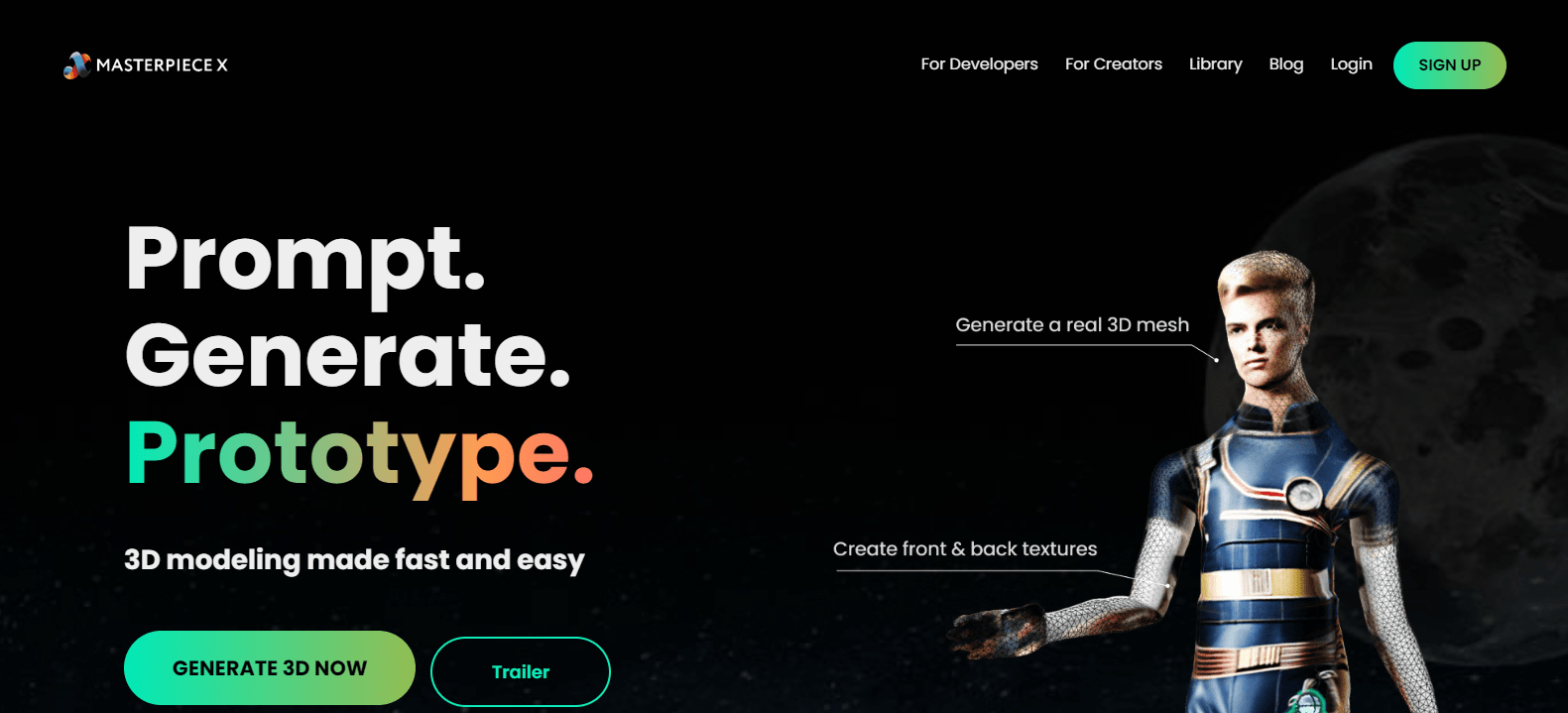
Masterpiece X

Masterpiece-Xpng

Masterpiece X

Features

About the Tool

Masterpiece X is an advanced graphic design tool tailored for professional designers and artists who seek high-quality output without compromising on user-friendliness. Equipped with a suite of powerful features, this application empowers users to create stunning visuals and intricate designs effortlessly.

  • Intuitive Interface

    Masterpiece X offers a clean, user-friendly interface that streamlines the design process for both beginners and experts. Easily accessible menus and customizable toolbars ensure that you can work efficiently without distractions.

  • Robust Vector Editing

    Benefit from comprehensive vector editing capabilities that allow for precise design manipulation. Create and edit complex shapes with sophisticated path tools, ensuring your work is scalable and pixel-perfect.

  • Extensive Asset Library

    Access an extensive library of over 10,000 design assets, including templates, icons, and fonts. This rich resource library provides you with the tools needed to kickstart any project with creativity and speed.

  • Real-time Collaboration

    Facilitate teamwork with real-time collaboration features. Multiple users can work on the same project simultaneously, making it ideal for design teams that need to stay coordinated and productive.

  • Advanced Color Management

    Masterpiece X offers advanced color management tools, including Pantone color matching, gradient building, and seamless color correction. Ensure that your designs maintain color fidelity from screen to print.

  • Customizable Brushes

    Leverage an array of customizable brushes to create unique textures and effects. From natural media brushes like pencil and watercolor to custom stamp vectors, your creative options are virtually limitless.

Use Cases

Masterpiece X is an ideal tool for a variety of roles and industries, such as:

  • Graphic Designers seeking a versatile digital workspace
  • Marketing Agencies needing to produce high-quality visual content
  • Illustrators and Artists aiming for precise editing and drawing capabilities
  • Product Designers working on branding and visual aesthetics
  • Educational Institutions providing digital design courses

Pricing

Explore competitive pricing plans tailored to meet different needs and budgets. View pricing

Tool Analysis

Pros

  • User-friendly and highly intuitive interface
  • Comprehensive set of vector and raster tools
  • Strong collaborative features for team projects
  • Extensive design asset library
  • Efficient customer support

Cons

  • Requires a high-performance system for optimal use
  • Advanced features have a steeper learning curve
  • Limited integration with non-design applications

FAQs

  • Is Masterpiece X compatible with Windows and Mac?

    Yes, Masterpiece X is compatible with both Windows and Mac operating systems, ensuring flexibility for users who work across different platforms.

  • Does Masterpiece X support file import from other design tools?

    Absolutely, Masterpiece X supports file imports from popular design tools like Adobe Illustrator and Photoshop, making it easier to transition from other software.

  • Can I use Masterpiece X offline?

    Yes, Masterpiece X offers offline capabilities, allowing you to continue working on your projects without an internet connection once the software is installed and verified.

  • How often are updates released for Masterpiece X?

    Masterpiece X frequently releases updates with new features, enhancements, and security improvements to ensure the best user experience.

  • Is there a free trial available for Masterpiece X?

    Yes, a free trial is available. Users can sign up on the website to explore the tool’s capabilities before committing to a purchase.

There are no reviews yet.

Leave a Review

Your email address will not be published. Required fields are marked *

Related listing