
Octopus
- Pricing : Freemium

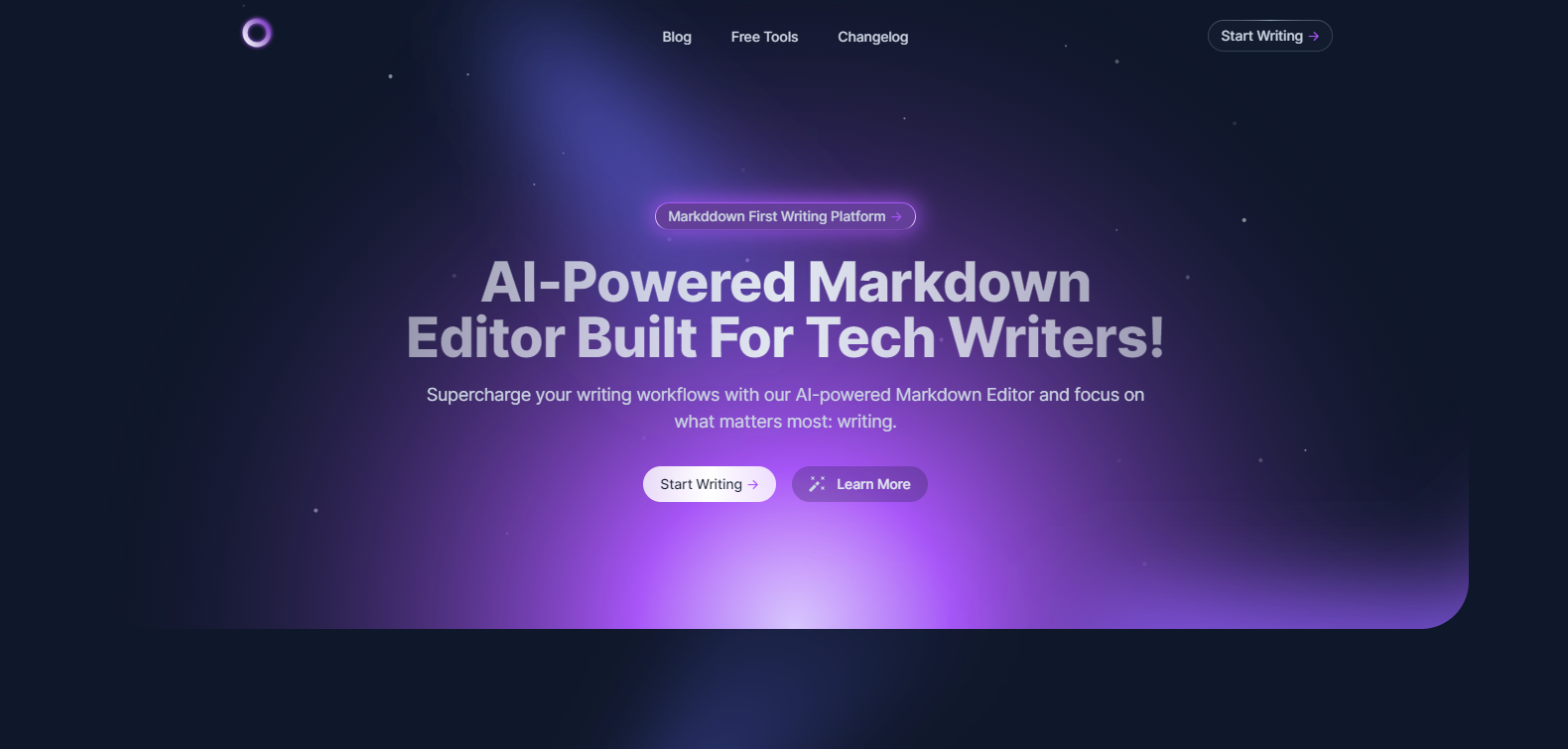
MD Editor is a sophisticated content management tool designed to simplify the process of creating and editing markdown files. Tailored for developers, writers, and technical editors, it combines powerful features with an intuitive user interface to enhance productivity and streamline the content development workflow.
MD Editor allows multiple users to work on the same document concurrently. This feature is ideal for team projects where input and feedback are necessary in real-time, vastly improving efficiency and alignment.
Keep track of all changes with MD Editor’s integrated version control system. Users can easily review history, revert to previous versions, and manage document edits with confidence, ensuring that no work is ever lost.
Personalize your writing environment with a variety of themes that support readability and reduce eye strain. You can choose from dark, light, and contrast themes, making long writing sessions more comfortable.
The live preview function allows editors to see how their markdown code will render in real-time, ensuring accuracy and saving time by eliminating the need to switch between editing and viewing modes.
MD Editor seamlessly integrates with platforms like GitHub, Bitbucket, and Google Drive, allowing users to easily import and export files without disrupting their workflow.
Enhance your coding experience with syntax highlighting, which makes it easier to read and understand markdown and other code snippets by clearly distinguishing between code elements.
MD Editor is versatile and ideal for various roles and industries. It is perfect for:
MD Editor offers a range of pricing plans to suit individual and team needs. For detailed information and to find the plan that best fits your requirements, View pricing.
Yes, MD Editor is web-based and can be accessed from any device with internet access, maintaining your work seamlessly across platforms.
MD Editor offers a free tier with basic functionality, allowing users to explore core features before choosing a paid plan.
MD Editor prioritizes data security with encrypted connections and regular backups to ensure your work is stored safely.
Yes, MD Editor provides a variety of keyboard shortcuts to enhance usability and speed up the editing process.
Currently, MD Editor uses a default markdown processor, but plans for allowing custom processors are under review for future updates.
There are no reviews yet.