
Outerformpng

Outerform

Features

About the Tool

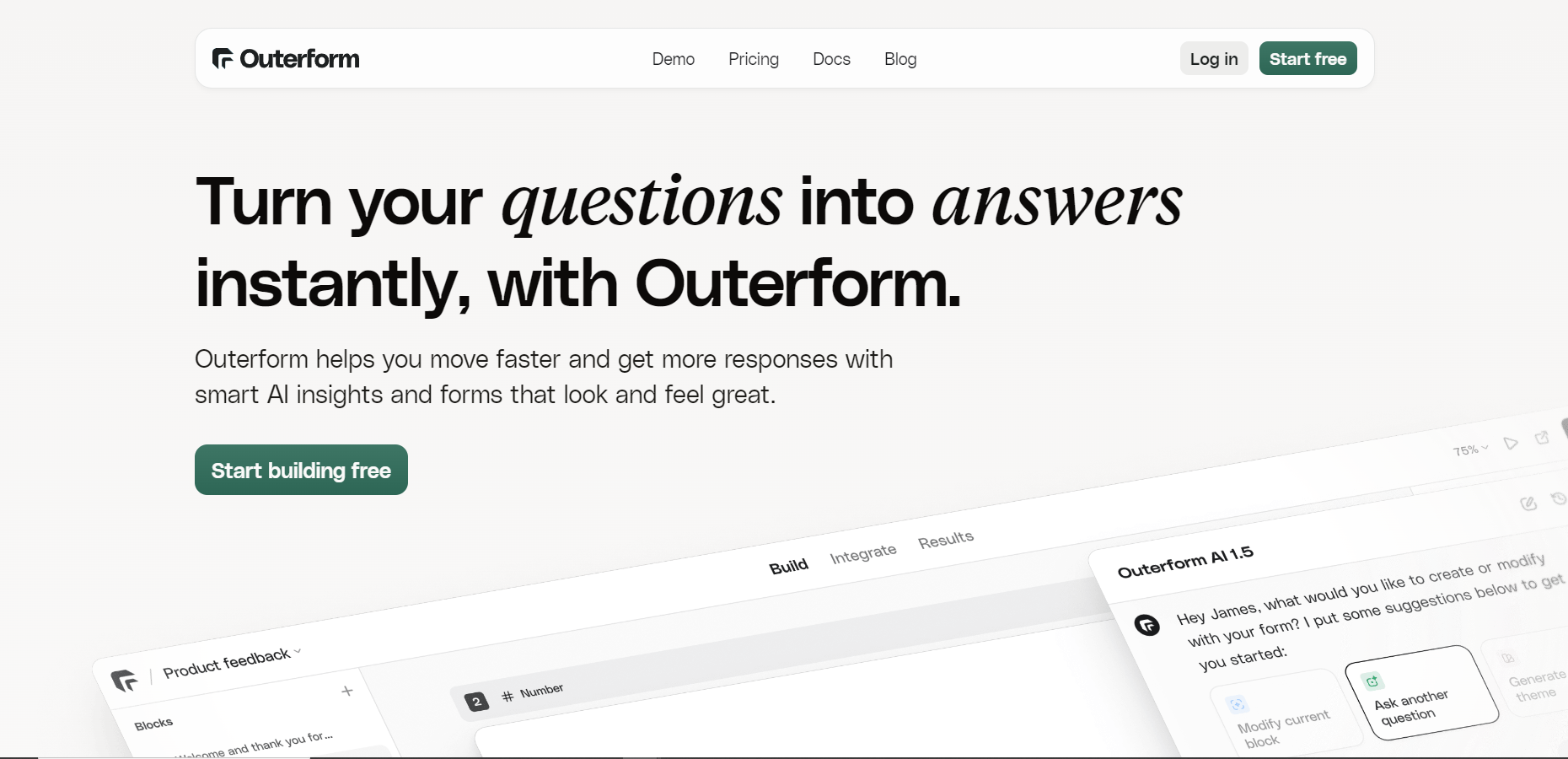
Outerform is a cutting-edge design tool that empowers designers and developers to collaboratively create stunning web pages and user interfaces. Its intuitive platform integrates UI design, prototyping, and design system management in one seamless environment, making it the perfect solution for teams who aim for efficiency without compromising on creativity.

Key Features

  • Collaborative Design Environment

    Experience real-time co-editing that allows teams to work together seamlessly, ensuring that everyone is on the same page and changes are immediately visible across team members.

  • Integrated Design System Management

    Effortlessly manage and update design systems within the tool, ensuring consistency across all project components with reusable assets and color schemes.

  • Advanced Prototyping Capabilities

    Create interactive prototypes with a few simple clicks. Test and validate your design ideas quickly to fine-tune functionality before moving on to development.

  • Responsive Design Tools

    Design for all screen sizes with responsive tools that allow you to adjust layouts and preview how your design will look across multiple devices.

  • Plugin Ecosystem

    Extend Outerform’s functionality with a vast array of plugins that integrate with other popular platforms to customize your workflow to suit your project needs.

  • Version History

    Access a comprehensive version history to track changes, rollback to previous versions, or review how the project has evolved over time.

  • Cloud Storage and Syncing

    Take advantage of cloud-based storage that keeps all your files secure and accessible from any location, ensuring you have the latest versions wherever you are.

Use Cases

Outerform is ideal for a range of roles and industries, including:

  • Web Designers: Streamline the creation of web page layouts and interface designs with precision.
  • Product Managers: Oversee design projects efficiently with centralized design systems and real-time collaboration.
  • Developers: Work closely with design teams to ensure that their vision is accurately translated into code.
  • Marketing Agencies: Deliver high-quality design solutions to clients quickly and consistently with reusable design components.

Pricing

Outerform offers flexible pricing plans designed to meet the needs of different teams and organizations. View pricing to explore options best suited for your needs.

Tool Analysis

Pros

  • Streamlined design and prototyping process in one tool.
  • Highly collaborative workspace with real-time syncing.
  • Scalable for teams of any size.
  • Comprehensive plugin support to enhance functionality.

Cons

  • Steep learning curve for complete newcomers to design tools.
  • Advanced features may require prior UX/UI design knowledge.
  • Limited offline functionality.

FAQs

  • Is Outerform suitable for beginners?

    While it is feature-rich, Outerform’s interface is designed to be user-friendly. Beginners can start simple and gradually explore more complex functionalities.

  • Can Outerform be used offline?

    Outerform is a cloud-based tool, which primarily requires an internet connection for optimal use; however, limited offline functionalities are available.

  • What file formats can Outerform export?

    Outerform supports exporting in multiple formats, including PNG, JPEG, SVG, and PDF, allowing flexibility in design handoffs.

  • How secure is my data in Outerform?

    Data security is a top priority for Outerform. Files are securely stored on cloud servers which are regularly backed up and encrypted.

  • Can I integrate Outerform with other tools?

    Yes, Outerform supports integration with various third-party tools, enriching your workflow with its extensive plugin ecosystem.

There are no reviews yet.

Leave a Review

Your email address will not be published. Required fields are marked *

Related listing