
Piktochart AI

Piktochart-AIpng

Piktochart AI

Features

About the Tool

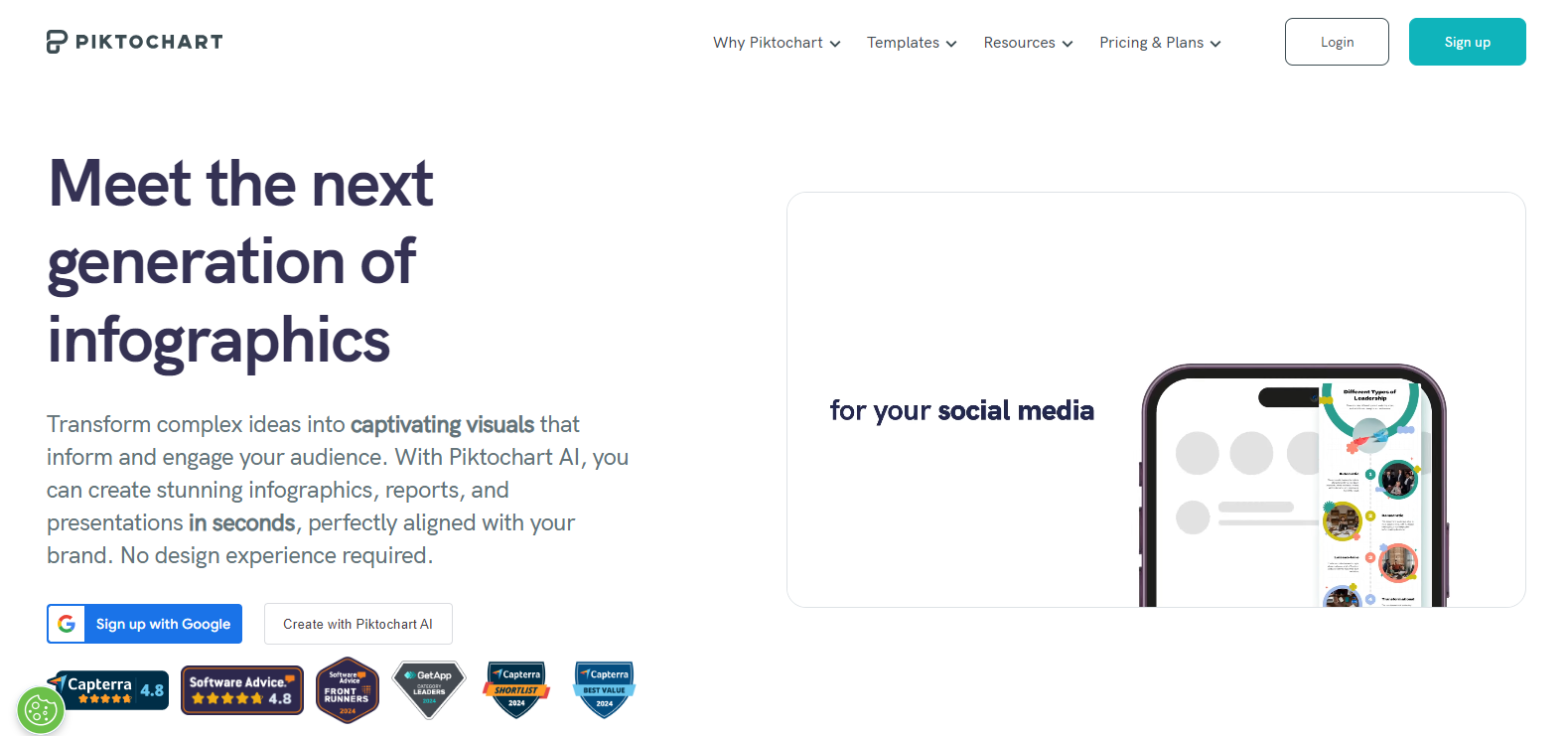
Piktochart AI is a robust tool designed to assist users in creating visually engaging content, such as infographics, presentations, and reports. Leveraging AI technology, it streamlines the design process, making it approachable for users with varying levels of design experience. Piktochart AI stands out for its intuitive interface and a rich array of features tailored to meet the needs of professionals, educators, marketers, and more.

Key Features

  • AI-Powered Design Recommendations

    Piktochart AI offers personalized design suggestions based on your content. By analyzing text and images, the tool provides layout and style recommendations, helping users craft professional-looking visuals with minimal effort.

  • Extensive Template Library

    With hundreds of customizable templates, Piktochart AI caters to diverse presentation needs. Users can easily modify layouts, colors, and fonts to align with their brand or project specifications.

  • Drag-and-Drop Editor

    Its intuitive drag-and-drop interface allows users to add, move, and resize elements effortlessly, making the design process seamless and accessible, even for beginners.

  • Real-Time Collaboration

    Teams can collaborate efficiently with real-time editing features. Multiple users can work on the same project simultaneously, ensuring faster completion and enhanced creativity through shared input.

  • Advanced Data Visualization

    Piktochart AI includes comprehensive data visualization tools, allowing users to transform complex data into clear and interactive charts, graphs, and maps.

  • Brand Asset Management

    This feature simplifies the process of maintaining brand consistency. Users can upload their brand’s fonts, colors, and logos to ensure all content aligns with their corporate identity.

Use Cases

Piktochart AI is ideal for various professionals and industries, including:

  • Marketing professionals seeking to create engaging promotional materials.
  • Educators aiming to develop interactive and informative educational resources.
  • Business analysts presenting complex data and insights in a comprehensible format.
  • Non-profit organizations crafting compelling visuals to communicate their mission and outcomes.

Pricing

For detailed pricing options, please View pricing.

Tool Analysis

Pros

  • Intuitive interface suitable for all skill levels.
  • Robust template selection accommodating a wide range of professional needs.
  • Powerful data visualization features enhance interpretability of complex information.
  • Real-time collaboration boosts team productivity.

Cons

  • Advanced features may require a learning curve for users new to design software.
  • Some users may find customization options limited compared to high-end design tools.

FAQs

  • How does Piktochart AI differ from traditional design tools?

    Piktochart AI provides AI-driven design suggestions that simplify the creation process, unlike traditional tools that require a deep understanding of design principles.

  • Can Piktochart AI be used offline?

    No, an internet connection is necessary to use Piktochart AI as it operates primarily as a web-based platform.

  • Is customer support available?

    Yes, Piktochart AI offers customer support through various channels, including live chat and email, to assist users with any issues or questions.

  • Can I import data from external sources into Piktochart AI?

    Yes, users can import data from various formats, including Excel spreadsheets and CSV files, to utilize the advanced data visualization functionalities.

  • Are there options for team accounts?

    Yes, Piktochart AI provides team accounts with features specifically designed for collaboration and shared asset management.

There are no reviews yet.

Leave a Review

Your email address will not be published. Required fields are marked *

Related listing